Web Maintenance Colombo: Fast & Secure Online Shops
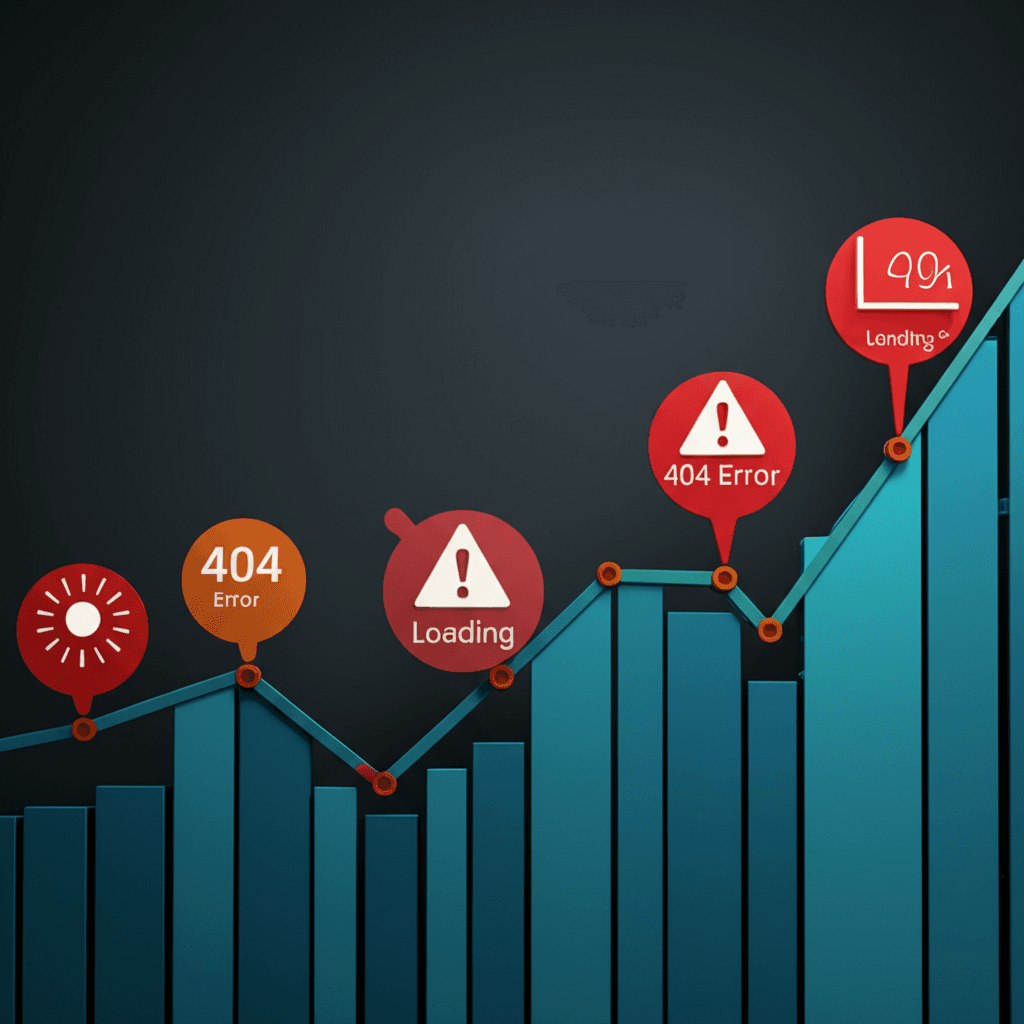
You know, I see it happen all the time with online shops right here in Colombo. A business launches a beautiful, fast website, and for the first few months, everything is perfect. Then, almost without notice, things start to feel a bit… sluggish. A product page takes an extra second to load, the checkout process feels sticky. It’s rarely one big failure. It’s more like a digital death by a thousand cuts – a new plugin here, a few unoptimized product images there, a missed security patch from three months ago.
Does that sound familiar? I think many owners treat their website like a brochure they print once and then forget about. But your e-commerce site is a living engine for your business, and it needs regular tune-ups. Ignoring it doesn’t just risk a slowdown that frustrates customers; you’re also leaving the door open for security issues that can be absolutely devastating for a small business.
So, let’s talk about what actually needs to be done. I’m going to give you a straightforward checklist of the non-negotiable maintenance tasks your online shop needs. We’ll cover the practical steps for database optimization, plugin audits, and security monitoring so you can keep your site fast, safe, and actually making you money.
Why Proactive Maintenance is Crucial for Colombo’s eCommerce Market
Honestly, the online shopping scene in Colombo is exploding. Every week, it feels like a new online store pops up selling everything from handloom sarees to gourmet kottu kits. It’s fantastic for consumers, but for us store owners? It means the competition is seriously stiff. Just having a website isn’t enough anymore. Your site needs to be a dependable, high-performing sales machine, day in and day out.
I’ve seen this happen too many times. Imagine it’s the week before Avurudu. Your promotions are running, ads are live, and the orders are flying in. Then, your website goes down. A simple plugin conflict that could have been caught last month has now brought your entire operation to a halt. You’re not just losing sales for a few hours; you’re losing customers who will immediately click over to your competitor. The damage to your brand’s reputation during a peak cultural moment can be much more expensive than a year’s worth of maintenance.
From ‘Fixing It’ to ‘Preventing It’
This is where I think we need to shift our thinking. For a long time, many businesses treated their websites with a ‘fix-it-when-it-breaks’ mentality. That’s a reactive approach, and it’s a gamble. Proactive maintenance is about moving from firefighter to architect. It’s about scheduling regular check-ups—updating software, optimizing your database, running security scans, and testing your checkout process—before a small issue becomes a sales-killing catastrophe. It’s a completely different mindset.
Think about it: local shoppers are getting smarter. They expect a fast, secure experience. If your payment gateway feels slow or they don’t see that little padlock icon in the browser, they’ll hesitate. Building that trust is everything. A well-maintained site signals professionalism and shows that you care about their security and their time. In a crowded market like Colombo’s, that kind of trust is your most significant competitive advantage.
The Core Four: What Our Web Maintenance Service Includes
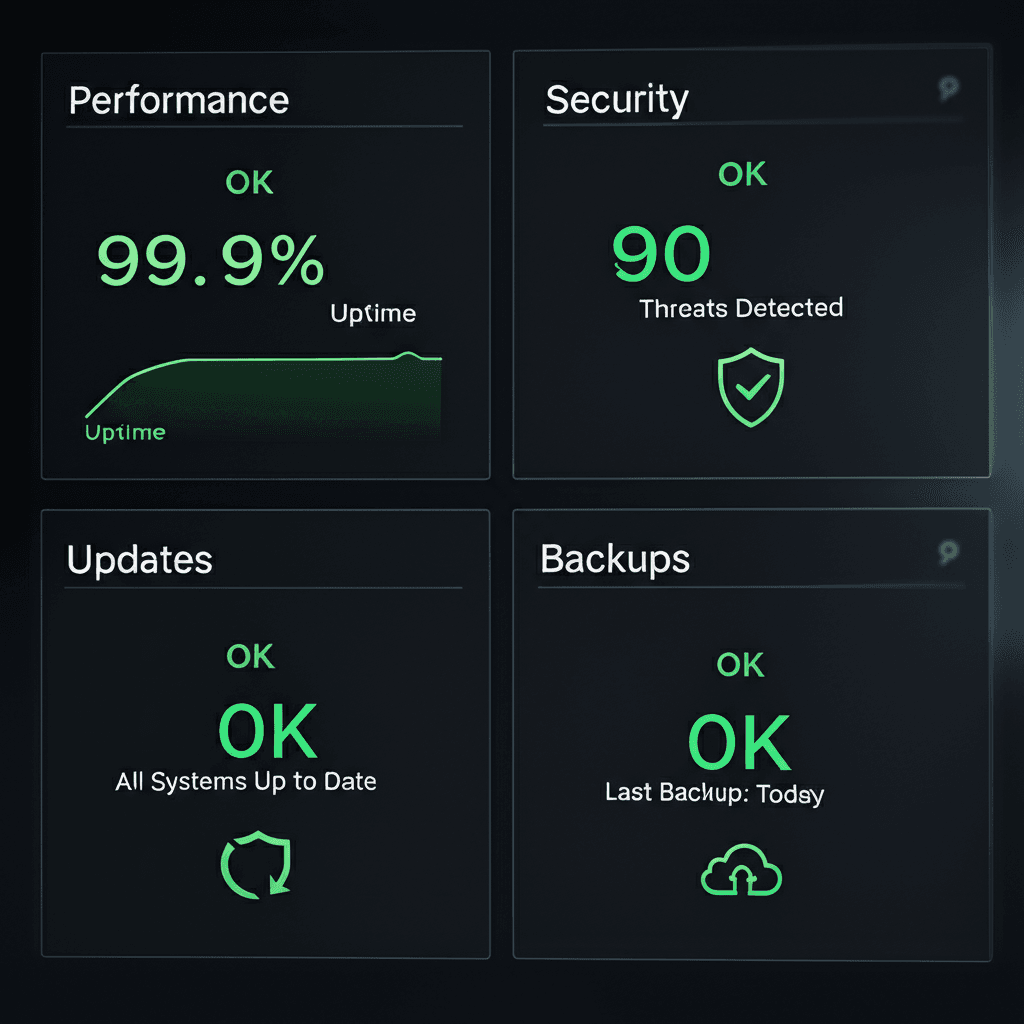
And this is where things get practical. When people talk about “web maintenance,” it can sound a bit vague, like some mysterious tech wizardry happening behind a curtain. It’s not. I think it’s best to break it down into four solid pillars of work. These are the non-negotiable tasks we handle every single month to keep your online shop in Colombo running smoothly, safely, and profitably.
1. Performance Optimization: Keeping Things Fast
Let’s be honest, nobody waits for a slow website anymore, especially when they’re ready to buy something. A two-second delay can be the difference between a sale and a lost customer. Our work here goes beyond just running a speed test. We actively fine-tune your site’s engine. This means we’re compressing your product images so they load instantly without looking pixelated, configuring server-level caching to serve pages in a flash, and regularly cleaning out your database. Think of it like clearing out the clutter of old order drafts and spam comments that can bog things down over time.
2. Security Hardening: Locking the Doors
An online store is a prime target for hackers because it holds valuable customer data. Our approach to security is proactive, not reactive. We don’t wait for a problem. We manage a Web Application Firewall (WAF) that acts like a dedicated security guard, filtering out malicious traffic before it even reaches your site. We also run continuous malware scans, monitor your SSL certificate to ensure your customers always see that secure padlock, and implement measures to block brute-force attacks—which are basically automated bots trying to guess your password thousands of times a minute.
3. Software Updates: The Necessary Housekeeping
You know those little update notifications in your WordPress or Shopify dashboard? They’re not just for new, shiny features. Most of the time, they contain critical security patches. But here’s a pro tip: never just click “update” on a live e-commerce site. Ever clicked ‘update’ on a plugin and watched your payment gateway suddenly break? I’ve seen it happen, and it’s a nightmare. That’s why we follow a strict process:
First, we back up your entire site.
Then, we run the updates on a private “staging” copy of your site.
Finally, once we’ve confirmed everything works perfectly, we apply the updates to your live store.
This keeps you secure without risking your sales.
4. Backup & Recovery: Your Ultimate Safety Net
Even with the best security in the world, things can go wrong. A server could crash, a major update could have a hidden bug, or a human error could wipe out a page. This is where your safety net comes in. We take automated, daily backups of your entire store. And I mean everything: your files (themes, images, plugins) and your database (all your products, orders, and customer info). Most importantly, we store these backups off-site, on a separate, secure server. So if your hosting account is ever completely compromised, we have a clean, safe copy ready to restore in a flash.
Speed Sells: Optimizing Your Store for Sri Lankan Customers
Speaking of which, let’s talk about the ‘fast’ part of keeping your site healthy. I think we sometimes forget just how critical speed is, especially for our audience right here in Sri Lanka. It’s not just a nice-to-have; it’s the difference between a sale and a bounce. Most of your customers are browsing on their phones, often using mobile data that can be inconsistent once you get outside of Colombo. If your beautiful product page takes more than a few seconds to load, they’re gone. They’ve already moved on to your competitor on Instagram.
And it’s not just about user patience. Google.lk is watching. Site speed is a massive ranking factor. A slow site tells Google that you’re providing a poor user experience, and your search rankings will suffer for it. You could have the best products in Colombo, but if your site is sluggish, you’re practically invisible to new customers searching for what you sell. It’s a simple equation: a faster site leads to better rankings, more traffic, and more sales.
Choosing Your Hosting Wisely
So where does that speed come from? A huge piece of the puzzle is your hosting. Many people assume a local Sri Lankan host is automatically the best choice. While it can sometimes offer a slightly lower Time to First Byte (TTFB) for local users, I’ve found that the reliability and performance of top-tier international hosts are often superior. For instance, using a provider with a server in Singapore can give you world-class infrastructure that local options might not match. The key is to test and measure, not just assume local is always faster for everyone.
The Magic of a Content Delivery Network (CDN)
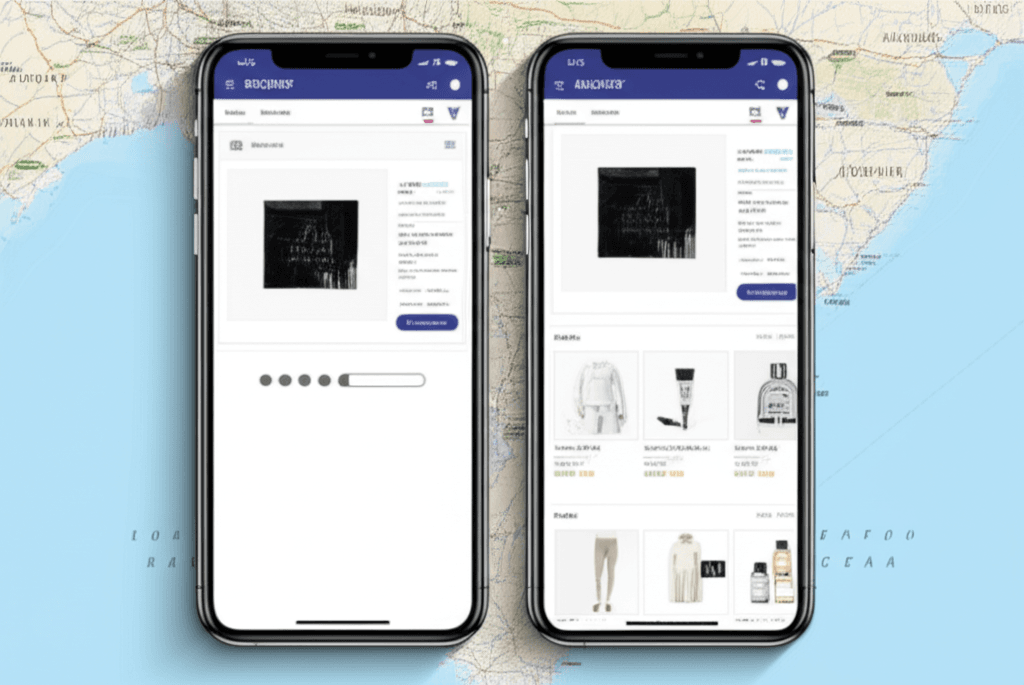
But what about getting your content to customers quickly, whether they’re in Kollupitiya or Kandy? This is where a Content Delivery Network, or CDN, is your best friend. Think of it like this: instead of every customer having to fetch your product images from a single server, a CDN stores copies of those images on servers all around the region. When a customer from Galle visits your site, their browser pulls the images from the nearest server, not one far away. For a fashion store with lots of high-resolution photos, this simple change can slash loading times and make the shopping experience feel instant. It’s one of the most effective optimizations you can make.
Fortifying Your Digital Storefront: Essential Security Measures
Let’s talk about the serious stuff for a minute. When you run an online shop, you’re not just selling products; you’re a custodian of sensitive information. I’m talking about customer names, home addresses, and payment details. Honestly, building trust is just as important as building a beautiful website. Protecting that data isn’t just good practice; it’s a fundamental responsibility you have to every single person who clicks ‘buy’. Think of your website’s security as the digital equivalent of having strong locks on your physical shop’s doors.
Securing Your Payment Connections
Most Colombo-based shops I’ve seen use fantastic local payment gateways like PayHere or FriMi. They do a great job securing the transaction on their end. But here’s something people often miss: the connection between your website and that gateway can be a weak spot. You need to make sure your site is using a strong, up-to-date SSL certificate (that little padlock icon) and that your API keys—the secret codes that let your site talk to the payment provider—are stored securely and not just left in a plain text file somewhere a hacker could find.
Playing Defence with Regular Audits
You wouldn’t leave your shop unlocked overnight, right? So why leave your website unchecked for months? I strongly recommend running regular security audits. This isn’t just about scanning for viruses. A proper audit involves checking for common vulnerabilities, like those listed in the OWASP Top 10, which is an industry-standard list of security risks. This helps you find and patch holes in your website’s code or plugins before someone with bad intentions discovers them. It’s about being proactive, not just reactive.
Having a ‘Break Glass in Case of Emergency’ Plan
Even with the best defences, things can go wrong. Imagine you wake up one morning to find your homepage replaced with a strange message, or a customer calls saying their data was leaked. What’s your immediate next step? Having a clear action plan is essential. This document should outline exactly who to call (your developer, your hosting company), how to temporarily take the site offline to prevent more damage, and how you’ll communicate with your customers. A prepared response can turn a potential disaster into a managed incident, saving your reputation and your business.
So, What’s the Bottom Line?
When you boil it all down, I think it’s about shifting your mindset. Your online shop isn’t just code; it’s your digital storefront right here in Colombo. You wouldn’t ignore a leaky roof or a broken lock in a physical store, right? The same idea applies here. It’s the consistent, behind-the-scenes upkeep that keeps your site fast, your customers safe, and your sales flowing. Waiting for a crisis is just not a good business plan, especially when proactive care is what builds customer trust and secures your online revenue.
So, here’s a specific, actionable next step you can take right now. Stop wondering if your site is okay and find out for sure. Get your free website health check today with our expert team and gain complete peace of mind.
Frequently Asked Questions
How often does my Colombo online shop need maintenance?
Core security and backup tasks should be performed daily. Software updates and performance checks are typically done weekly or monthly, depending on your store's complexity and traffic.
Can I perform website maintenance myself?
While basic tasks like content updates are possible, professional maintenance is crucial for technical aspects like security, server optimization, and safe plugin updates. A mistake can take your entire store offline, costing you sales.
What is the average cost of e-commerce web maintenance in Colombo?
Costs vary based on the size and complexity of your online store. We offer tailored packages to fit different needs and budgets, from basic monitoring to comprehensive support. Contact us for a custom quote.