You’ve felt it. That nagging sense of deja vu when you spot a button on one page that’s just two pixels wider than on another. Or when your “primary blue” hex code seems to have a dozen slightly different variations across your product. This isn’t just you being picky; it’s the slow creep of design debt that plagues growing projects, turning quick updates into frustrating scavenger hunts and eroding the user experience one inconsistent component at a time.
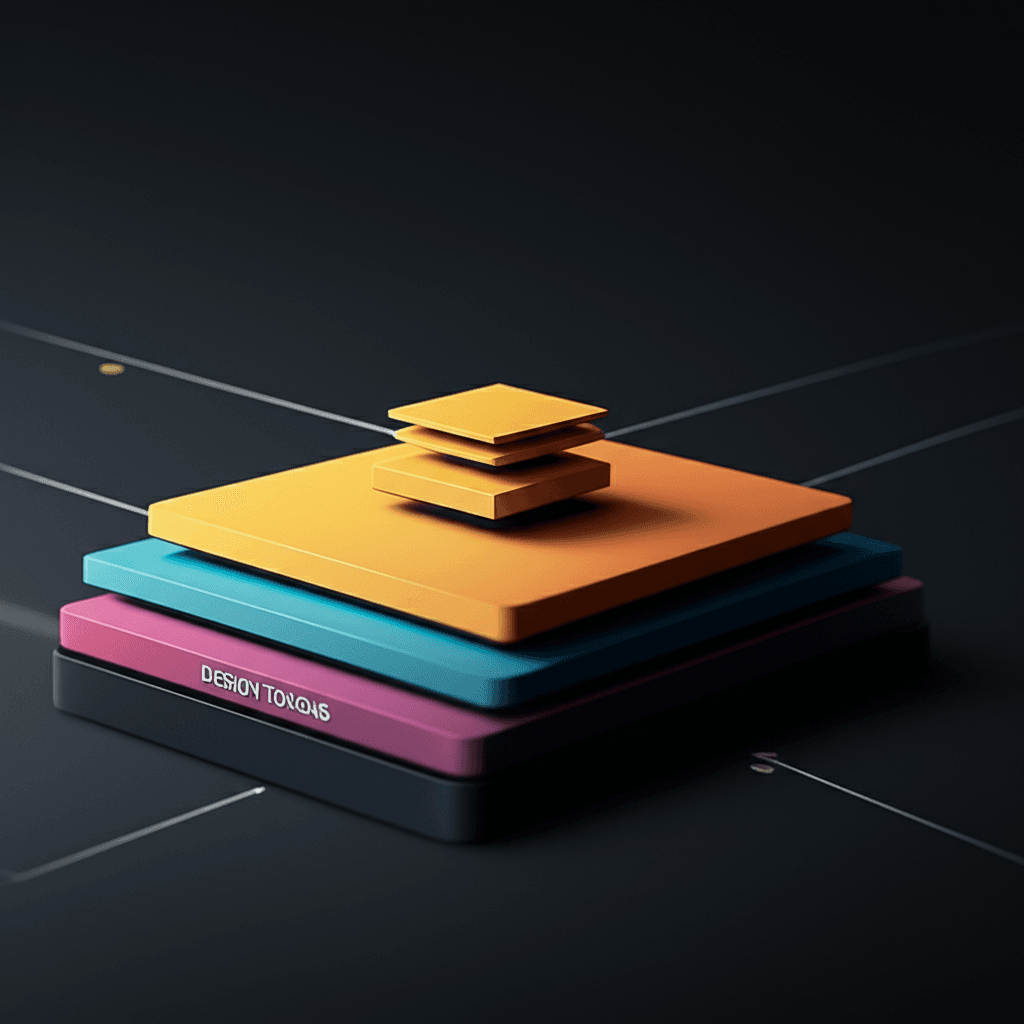
Many teams react by creating a UI kit, but that’s the first major pitfall. A static Figma file is a reference, not a system. A true design system is a living product that serves your other products. It’s a single source of truth built on a solid foundation of design tokens—the subatomic particles of your UI—that ensures a change to your core `spacing-md` variable propagates everywhere, from a card component to the page layout itself.
This article moves beyond the abstract. We’ll get into the practical mechanics of architecting a system that actually scales. You’ll learn how to structure a component library your engineers will adopt, establish a governance model that keeps it relevant, and build the business case needed to get the resources to do it right.
What is a Design System (and Why You Need One)?
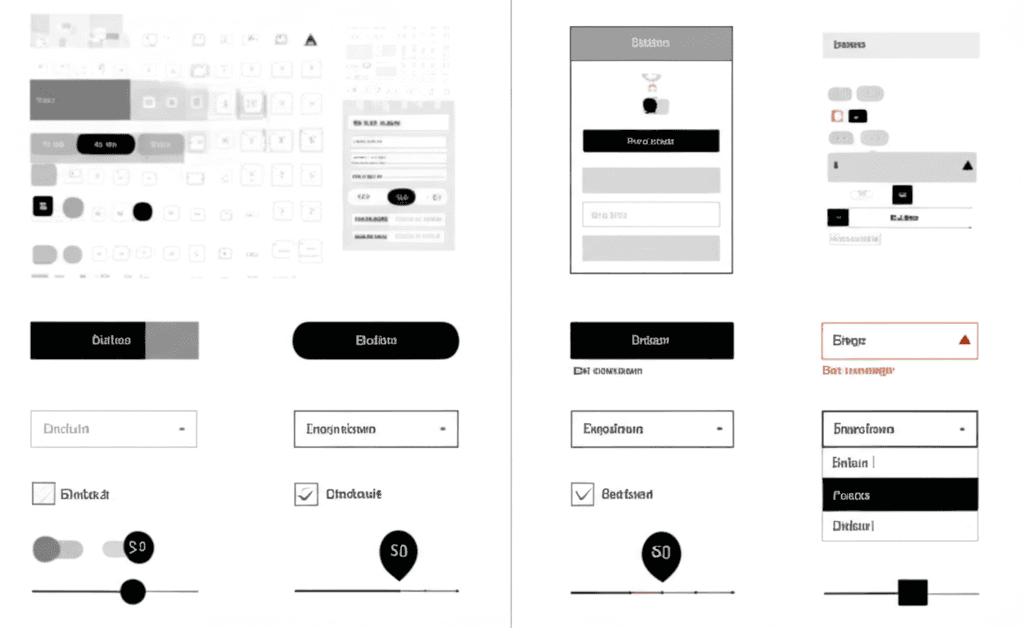
Let’s clear up a common misunderstanding right away. A design system is not just a fancy style guide or a PDF of brand colors. Think of it as the single source of truth for your entire product. It’s a living, breathing collection of reusable components, patterns, and guidelines, all packaged up with code. It’s the official set of building blocks your teams use to create a consistent user experience across different pages and applications.
More Than a Style Guide
A style guide might show you a static image of a primary button and specify its hex code. A design system gives you the actual, coded component. A developer doesn’t have to build a button from scratch; they just pull the pre-approved <Button variant="primary"> component from the system’s library. This is the fundamental difference. The system includes not just individual elements (the “atoms,” in Atomic Design terms), but also combines them into larger, functional patterns—like a complete search bar with a dropdown or a user authentication flow.
Insider Tip: One of the biggest mistakes teams make is treating the design system as a one-off project. It’s a product in its own right. It requires ongoing maintenance, governance, and a clear process for proposing and adding new components. Without that, it quickly becomes obsolete.
The Real Payoff: Speed and Sanity
So, why go through all this effort? The benefits are tangible and directly impact your bottom line. When you have a mature design system, you get:
Increased Speed: Teams can assemble new features and pages from pre-built, pre-vetted components. This dramatically cuts down development time and lets you ship faster. No more debating pixel-perfect spacing on every new screen.
Improved Consistency: Your product looks and feels like one cohesive experience, not a collection of disconnected features built by different teams. This builds user trust and makes your application easier to learn and use.
Enhanced Collaboration: The system creates a shared language between designers and developers. Handoffs become smoother because everyone is working from the same toolkit. The conversation shifts from “what should this look like?” to “which component should we use here?”
Ultimately, a design system frees your team from solving the same problems over and over, allowing them to focus on tackling new, more complex challenges.
The Core Components of a Scalable Design System
But wait — there’s more to consider. A design system isn’t just a fancy Figma file of UI elements; it’s a structured product for building other products. Think of it as a hierarchy, where each layer builds upon the last. Get this structure right, and you’ll achieve genuine scale. Get it wrong, and you’re just making a component library that no one trusts.
Design Tokens: The Single Source of Truth
Everything starts with tokens. These are the foundational, indivisible atoms of your design language: colors, font sizes, spacing units, and animation timings. Instead of hard-coding a hex value like #3366FF, you define a token like color-brand-primary. This abstraction is powerful. When a rebrand happens, you update that one token, and the change propagates everywhere, from the marketing site to the web app. A common mistake is naming tokens by their value (e.g., blue-500). Always name them by their purpose (e.g., color-background-interactive) to make the system flexible and theme-ready.
UI Components: The Reusable Building Blocks
Components are the tangible pieces of the UI that users interact with. They are the buttons, form inputs, modals, and tooltips built using your design tokens. A button component, for instance, uses the color-brand-primary token for its background and a spacing-medium token for its padding. Here’s an insider tip: define all component states from the beginning. Don’t just design the default button; create its hover, focus, disabled, and loading states. Forgetting these variations is the number one reason developers go “off-piste” and write custom CSS, which undermines the whole system.
Patterns & Templates: Solving User Problems
Once you have a solid set of components, you combine them into patterns. A pattern is a reusable solution to a common design problem. For example, a search pattern might combine a text input component, a search icon, and a button component. A login form pattern combines label, input, and button components into a logical group. These patterns ensure that core user journeys—like signing up or checking out—are consistent across your entire digital ecosystem. They represent opinionated ways of using your components effectively.
Documentation: The Essential Guidebook
Finally, the most overlooked but arguably most important component: documentation. This isn’t just a technical spec; it’s the user manual for your design system. It must clearly explain how, when, and—critically—why to use each token, component, and pattern. Good documentation provides code snippets, live examples, and clear do’s and don’ts. Without it, your design system is just a collection of assets. With it, you empower your entire team to build cohesively and with confidence.
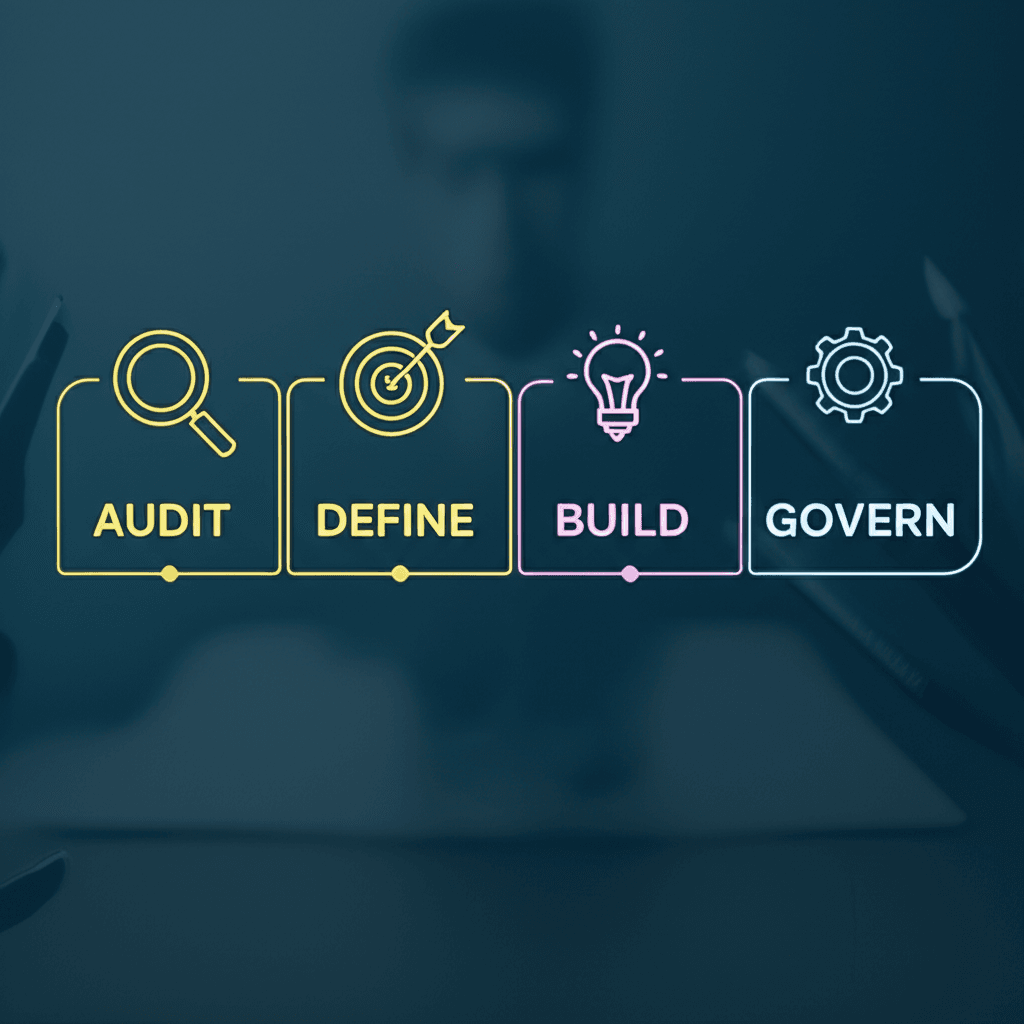
How to Build Your First Design System: A 4-Step Guide
And this is where things get practical. Building a design system isn’t an overnight project, but you can get started with a focused, iterative approach. Forget about boiling the ocean; instead, think of it as laying down a solid foundation one brick at a time. This four-step process is how professional teams get it done without getting lost in the weeds.
1. Conduct a UI Audit
Before you build anything new, you must understand what you already have. A UI audit is essentially a treasure hunt through your existing product to find every single component. Take screenshots of all your buttons, forms, modals, and headers. Insider tip: The goal here isn’t just to collect images; it’s to spot inconsistencies. You will almost certainly find you have ten different shades of gray and a dozen variations of a “primary” button. This visual inventory is the most powerful evidence you can present to stakeholders to prove a design system is needed.
2. Establish Your Foundation
With your audit complete, it’s time to define the rules. Start with high-level design principles—simple, memorable statements that guide your team’s decisions (e.g., “Clarity over cleverness”). Then, define your foundational design tokens. These are the primitive values for things like color, typography, and spacing. Don’t try to define everything at once. Begin with a core set:
A primary and secondary color palette.
A typographic scale for headings and body text.
A base spacing unit (like 8px) to govern margins and padding.
These tokens become the single source of truth for every component you build later.
3. Build the First Bricks
Now, start building. The biggest mistake teams make is trying to build a massive component library from day one. Instead, pick one or two of the most-used, foundational components. The button is the classic starting point. Build it, define its variants (primary, secondary, tertiary), and document its states (default, hover, disabled, active). Document not just what it looks like, but when and why to use each variant. This small win builds momentum and provides immediate value to your team.
4. Define the Rules of Engagement
A design system without a governance plan will decay. This plan answers critical questions: Who can contribute? What is the process for proposing and approving a new component? How are updates communicated? Establish a clear versioning strategy, like semantic versioning (e.g., v1.1.0), so developers know if a change is a minor patch or a breaking update. A good governance model encourages collaboration, preventing the system from becoming a bottleneck controlled by a small group.
Essential Tools and Technologies for Implementation
Having a solid strategy is one thing. But wait — there’s more to consider. A design system is not just a concept; it’s a living product built with specific tools. Picking the right ones for your team’s workflow is half the battle.
Design and Prototyping
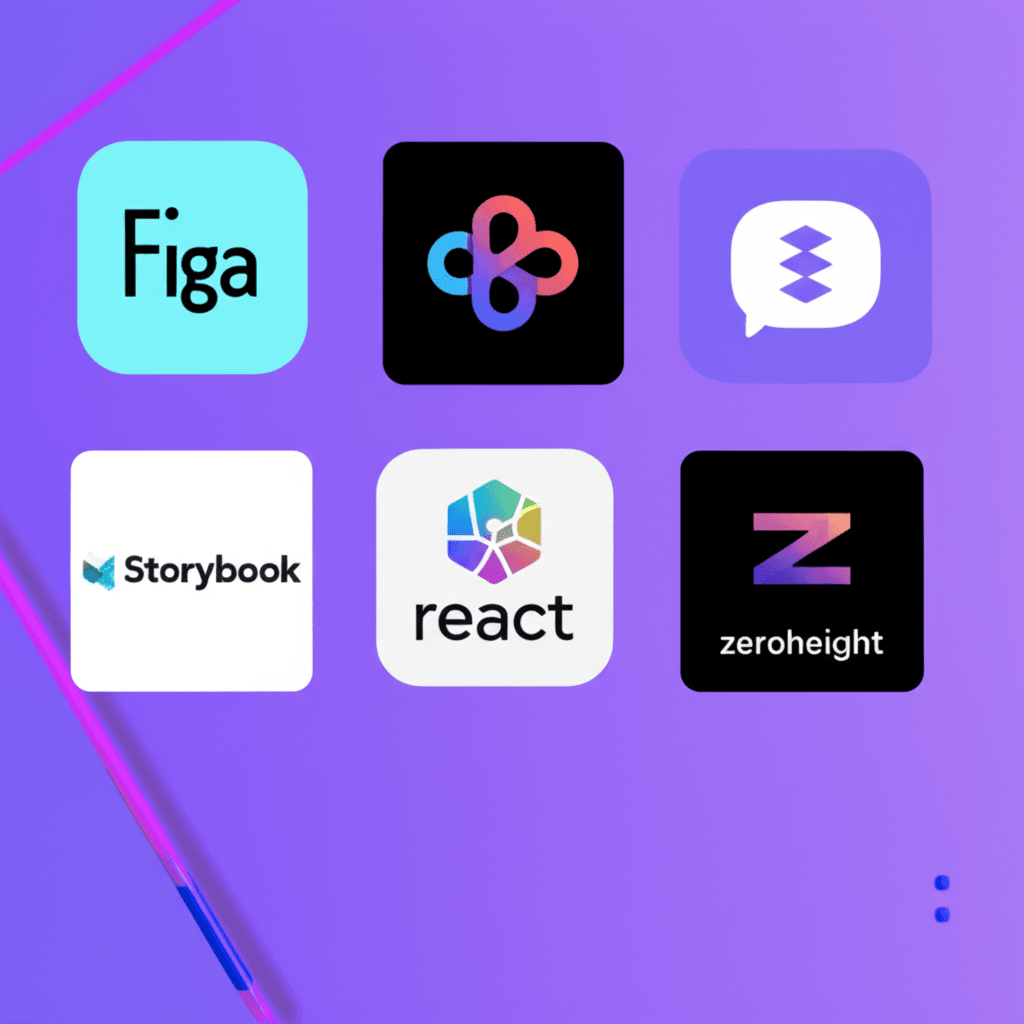
Your design tool is the birthplace of your visual language. Today, Figma dominates this space for good reason: its real-time collaboration and powerful component features are built for system-thinking. Its API is also a huge advantage for automating the export of design tokens (colors, fonts, spacing) directly into code. While Sketch and Adobe XD are still capable, Figma’s browser-based accessibility gives it an edge for distributed teams.
Component Development and Testing
Once designs are set, developers need a sandboxed environment. This is where a tool like Storybook becomes indispensable. It allows developers to build and test UI components in isolation for frameworks like React, Vue, or Angular. Insider tip: Don’t just build the “happy path” for each component. Use Storybook’s controls to document and test every state—error, disabled, loading, empty. This practice catches edge cases early and makes your components much more resilient.
Documentation: The Single Source of Truth
A system nobody can find or understand is useless. Your documentation platform is the central hub for everyone. Tools like Zeroheight are excellent because they can pull in live design assets from Figma and code snippets from Storybook, creating a truly synchronized source of truth. For teams needing more flexibility, a well-organized Notion or GitBook site can also work, though it requires more manual upkeep. The common mistake is letting documentation go stale; automated tools help prevent this by design.
Ultimately, your stack should reflect your team’s skills. A small startup using React might combine Figma, Storybook, and a simple GitBook page. A larger enterprise, on the other hand, might invest in a fully integrated Zeroheight setup to ensure consistency across dozens of developers and designers.
Maintaining and Evolving Your Design System for Long-Term Success
The most common failure point I’ve seen is treating a design system as a one-off project. It’s not. It’s a living product, and it needs to be managed like one. This means having a dedicated owner or a small team, a clear roadmap, and a backlog of improvements. Without this stewardship, the system quickly falls out of sync with what product teams actually need, becoming a source of frustration rather than efficiency. It becomes “design system debt.”
Establish Clear Feedback and Contribution Models
To keep the system relevant, you must establish clear feedback channels. We’re not just talking about a suggestion box. Set up a dedicated Slack or Teams channel where designers and developers can ask questions and report bugs. Hold regular office hours. More mature systems even have a formal contribution model, allowing federated teams to propose and build new components under the guidance of the core system team. This turns consumers of the system into active participants.
Version and Communicate Every Change
Change is inevitable, but uncommunicated change is chaos. Every update must be versioned and clearly communicated. Adopting a standard like Semantic Versioning (SemVer) is non-negotiable. For instance, adding a new destructive variant to your button component is a minor release (e.g., v1.2.0 → v1.3.0), while changing its core API is a major, breaking change (v1.3.0 → v2.0.0). This, paired with a detailed changelog, gives consuming teams the confidence to update without fear of breaking their applications.
Measure Success to Justify Investment
So how do you justify the ongoing investment? By measuring what matters. Track the adoption of your components across different codebases; you can build simple dashboards to show which teams are using which versions. Survey your developers and designers: ask them how much faster they can build a new feature using the system. When you can show that the design system saved 2,000 developer hours last quarter, your stakeholders will listen and continue to support its growth.
From Blueprint to Living Product
A design system is not a project you complete; it’s a product you manage for internal users. The most common pitfall is building a perfect component library but failing to support it with clear documentation, governance, and an adoption strategy. Success isn’t measured by a pixel-perfect button, but by its consistent and correct application across your entire digital footprint. Treating your system as an evolving product, not a static kit, is what separates a library that gathers dust from one that truly scales your web experience and accelerates development.
Ready to build a more consistent and scalable web experience? Start by conducting a UI audit of your current project today.
Frequently Asked Questions
What is the difference between a style guide and a design system?
A style guide typically focuses on visual identity like colors, fonts, and logos. A design system is more comprehensive; it includes the style guide but also provides reusable UI components, code snippets, design patterns, and clear documentation on how to implement them.
Is a design system only necessary for large companies?
No. While large companies benefit greatly, even small teams and solo developers can improve efficiency and consistency with a lightweight design system. It establishes good habits and makes it easier to scale the project in the future.
How long does it take to build a design system?
The timeline varies based on team size and project complexity. A foundational version (MVP) with core components can often be built in 2-4 months. A mature system is never truly 'done' and evolves continuously with the product.