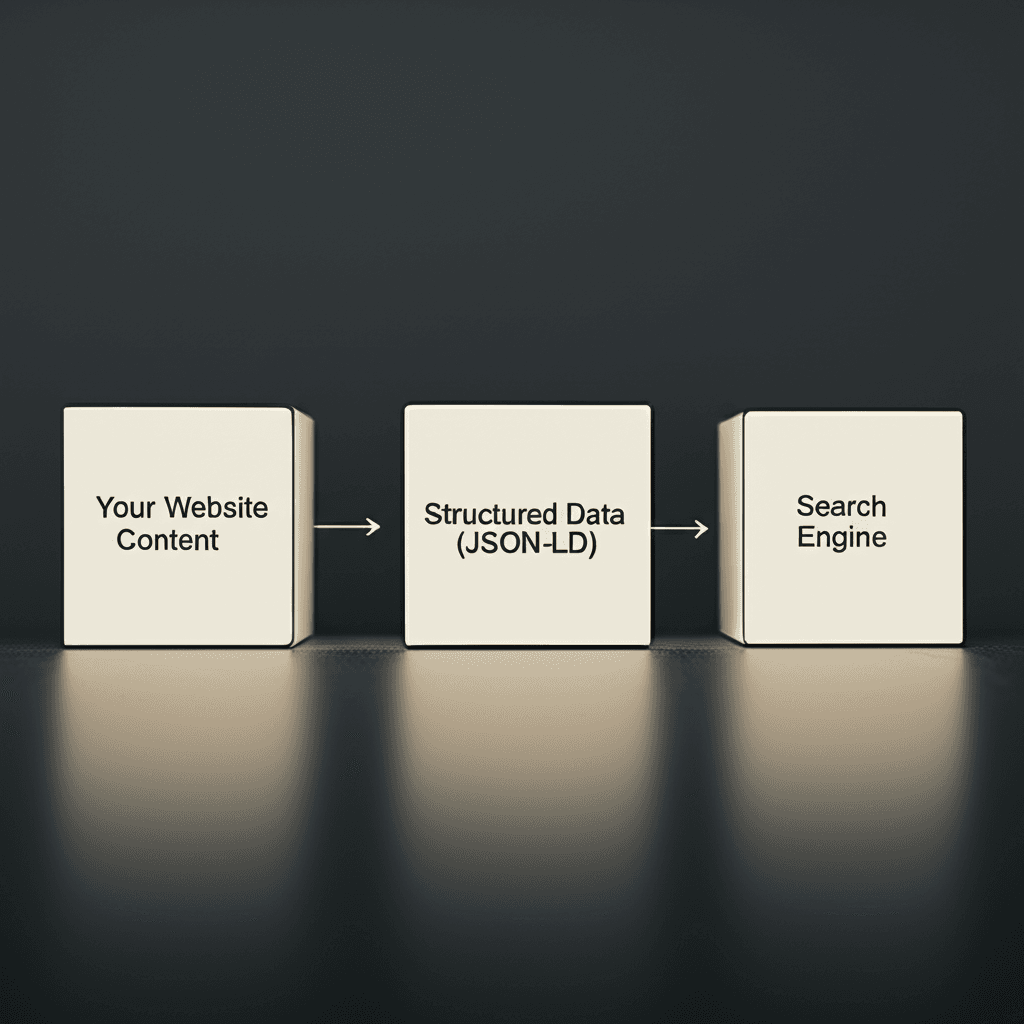
Let’s correct a common misunderstanding: structured data is not a direct ranking factor. While many implement schema hoping for an immediate SEO boost, Google has repeatedly confirmed it doesn’t work that way. The real, and frankly more powerful, advantage isn’t about climbing a position; it’s about owning the space you already have and attracting the click over your competitors.
When you correctly structure your data, you’re translating your content into the precise language search engines need for enhanced visibility. This is how you secure rich snippets. Research from CXL shows these enhanced listings can increase organic click-through rates by as much as 30%. In an era of AI Overviews, providing this machine-readable context is no longer optional for pages that aim to be an authoritative source for search algorithms.
This article moves beyond generic advice. You will learn how to strategically deploy specific schema types, like `FAQPage` and `Article`, using the industry-preferred JSON-LD format. The goal is to make your content the obvious, easy-to-digest choice for Google’s AI, earning you more visibility in the search results that matter most.
What Are Schema Markup & Structured Data?
Websites using structured data can see click-through rates improve by as much as 30%, according to research published by Search Engine Land. This isn’t just a coincidence; it’s the result of communicating more effectively with search engines. At its core, structured data is a standardized format—a universal grammar—for organizing and classifying the information on your webpages.
Think of it like labeling ingredients for a recipe. Your page content is the list of ingredients. Structured data is the act of meticulously labeling each one: “1 cup, flour,” “2 tbsp, sugar,” “4.8-star rating.” The search engine is the chef who can now instantly understand exactly what they have and how to use it, rather than just guessing from the text.
This is where Schema.org comes in. It’s not the grammar; it’s the shared vocabulary. Founded by Google, Microsoft, Yahoo!, and Yandex, Schema.org provides a massive collection of agreed-upon definitions (or “types” and “properties”) that we use within our structured data. When you want to mark up a recipe, you use the `Recipe` type. For a product, you use the `Product` type. This common language ensures every search engine interprets your labels correctly.
So how do you actually apply this vocabulary? You use a script format, and Google’s recommended method is JSON-LD (JavaScript Object Notation for Linked Data). Unlike older formats that required weaving tags directly into your HTML, you can place a single JSON-LD script in the “ of your page. This keeps your code clean and makes implementation far simpler. For example, instead of just writing “The ACME Anvil costs $99.99,” you tell Google explicitly: this is a `Product`, its `name` is “ACME Anvil,” and its `price` is “99.99.” That’s the information Google uses to build a rich snippet.
The SEO Impact: Why It Matters for AI Overviews & Rich Snippets
Pages with rich snippets can see a click-through rate (CTR) increase of anywhere from 5% to 30%, according to multiple industry studies. That’s a significant performance boost for doing nothing more than explaining your content better to search engines. But here’s where it gets interesting. Schema isn’t just about adding fancy stars to your search results; it’s about fundamentally changing how search engines and AI systems understand your content.
Without structured data, a search engine sees a string of text like “4.8 (1,200 reviews)” and has to infer its meaning. With schema, you explicitly label that data. You’re not just showing Google the numbers; you’re telling it, “This is an aggregateRating with a ratingValue of 4.8 based on a reviewCount of 1,200.” This removes all ambiguity. You’re moving from loose keywords to a precise, machine-readable vocabulary, giving search engines the explicit context they need to trust and feature your information.
From Rich Snippets to AI Confidence
This direct communication is what enables rich snippets. When you implement Recipe schema, for example, you can specify properties like cookTime and calories. Google then uses that data to display cooking times and nutritional information directly on the search results page. A product page using Product and Offer schema can show price, availability, and review ratings. These visual enhancements don’t just happen by chance; they are a direct result of well-implemented structured data.
This same principle is now mission-critical for AI Overviews. Generative AI models need reliable, structured information to build their answers. When Google’s AI constructs an overview, it actively seeks out authoritative sources with clearly defined data points. By using schema, you are essentially pre-packaging your key information in a format the AI can easily digest and trust. This makes your content a prime candidate for inclusion in those summarized answers at the top of the page, positioning your site as a definitive source and dramatically increasing your visibility.
Common Types of Schema You Can Implement Today
According to a study reported by Search Engine Land, websites with rich snippets can achieve a click-through rate (CTR) as high as 58%, compared to just 41% for those without. That’s a massive performance difference from the exact same ranking position. This brings us to something often overlooked: you don’t need to master all 800+ schema types to see results. Focusing on a handful of high-impact types is a far more effective strategy. So, where do you start?
Organization & LocalBusiness
This is your digital business card for search engines. Use Organization schema to clearly define your official brand name, logo, and social media profiles, which directly helps Google populate your Knowledge Panel. For any business with a physical address, the more specific LocalBusiness schema is essential. It allows you to explicitly state your address, phone number, and opening hours, making your business a much stronger candidate for prominent placement in local map pack results.
Article & BlogPosting
For anyone publishing content, this is fundamental. The Article or its more specific subtype BlogPosting schema communicates metadata like the author, publication date, last modified date, and headline. This information is a strong signal for Google to feature your content in Top Stories carousels and other news-related SERP features, often accompanied by your article’s main image for added visibility.
Product
E-commerce sites see some of the most direct benefits from schema. With Product markup, you can push critical purchasing details directly into the search results. This includes price, currency, availability (e.g., InStock or PreOrder), and even aggregate star ratings. A search result showing a 4.8-star rating from over 300 reviews is simply more persuasive than a standard blue link next to it.
FAQPage
Those helpful dropdown toggles you see in search results are generated by FAQPage schema. By marking up a list of questions and their corresponding answers on a single page, you can answer user queries directly on the SERP. This not only captures more search real estate but also positions your site as an authority. Milestone Research found this schema type alone can increase clicks by 10-30%.
HowTo & VideoObject
If your content explains how to do something, these are for you. HowTo schema structures your instructions into a distinct set of steps that Google can display as a rich result. For video content, VideoObject markup enables you to specify a thumbnail, duration, upload date, and description, significantly increasing the likelihood your video will be featured in video carousels on the main search page.
A Step-by-Step Guide to Implementing Schema Markup
Let’s shift gears for a moment. While the benefits are clear—research from Semrush indicates pages with rich results can achieve a click-through rate up to 58% higher than those without—the implementation can feel intimidating. It doesn’t have to be. You don’t need to be a developer to add this powerful code to your site. This process breaks it down into four manageable actions.
Step 1: Identify the Right Schema Type
Your first task is to play matchmaker. Visit Schema.org and identify the most specific markup type for your page’s content. Are you describing a local business, an upcoming event, or a product? Avoid generic types. For example, if you have a page for a specific pair of running shoes, you wouldn’t use the general Thing schema; you’d use the much more descriptive Product schema. This specificity is what gives search engines the precise context they need.
Step 2: Generate the Schema Code
Once you’ve chosen your schema type, you need to generate the code. Fortunately, you don’t have to write it from scratch. Free tools like Google’s Structured Data Markup Helper or Merkle’s Schema Markup Generator do the heavy lifting. You simply select your schema type (e.g., Product) and fill in a form with your page’s details—like the product name, brand, price, and customer review scores. The tool then outputs a clean block of code, typically in the JSON-LD format, ready for you to use.
Step 3: Embed the Code on Your Page
With your JSON-LD script in hand, the next step is to place it on your webpage. Copy the entire script, including the <script> tags. The best practice is to paste this snippet into the <head> section of your page’s HTML. However, placing it within the <body> also works perfectly fine with Google. If you use a CMS like WordPress, many SEO plugins provide a dedicated field for adding scripts to the header, simplifying this step even further.
Step 4: Validate Your Implementation
Finally, never assume your code is perfect. Always validate. Copy your page’s URL and paste it into Google’s Rich Results Test tool. This free service will scan your page, identify the structured data, and report any errors or warnings. More importantly, it shows you which rich results your page is eligible for based on the markup you provided. This final check ensures your hard work pays off and your page is ready to earn those enhanced search features.
Advanced Tips & Avoiding Common Mistakes
While millions of websites implement structured data, a surprising number fail to reap the rewards. Some industry analyses suggest that more than half of sites with schema contain errors that prevent them from earning rich snippets or appearing in AI Overviews. Getting the basics right is one thing; achieving mastery requires precision and avoiding a few common, yet costly, blunders.
Keep Your Schema Honest
The most frequent mistake is marking up content that isn’t actually visible to the user. Think of your schema as a direct promise to the search engine. If you add AggregateRating schema indicating a 4.8-star rating, but there are no corresponding reviews visible on the page, you’ve broken that promise. Google considers this a policy violation and may not only ignore your schema but could also issue a manual action against your site. Your structured data must be a truthful representation of the content a person sees on the page. No shortcuts.
Create Richer Context by Nesting
To elevate your schema from good to great, you need to think in terms of connected entities, not just isolated data points. This is where nesting comes in. Instead of simply listing an author’s name in your Article schema, you can nest the Person schema type within it. This allows you to provide much deeper context. For example:
You can specify the author’s official website with the url property.
You can link to their social media profiles using the sameAs property.
This technique transforms a simple text string (“Jane Doe”) into a rich, machine-readable entity that Google can connect to other information across the web, boosting the article’s E-E-A-T (Experience, Expertise, Authoritativeness, and Trustworthiness) signals.
Validate and Monitor Relentlessly
A single missing comma or a misplaced bracket in your JSON-LD script can render the entire markup invalid. It’s a frustratingly common problem. Always run your code through Google’s Rich Results Test before deploying it. But don’t stop there. The real pro move is continuous monitoring. Use the reports in Google Search Console (found under ‘Enhancements’ or similar sections) to track how Google sees your structured data over time. This dashboard will alert you to new errors or warnings that pop up after a site update, giving you a chance to fix issues before they impact your visibility.
Your SERP Advantage Starts Now
Consider this: W3Techs data shows that a staggering 66.7% of websites still do not use schema markup. This isn’t just a missed opportunity; it’s a competitive advantage for those who act. The single most effective takeaway is that structured data is your direct communication line to search AI, translating your content into the language of rich snippets and AI Overviews. This simple translation can boost click-through rates by up to 30%. With the majority of the web silent, your voice can be heard loud and clear. Your immediate next step: Choose one key page, find its perfect schema type, and use a generator to implement it today. Validate your code with the Rich Results Test and start claiming your space on the SERP.
Frequently Asked Questions
What is the difference between structured data and schema markup?
Structured data is the format used to organize information on a webpage, like a specific grammar. Schema markup (from Schema.org) is the vocabulary used within that format. You use schema vocabulary inside a structured data format like JSON-LD.
Does schema markup directly improve my search rankings?
Schema is not a direct ranking factor. However, by enabling rich snippets and increasing your chances of appearing in AI Overviews, it significantly improves your visibility, click-through rate, and user engagement, which are indirect signals that can positively influence rankings.
What is the easiest way to add schema to my website?
For beginners, the easiest way is to use a free schema markup generator tool online. You input your page details, it creates the JSON-LD code, and you copy-paste it into your page's HTML. Many CMS platforms like WordPress also have plugins that automate the process.