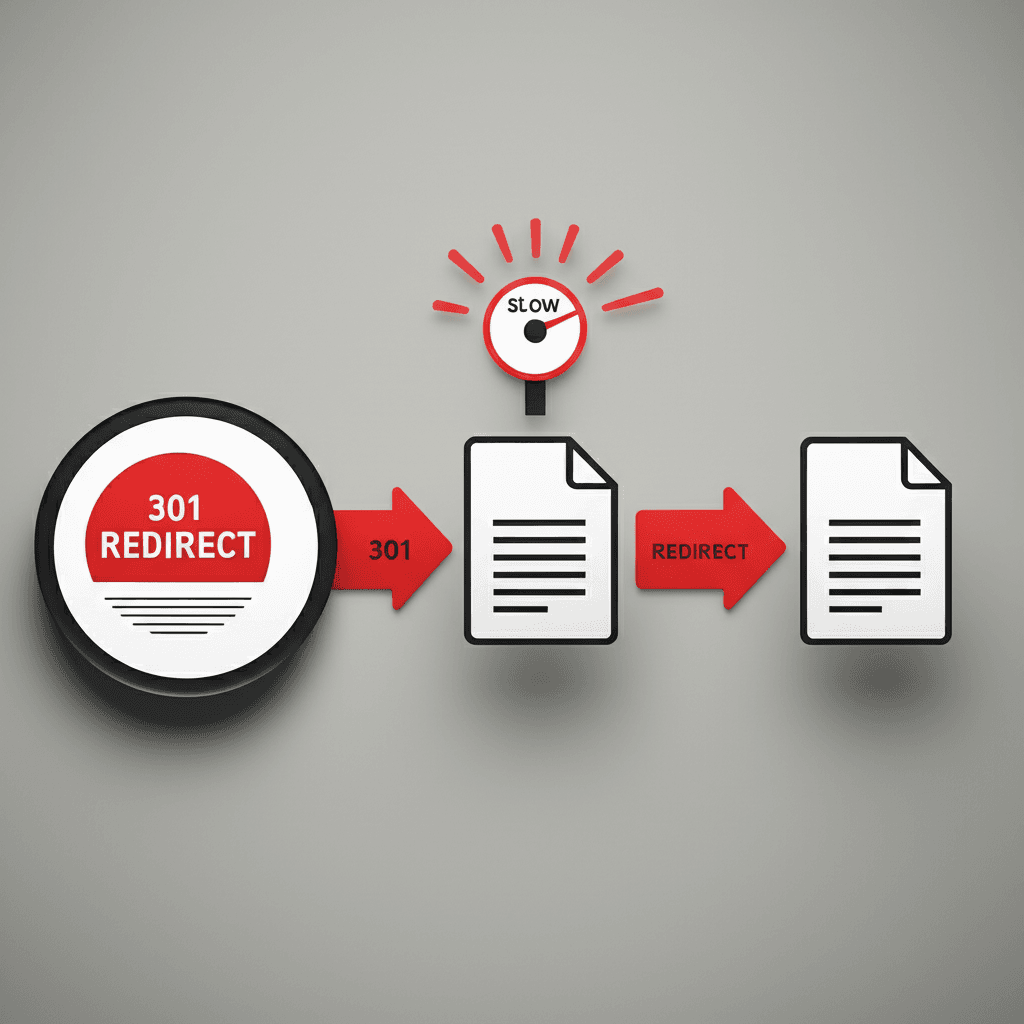
I think one of the worst pieces of SEO advice is to just 301 redirect all your 404 errors to the homepage. It feels like an easy fix, but it creates a confusing user experience. Imagine clicking a link for a specific product and landing on a generic homepage—you’d leave, right? It’s a frustrating dead end, not a real solution, and it sends a muddled signal to search engines.
The real problem is the slow bleed of your site’s authority. Every broken link is a missed opportunity, and those messy redirect chains? They dilute link equity with every single hop and absolutely torch your crawl budget. You’re essentially making Google navigate a maze instead of indexing your important pages, and that can have a quiet but significant impact over time.
So, I’m going to show you how to fix this properly. We’ll cover how to find these errors, when to use a 301 redirect versus a 410 ‘Gone’, and exactly how to untangle those chains to reclaim your rankings. No more guesswork, just a clear action plan to eliminate the dead links holding you back.
What Are 404 Errors and Why Do They Kill Your SEO?
Alright, let’s talk about the infamous 404 ‘Not Found’ error. At its core, it’s just a standard server response code. It’s the internet’s way of saying, “I looked for the page you wanted, but it’s not here.” Think of it as knocking on a door and finding out the house is gone. For a user, it’s a dead end. It’s frustrating, breaks their journey, and more often than not, sends them clicking the ‘back’ button to a competitor’s site. That immediate exit is what we call a bounce, and a high bounce rate is a bad look.
But the real damage, I think, goes much deeper than just annoying a visitor. From an SEO perspective, 404s are silent killers. They dismantle your hard work in a few key ways.
The Triple Threat to Your Rankings
First, they burn your crawl budget. Google only dedicates a certain amount of resources to crawling your site. When its bots keep hitting these dead ends, they waste time that could have been spent finding and indexing your new, valuable content. Second, and this is the big one, you lose precious link equity. Imagine you wrote a fantastic article that earned a backlink from a major industry website. If you later delete that page or change its URL without a redirect, that powerful vote of confidence now points to a void. All that authority simply evaporates. It’s like a glowing recommendation letter being mailed to an empty lot. Finally, a site littered with 404s just sends poor quality signals. It suggests the site is old, unmaintained, and not a great resource. Why would Google want to rank a neglected website highly?
How to Find Every 404 Error on Your Website
Let’s shift gears for a moment. Before you can fix anything, you need a complete list of what’s broken. Just clicking around your site won’t cut it. You need a systematic approach. Honestly, I use a combination of three methods to make sure nothing slips through the cracks, and I think you should too.
Your Best Friend: Google Search Console
Your first stop should always be Google Search Console (GSC). Why? Because it tells you exactly which broken URLs Google has found while crawling your site. It’s free and it’s straight from the source. To find them, just log in, go to the Pages report under the ‘Indexing’ section, and look for the table labeled ‘Why pages aren’t indexed’. You’ll see a reason called Not found (404). Click on that, and GSC will give you a list of every URL that returned a 404 error. This is your baseline, a list of errors that are definitely on Google’s radar.
For a Real-Time View: Use a Crawler
While GSC is great, its data can have a bit of a lag. For an immediate and comprehensive picture, you need to run a site crawl yourself. I personally use Screaming Frog SEO Spider for this. The free version can crawl up to 500 URLs, which is perfect for most smaller sites. The process is simple:
Enter your website’s homepage URL and hit ‘Start’.
Let the tool crawl your entire site, following every link it finds.
Once it’s finished, go to the ‘Response Codes’ tab and use the filter to select ‘Client Error (4xx)’.
This will give you a beautiful, real-time list of every single internal link on your site that points to a 404 page. For example, I once found a client had an old service page linked from their footer template. The crawler immediately showed hundreds of 404s originating from almost every page on their site, an issue GSC hadn’t reported yet.
The Automated Route: SEO Audit Tools
If you’re already paying for a subscription to a tool like Ahrefs or SEMrush, you’re in luck. Their ‘Site Audit’ features do all this work for you automatically. They crawl your site on a schedule, identify broken internal and external links, and present them in a clean dashboard. They’re fantastic for ongoing monitoring and catching problems the moment they appear. Think of them as your 24/7 broken link watchdog.
Understanding Redirect Chains: The Silent Ranking Killer
Okay, so fixing 404s feels pretty straightforward. A link is broken, you find it, you fix it. But here’s where it gets interesting. There’s a much sneakier problem that often goes unnoticed: the redirect chain. I think of it as a series of unnecessary detours for your visitors and for Google. Imagine you change a URL from Page A to Page B and set up a redirect. A year later, you update it again, redirecting Page B to its final destination, Page C. You now have a chain: A → B → C. The user eventually gets to the right place, so what’s the big deal?
Well, each of those “hops” is a separate server request. It adds precious milliseconds to your page load time, creating a sluggish experience that users definitely notice. For search engines, it’s a waste of their valuable crawl budget. Google’s bots only have a finite amount of time to spend crawling your site, and making them jump through hoops means they might give up before they get to your most important new content.
The Link Equity Question
Then there’s the whole debate around link equity. For years, the common wisdom was that each redirect caused a small loss of PageRank. While Google now says 301s pass full equity, I’ve worked on enough sites to remain a bit skeptical. I’ve consistently seen a small performance bump when I flatten a long chain like Old Post → Category Page → New Post directly to Old Post → New Post. At best, a chain is inefficient. At worst, I believe it could still be slightly diluting the authority passed from your backlinks.
And the ultimate nightmare? A redirect loop. This happens when Page A redirects to Page B, which then mistakenly redirects back to Page A. The browser gets stuck in this infinite circle until it gives up, showing an error like “ERR_TOO_MANY_REDIRECTS”. This completely blocks access for both users and search engines. It’s an SEO dead end, plain and simple.
Finding and Fixing Harmful Redirect Chains
This brings us to something often overlooked but just as damaging as a 404: the redirect chain. Think of it like a series of unnecessary detours. A user clicks a link to Page A, which sends them to Page B, which then sends them to the final destination, Page C. Each hop wastes a tiny bit of your “crawl budget” and link equity. It’s just messy, and search engines aren’t fans of messy.
So, how do you find these hidden chains? I think the most efficient way is with a site crawler. My go-to is Screaming Frog. After you run a full crawl of your site, you can find a dedicated report under Reports > Redirects > Redirect Chains. It literally hands you a spreadsheet showing every single chain, from the starting URL to the final destination. It’s incredibly powerful for seeing the scale of the problem. For a quick spot-check on a single URL, a free online tool like Redirect-Checker.org gets the job done.
The Fix is Simpler Than You Think
Once you’ve identified a chain, the solution is beautifully straightforward: cut out the middleman. The goal is to make the original link point directly to the final destination. If your chain is:
You need to find every internal link pointing to /old-service-page/ and update it to point directly to /services/our-main-offering/. You’re simply eliminating the unnecessary steps.
Putting the Fix into Action
Where you make the change depends on where the link lives. If it’s an internal link on one of your blog posts or pages, the fix is easy. You just edit the page in your CMS (like WordPress or Shopify) and update the link’s URL. Done. However, sometimes the first step in the chain is a server-level redirect. This often happens after a site migration. In that case, you’ll need to look in your server configuration, most commonly in a file called .htaccess, and update the old redirect rule to point to the new, final URL. It’s a bit of digital housekeeping, but it makes your site faster for users and much easier for Google to understand.
Best Practices for Proactive Link & Redirect Management
Alright, cleaning up a mess is one thing, but I think we can agree it’s better to not make the mess in the first place, right? Being proactive is all about building good habits. It saves you massive headaches down the road. Here are a few practices I’ve baked into my own workflow over the years.
Choosing the Right Redirect
This is a big one. You have two main choices: a 301 (Permanent) or a 302 (Temporary). Honestly, 99% of the time, you’re going to use a 301 redirect. Think of it as telling search engines, “Hey, this page has moved for good. Please pass all its authority and ranking power to this new URL.” A 302 redirect says, “We’re just redirecting this for a short time.” I’d only use a 302 for something like A/B testing a new landing page or redirecting users during a quick site maintenance window.
Don’t Let Your 404 Page Be a Dead End
A user hitting a generic 404 page is a lost user. It’s a dead end. Instead, create a custom 404 page that’s actually helpful. A good one includes a friendly message acknowledging the error, a prominent search bar so they can find what they were looking for, and maybe a few links to your most popular content or your homepage. It turns a frustrating experience into a chance to keep someone on your site.
Establish a URL Change Protocol
Whenever you change a URL or delete a page, a 301 redirect should be part of the process, not an afterthought. For my team, we have a simple rule: no URL dies without a successor. For example, if we’re updating a blog post and changing the URL from `/2022/old-service-name` to `/services/new-service-name`, the 301 redirect is created and tested before we unpublish the old page. It’s a non-negotiable step.
Schedule Regular Health Checks
You can’t fix what you don’t know is broken. I recommend running a full site crawl at least quarterly. Use a tool like Screaming Frog or Ahrefs’ Site Audit to find any new 404 errors, broken external links, or redirect chains that have cropped up. Catching these small issues every three months prevents them from piling up into a major project that hurts your rankings.
So, What’s the Bottom Line?
After all that, I think the most important thing is to stop seeing this as a huge, scary technical problem. Think of it more like digital housekeeping. Regularly tidying up broken links and messy redirects is one of the simplest ways to show both your visitors and Google that you care about their experience. It builds trust, and that’s a big deal. The best way to get over the overwhelm is to just dive in and start your technical SEO audit today.
So here’s a specific, actionable next step for you: block out 30 minutes this week, use a tool from this guide to find your top 404 error, and just fix that one link. That’s it. Get the ball rolling.
Frequently Asked Questions
How many 404 errors are bad for SEO?
There's no magic number, but a large quantity or having 404s on high-authority pages (those with many backlinks) is particularly harmful. It's best to fix all legitimate 404 errors found on your site.
What's the difference between a 301 and a 302 redirect?
A 301 redirect is permanent and tells search engines to pass all link equity to the new URL. A 302 redirect is temporary and should only be used for short-term changes, as it doesn't pass link equity in the same way.
How many redirects are too many in a chain?
Ideally, you should have zero redirect chains. Every URL should resolve in a single step. While browsers may follow up to 5 or 10, Googlebot may stop crawling after just a few, meaning your final page might not get indexed or receive link equity.