Headless CMS & JAMstack: The Future of Web Dev 2026
I think one of the biggest myths I hear is that JAMstack is just for simple, static marketing sites. Honestly, that might have been true five years ago, but it’s a completely different story now. We’re talking about full-blown, dynamic applications being built on this architecture—think e-commerce with real-time inventory or personalized user dashboards. The ‘A’ in JAMstack (APIs) is doing some seriously heavy lifting these days, often powered by serverless functions.
So, how do you manage all that content for these powerful sites without getting tangled in code? That’s exactly where a headless CMS comes in. It’s not about ripping out your content management system; it’s about decoupling it so your content can go anywhere. Your marketing team can work in a familiar UI, like Sanity or Strapi, while your developers have total freedom to build a blazing-fast frontend with something like Next.js.
Getting this combination right is, in my opinion, the key to building websites that will still feel fast and modern in 2026. We’re going to look at how this architecture actually works, why it’s so resilient, and walk through a practical framework for choosing the right headless CMS for your next project. You’ll learn how to avoid common pitfalls, like slow build times or a clunky content editing experience for your team.
The Monolith is Crumbling: Why Traditional CMS is Outdated for 2026
Alright, let’s talk about the classic setup. For years, we’ve all relied on monolithic content management systems. Think WordPress, Drupal, Joomla—the big names. I’ve built dozens of sites with them. In this model, everything is bundled together in one giant application. Your content database, the admin panel where you write posts, and the front-end code that displays the website to visitors are all tightly coupled. They live on the same server, run the same code, and depend entirely on each other. It’s a single, massive block of technology.
On the surface, it sounds simple. But this tight coupling is where the problems start. Every time a visitor loads a page, the server has to do a whole song and dance. It queries the database, processes the content through a theme layer (often using PHP), pulls in data from ten different plugins, and then finally builds the HTML to send back. This process happens for every single visitor. I think you can see how this creates performance bottlenecks. It also creates a massive attack surface; a vulnerability in one plugin can potentially compromise the entire system.
I remember managing an e-commerce site on WooCommerce for a client’s Black Friday sale. The moment the sale went live, the site slowed to a crawl. Why? Because thousands of simultaneous visitors were hitting the server, each one triggering a cascade of database queries just to render the homepage and product listings. The database simply couldn’t keep up with the demand. The whole system is a single point of failure. When it gets overloaded, everything grinds to a halt.
Beyond performance, this structure makes it a real pain to innovate. Want to use a modern front-end framework like React or Svelte to build a super-fast user interface? It’s incredibly difficult when you’re locked into a rigid, server-side theme system. You end up fighting the CMS instead of working with it. And the constant cycle of updates—core, themes, plugins—can feel fragile, where one bad update breaks everything. So what if we could separate the content management from the front-end delivery entirely?
Deconstructing the Stack: What are Headless CMS and JAMstack?
This brings us to something I think is often overlooked in the rush to adopt new tech: what these terms actually mean on a practical level. People throw them around, but the concepts are pretty straightforward when you break them down. They’re two sides of the same coin, really, working together to create incredibly fast and secure websites.
What is a Headless CMS?
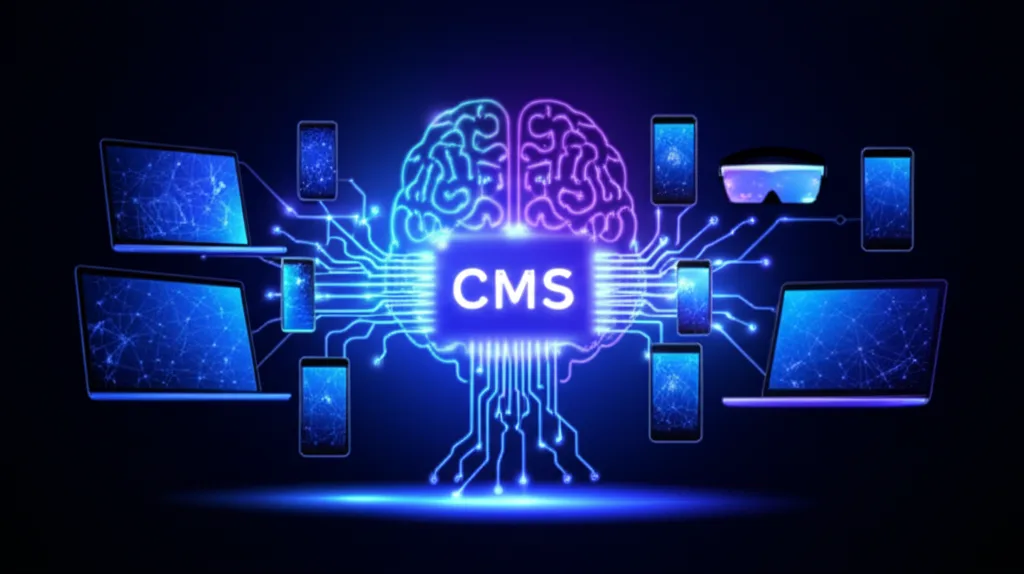
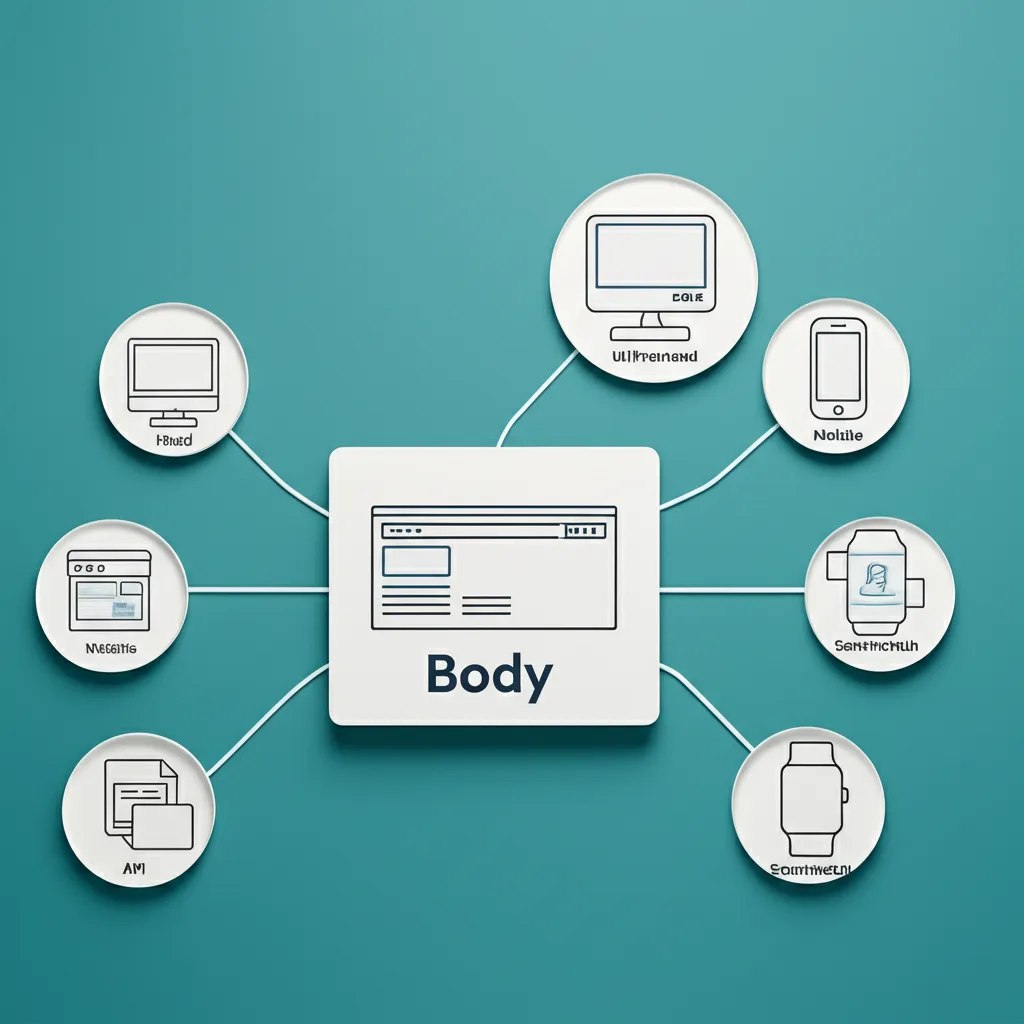
Okay, think about a traditional content management system like WordPress. The back-end where you write your posts is permanently attached—or coupled—to the front-end theme that displays it. A headless CMS simply chops off the “head,” which is the front-end presentation layer. What you’re left with is a pure content repository. Its only job is to store your content and make it available as data via an API. It doesn’t care if your content ends up on a website, in a mobile app, or on a smart toaster. It just serves the raw content, usually as JSON, to whatever asks for it.
And What is the JAMstack?
This is where that content finds a home. JAMstack isn’t a specific technology, but an architectural approach. It stands for JavaScript, APIs, and Markup. The core idea is to do as much work as possible ahead of time, not when a user visits your site. Instead of a server building a page for every single visitor, you pre-build your entire site into a collection of static HTML, CSS, and JavaScript files. This pre-built site—the Markup—is then placed on a Content Delivery Network (CDN) close to your users.
Here’s how they connect. The headless CMS provides the ‘A’ (APIs) for the JAMstack. For example, you might use a site generator like Astro or Next.js. During your “build process,” your generator makes an API call to your headless CMS, like Contentful or Strapi. It pulls in all your blog posts and product data, merges that content with your HTML templates, and generates the final, static files. The result is a website that loads at incredible speed because the browser is just downloading a simple, pre-rendered file. No database lookups, no waiting for a server to think. It’s just there.
The Core Benefits: Why This Architecture Wins in 2026
Here’s the part most people miss. They hear “JAMstack” and think it’s just another developer trend. But I think it’s a fundamental solution to problems we’ve been fighting for over a decade. It’s not about chasing the new hotness; it’s about building a better, more resilient web.
Blazing-Fast Performance
With a traditional setup, when a user visits your site, a server has to run code, query a database, and assemble the page right then and there. With a headless/JAMstack approach, all your pages are pre-built into simple, static HTML files during the build process. These files are then distributed across a global Content Delivery Network (CDN). When a visitor arrives, they’re served a file from a server that’s likely just a few miles away. There’s no database bottleneck. No server-side processing. It’s just fast.
Unmatched Security
Think about this: your front-end website is completely decoupled from your back-end systems. There is no direct connection from the browser to a database or complex server-side code. This dramatically shrinks your attack surface. The most common web vulnerabilities simply have nowhere to run. Your public-facing site is a collection of static files, which are incredibly difficult to compromise. All the complex logic happens through controlled APIs, which are far easier to secure.
Infinite Scalability at a Fraction of the Cost
I once saw a client’s traditional server crash during a Black Friday sale because they got a surprise mention on a major news site. With JAMstack, that’s a non-issue. Since you’re serving static files from a CDN, handling a massive traffic spike is what the infrastructure is designed for. Scaling is essentially automatic and comes at a much lower cost than provisioning and maintaining powerful servers that sit idle 99% of the time.
A Superior Developer Experience
This is a big one for me. Your developers are no longer locked into a specific theme’s technology or a monolithic platform’s limitations. They can use modern tools they love, like React or Svelte, to build amazing user experiences. Plus, the workflow is typically based on Git. This means every change is version-controlled, deploys are atomic and instant, and you can roll back to any previous version with a single click. It’s a professional, predictable way to build and maintain a website.
Choosing Your Tools: The 2026 Headless & JAMstack Ecosystem
But wait — there’s more to consider. Picking an architecture is one thing, but the tools you choose will define your daily workflow and your project’s ultimate success. The ecosystem is huge, so I’ll give you my honest take on the main players I see sticking around through 2026.
Headless CMS Platforms
This is where your content lives. My advice? Choose based on your team’s needs. Contentful is the polished, enterprise-ready option with a great user interface. For pure developer happiness, I often recommend Sanity; you define your content schema in code and its query language, GROQ, is incredibly fast. If you want full control and don’t mind managing your own infrastructure, the open-source Strapi is a fantastic self-hosted solution. And for teams with non-technical editors, Storyblok is a standout because of its real-time visual editor. It’s the closest you’ll get to a classic page-builder experience, which can be a huge win for marketing departments.
Frontend Frameworks & SSGs
This is the “J” and “M” in JAMstack—your site generator. For years, Next.js (built on React) has been the dominant force for building complex web applications, not just sites. It’s powerful. But for content-heavy projects like blogs or marketing sites, I think Astro is the future. It’s designed to ship as little JavaScript as possible by default, making sites ridiculously fast. If your team is built on Vue, then Nuxt is your logical choice, offering a similar experience to Next.js. And of course, Gatsby is still a great option, especially if you want to tap into its massive library of plugins to pull data from anywhere.
Deployment & Hosting Platforms
So, where does your beautiful new site live? Modern platforms make this part almost too easy. They connect directly to your Git repository (like GitHub) and automatically build and deploy your site whenever you push a change. Vercel, made by the creators of Next.js, offers a perfect, zero-config experience if you’re in that ecosystem. Netlify basically started this whole movement and is still my go-to for its simplicity and powerful features like serverless functions. And don’t sleep on Cloudflare Pages; its integration with a world-class CDN means you get incredible performance right out of the box.
Getting Started: Your Roadmap to a JAMstack Future
Alright, so the theory is solid, but the big question is always: where do I actually begin? It can feel like a huge leap, but I think you can break it down into a pretty straightforward, four-step process. This isn’t about boiling the ocean overnight; it’s about making smart, incremental moves.
Step 1: Audit Your World
Before you write a single line of code, look at what you already have. Seriously, just open up your current website and start mapping out your content. For example, if you have a “Team Members” page, what information does each person have? Probably things like:
A name (plain text)
A headshot (image)
A job title (plain text)
A short bio (rich text)
Documenting these structures is the foundation for everything that follows. This content audit gives you a clear blueprint for what you need to build in your new system.
Step 2: Pick Your CMS & Build the Scaffolding
Now you can choose a headless CMS. Your choice really depends on your team. If you have developers who love flexibility, something like Sanity might be a great fit. If you need a more straightforward editorial experience, Contentful or Strapi are excellent options. Once you’ve picked one, you’ll take that content audit from Step 1 and create your content models. You’re literally building the forms your marketing team will use to input a Team Member without worrying about how it will look.
Step 3: Choose Your Framework & Pull the Data
This is where the visual magic happens. Pick a modern frontend framework—I’m a big fan of Next.js and Astro right now for their performance and developer experience. Your developers will build the site components and connect them to the CMS’s API, often using GraphQL to request exactly the data they need. They’ll build a “Team Member” card component and tell it to pull the name, headshot, and title from the CMS.
Step 4: Set Up Your Git-Based Workflow
Finally, you automate the whole process. You’ll connect your code, which lives in a Git repository, to a modern hosting platform like Netlify or Vercel. This creates a CI/CD pipeline. When an editor hits “publish” in the CMS or a developer pushes new code, it triggers a new build of your static site and deploys it automatically. It’s fast, reliable, and removes so much manual deployment stress. I recommend starting small—migrate just your blog first to get the workflow down.
So, Where Do We Go From Here?
Honestly, I think the biggest takeaway isn’t about the tech itself, but about the freedom it gives you. Separating your content from its presentation means you’re not just building a website for today; you’re creating a flexible content engine for whatever comes next. Think apps, smart displays, or platforms we haven’t even imagined yet. It’s a genuine shift that puts you back in control of your digital experience. Are you ready to build a faster, more secure web for what’s ahead? The best first step is often just a conversation, and our experts are here to discuss your migration to a Headless CMS and JAMstack architecture. The future of the web is being built right now, and this approach is your foundation.
Frequently Asked Questions
What is the main difference between a headless CMS and a traditional CMS?
A traditional CMS (like WordPress) couples the content management backend with a specific front-end presentation layer. A headless CMS is a back-end only system that makes content accessible via an API, allowing developers to build the front-end with any technology they choose.
Is JAMstack only for static sites?
No. While JAMstack excels at creating pre-rendered static sites for performance, it fully supports dynamic functionality. This is achieved through client-side JavaScript calling APIs and serverless functions for tasks like user authentication, form submissions, and e-commerce checkouts.
What are the best headless CMS for beginners in 2026?
For beginners, platforms like Strapi (open-source and self-hosted) and Storyblok (visual editor) are excellent choices due to their user-friendly interfaces. For projects that may scale, Contentful and Sanity offer robust APIs and strong developer tooling.