Stop pretending your app is real-time. If you’re still relying on HTTP polling or long-polling, you’re just creating an illusion of speed at the cost of server resources and user experience. It’s a workaround, not a solution, and your users can feel the lag even if they can’t name it.
That slight delay in your chat app, the stutter in your live dashboard, or the jumpiness of a stock ticker—these are symptoms of a protocol not built for instant communication. WebSocket technology fixes this by establishing a single, persistent, two-way connection between your client and server. Data flows instantly in either direction without the overhead of new HTTP requests, creating a genuinely live experience.
This article moves past the theory. You will learn how to implement a WebSocket server using Node.js and the popular `ws` library, handle connection states, and broadcast messages to build a live-feed feature from scratch. We’ll cover practical error handling for dropped connections and show you how to secure your endpoint—the kind of details that separate a demo from a production-ready application.
The Old Way: Why Traditional HTTP Lags for Real-Time
Before we had persistent connections, building a real-time web application felt like a fight against the very nature of the web. Traditional HTTP operates on a simple, turn-based model: the client sends a request, the server sends a response, and the connection closes. It’s a transaction. This stateless cycle is efficient for loading documents, but it’s completely unsuited for applications that need instant updates. The server has no way to initiate contact; it can only speak when spoken to. So, how did we get live data before WebSockets?
The Polling Problem
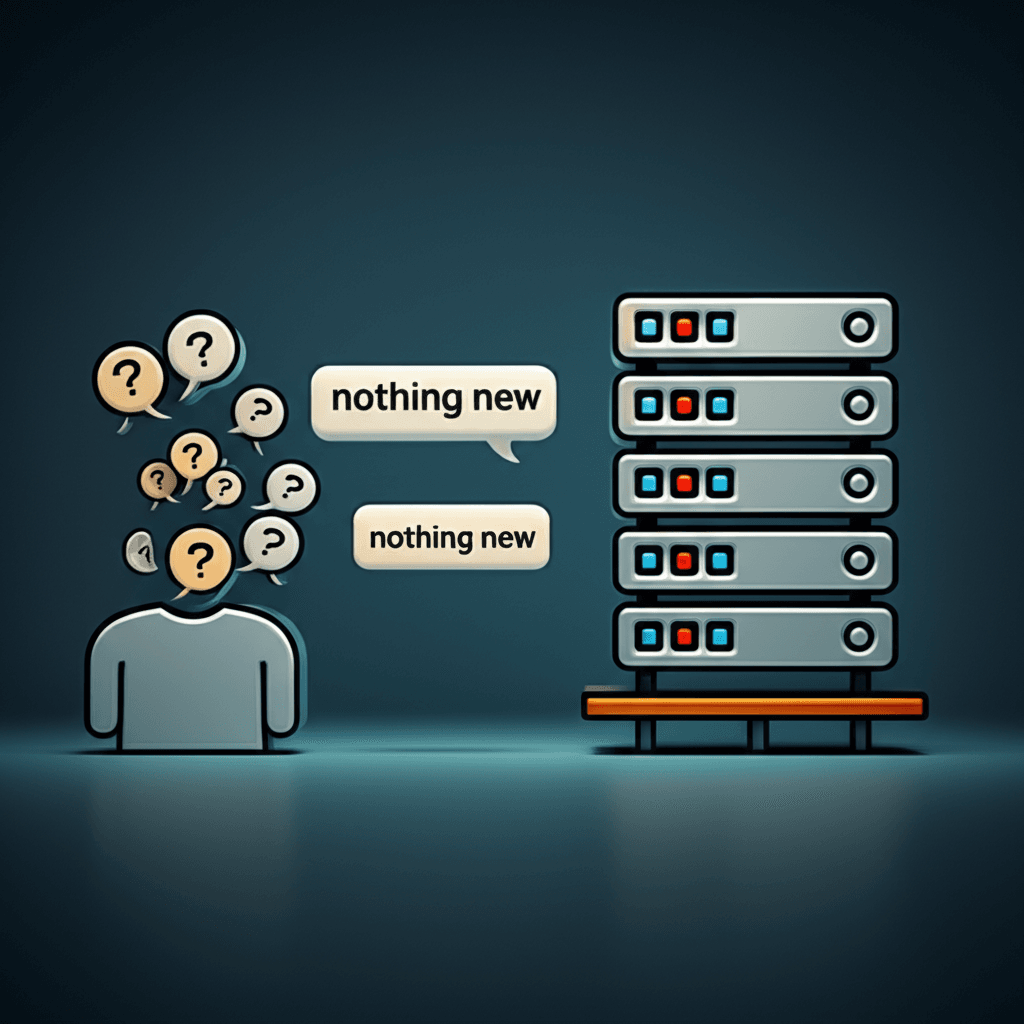
We faked it with constant requests, a technique called polling. Think of a live sports score application. With the most basic approach, short polling, the browser would send an HTTP request to the server every three to five seconds, asking, “Any new scores yet?” Most of the time, the answer was “no,” but the request still consumed bandwidth and server resources, sending the same headers over and over. Worse, if a goal was scored right after a poll, users wouldn’t see the update for another five seconds. That delay feels like an eternity during a close game.
To reduce that latency, developers created a cleverer workaround: long polling. Here, the client makes a request, but the server holds that connection open until it actually has new data to send. Once it sends the data, the client immediately opens a new connection to wait again. This was a significant improvement, delivering updates much faster. Yet, it introduced its own headaches. Holding connections open consumed server memory and worker threads, which could quickly become a bottleneck. You also had to write complex logic to handle connection timeouts and network drops, making the whole system brittle.
Ultimately, these methods were just patches. They created the illusion of a live connection while generating significant overhead and complexity. Users experienced noticeable delays or, in the worst case, had to hit the refresh button manually—a clear signal that the technology wasn’t keeping up with expectations. This constant struggle is precisely why a new protocol was needed.
Enter WebSocket: The Modern Solution for Live Communication
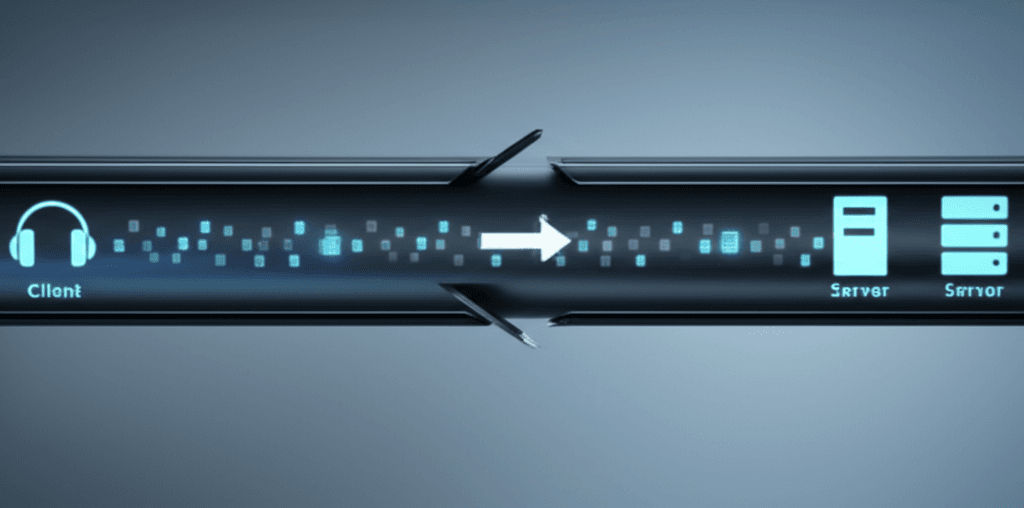
After wrestling with the clumsy workarounds of HTTP polling and long-polling, developers needed a better tool for the job. But here’s where it gets interesting. Instead of building another hack on top of a protocol not designed for real-time interaction, the solution was to create a new one: WebSocket. Think of it not as a series of requests and responses, but as a dedicated, open phone line between the browser and the server.
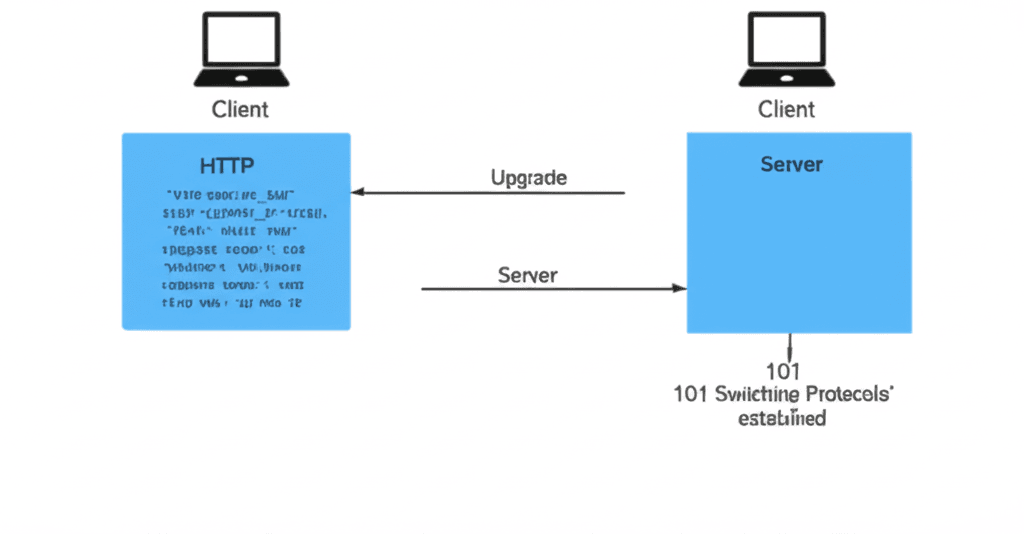
The process begins with a clever trick called the WebSocket handshake. Your application initiates what looks like a standard HTTP request, but it includes a special Upgrade header, signaling its intent to switch protocols. If the server supports WebSockets, it agrees, and the connection is elevated from the one-way street of HTTP to a two-way superhighway. This single TCP connection then stays open, allowing both the client and the server to send data to each other at any time, independently. It is a true full-duplex communication channel.
The Practical Advantages in Action
This persistent, bi-directional model fundamentally changes how real-time features are built. The benefits are immediate and tangible:
Dramatically Lower Latency: Since the connection is always open, messages are sent and received with minimal delay. There is no overhead from establishing new connections for every update.
Reduced Network Traffic: After the initial handshake, the bulky HTTP headers are gone. Each message carries only the necessary data, not hundreds of bytes of repeated metadata, making it incredibly efficient for small, frequent updates.
Consider a live customer support chat application. With HTTP polling, the client would have to ask the server every few seconds, “Is there a new message?” This is inefficient and introduces delays. Using WebSocket, the moment a support agent sends a message, the server instantly pushes it through the open connection to the customer’s browser. The customer sees it appear immediately, creating a fluid, conversational experience without wasting resources on empty check-in requests.
How WebSockets Work: A Look Under the Hood
You’ve seen the benefits: instant chat messages, live stock tickers, and real-time collaboration. But wait — there’s more to consider than just the end result. Understanding the mechanics of a WebSocket connection helps you debug issues and build more resilient applications. It all starts with a clever trick that piggybacks on a protocol you already know.
The Handshake: A Clever Disguise
A WebSocket connection doesn’t just appear out of nowhere. It begins its life as a standard HTTP request, which is why it easily passes through most firewalls. Your browser sends a request to the server, but with a special instruction: the Upgrade: websocket header. This is a formal request to change the communication protocol. If the server agrees, it responds with a confirmation, and the connection is elevated from the temporary, stateless world of HTTP to a persistent, stateful WebSocket connection. The protocol identifier even changes from http:// to ws:// (or https:// to wss:// for a secure connection).
Life After the Handshake: Frames and Events
Once established, communication changes dramatically. Instead of sending bulky HTTP requests for every piece of information, data is exchanged in small, lightweight packets called frames. Think about a live chat application. With old-school polling, every “Are there new messages?” request would carry hundreds of bytes of header data. With WebSockets, sending a message might only involve a few bytes of overhead. This efficiency is what makes it feel so fast.
In your front-end JavaScript code, you manage this persistent connection through a simple set of event listeners. The WebSocket API provides four primary events to hook into:
onopen: Fires once the connection is successfully established. This is a great place to enable UI elements, like a “Send Message” button that was previously disabled.
onmessage: Triggers every time a message (a data frame) arrives from the server. Here, you’ll process the incoming data and update your application’s display.
onerror: Catches any communication errors that might occur.
onclose: Fires when the connection is terminated, either intentionally or due to a network issue. You can use this to show a “Reconnecting…” message to the user.
Key Use Cases: Where WebSocket Technology Shines
Here’s the part most people miss. They grasp the theory—a persistent, two-way connection between a client and server—but they don’t connect it to the apps they use every single day. WebSocket isn’t just an abstract concept; it’s the engine behind the instantaneous web experiences we now take for granted. Without it, the internet would feel sluggish and disconnected, forcing you to constantly refresh your browser to see what’s new.
Live Chat and Social Feeds
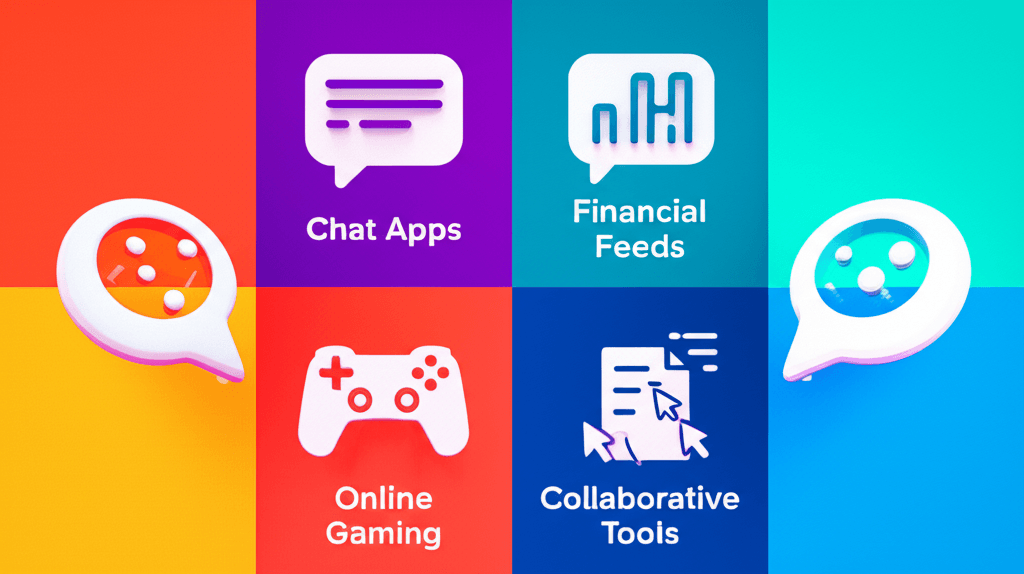
Think about using Slack or WhatsApp Web. When a colleague starts typing, you see the indicator immediately. A new message appears the instant it’s sent. This is WebSocket in action. The server pushes the new message or status update directly to your browser over an open connection. There’s no need for your browser to repeatedly ask the server, “Anything new yet?” This push-based model is dramatically more efficient than old-school polling techniques.
Real-Time Financial and Data Feeds
Watch a live stock ticker on a trading platform. The price of a stock doesn’t update every 30 seconds; it changes in real time, tick by tick. The same principle applies to live sports scores or cryptocurrency price trackers. A server pushes these tiny, frequent data packets through a WebSocket connection as soon as the data is available. This ensures traders and fans get information with the lowest possible latency, where a single second can make a significant difference.
Collaborative Tools and Online Gaming
This is where WebSocket’s low-latency, bidirectional communication truly excels. In a tool like Figma, you can see your teammate’s cursor moving across the design canvas. In Google Docs, you see their edits appear character by character. In a multiplayer game, your character’s movements must be instantly reflected on every other player’s screen. This requires a constant, high-frequency stream of data in both directions to synchronize the application state for all users. WebSocket provides the dedicated pipeline needed to make this complex coordination feel effortless and immediate.
WebSocket vs. Alternatives: Making the Right Choice
Choosing the right real-time technology is less about finding the “best” one and more about picking the right tool for the job. While WebSockets are powerful, they aren’t always the necessary choice. Let’s break down the common alternatives so you can make a confident decision for your project.
The Old Guard: Long Polling
Before WebSockets, we relied on hacks like Long Polling. This technique involves the client making a request to the server, which then holds the connection open until it has data to send. Once it responds, the client immediately opens a new request. This works, but it’s inefficient. Each request carries the overhead of HTTP headers, and it introduces noticeable latency. For any new project, you should look past Long Polling. The modern options are simply better.
The One-Way Street: Server-Sent Events (SSE)
Server-Sent Events are a fantastic, often overlooked technology. Think of SSE as a one-way data stream from your server to the client. The client listens, and the server pushes updates whenever they happen. Where would you use this? Imagine a live news feed, a stock ticker, or a social media notification system. The server sends updates, but the client doesn’t need to send data back over that same connection. SSE is built on standard HTTP and is often simpler to implement than WebSockets, with automatic reconnection built-in. If your application only needs to receive live updates from the server, SSE is an excellent and lightweight choice.
The Two-Way Conversation: WebSocket
The moment your application requires true, low-latency, bi-directional communication, you need a WebSocket. This is where WebSockets have no real competition. Consider a collaborative document editor like Google Docs. Multiple users are typing, cursors are moving, and changes must be reflected for everyone instantly. The client is constantly sending keystrokes while simultaneously receiving updates from others. This full-duplex, back-and-forth exchange is exactly what WebSockets were designed for. Other prime examples include real-time chat applications, multiplayer online games, and live financial trading platforms.
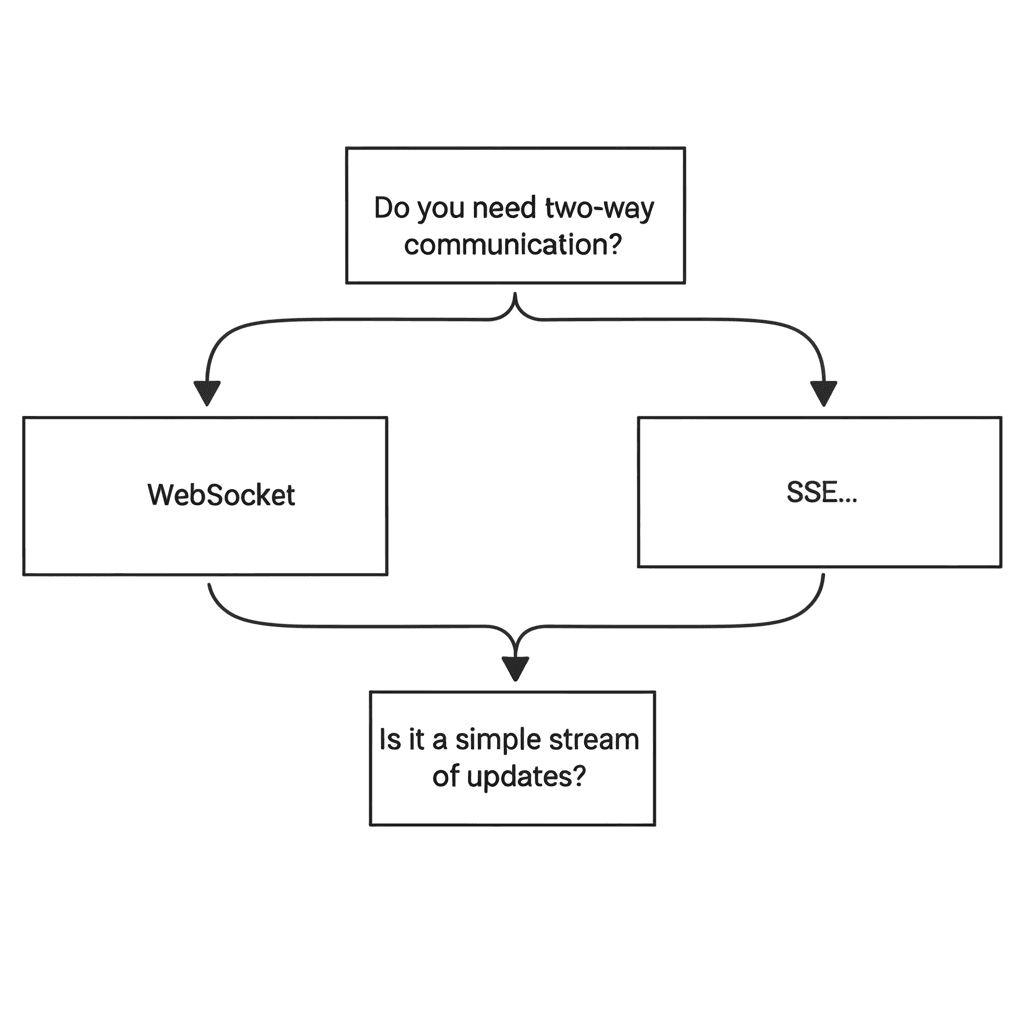
Here’s a simple guide to help you choose:
For server-to-client updates only (notifications, live feeds): Start with SSE. It’s simpler and gets the job done.
For interactive client-to-server and server-to-client communication (chat, games, collaboration): Use WebSocket. It’s the purpose-built tool for the job.
Putting Real-Time into Practice
Moving beyond the constant refreshing of traditional web pages is less about complex theory and more about a simple shift in approach: establish one connection and keep it open. This is the practical power of WebSocket technology. Whether you’re building a live chat, a real-time dashboard, or a collaborative editor, the principle is the same—push data to users the moment it becomes available. You have seen how this direct line of communication transforms the user experience from static to dynamic.
Now, the best way to understand its impact is to build it yourself. Ready to build your first real-time application? Explore our tutorial on setting up a simple WebSocket server with Node.js.
Frequently Asked Questions
Is WebSocket technology secure?
Yes, when implemented using the WebSocket Secure (wss://) protocol. This encrypts the connection using Transport Layer Security (TLS/SSL), the same security technology that protects HTTPS traffic, preventing eavesdropping and man-in-the-middle attacks.
Do all modern browsers support WebSockets?
Yes, the WebSocket API is fully supported in all modern web browsers, including Chrome, Firefox, Safari, and Edge. It has been a stable web standard for many years, ensuring wide compatibility.
What is the difference between WebSocket and HTTP/2?
While HTTP/2 introduces features like Server Push and multiplexing to improve performance over HTTP/1.1, it is still fundamentally a request-response protocol. WebSocket, by contrast, establishes a single, persistent, and truly bi-directional connection that is independent of the HTTP request-response cycle, making it better suited for low-latency, real-time interactive applications.