Your team just sent a major promotional push to your entire user base. The open rate looks decent, but then you see the other metric: a terrifying spike in app uninstalls. This is the moment every product manager or marketer dreads, and it’s entirely preventable.
This scenario is the direct result of treating push notifications like a megaphone instead of a precision tool. I’ve seen countless teams fall into the “spray and pray” trap, chasing vanity metrics like open rates while ignoring the real damage to user retention. They forget that every single notification is an interruption that must earn its place on a user’s lock screen.
We are going to move past the basics. In this breakdown, you’ll learn how to build a strategy that respects user attention and drives meaningful action. We’ll cover how to implement effective frequency capping, segment your audience based on actual behavior—not just demographics—and craft messages that feel like a helpful tap on the shoulder, not a disruptive shout. The goal is to increase engagement without driving your users away.
The Foundation: Earning Trust at the Opt-In
Many product teams make their first, and biggest, mistake within seconds of a user’s first launch. They immediately trigger the native OS permission prompt. This is a cold, transactional ask with zero context, and it’s a huge gamble. On iOS, you famously get only one shot at this; if the user says no, you can’t ask them with the native prompt ever again. The entire foundation of your push notification relationship is defined by that initial moment. You must earn the “yes.”
The “Soft Ask” and Your Value Proposition
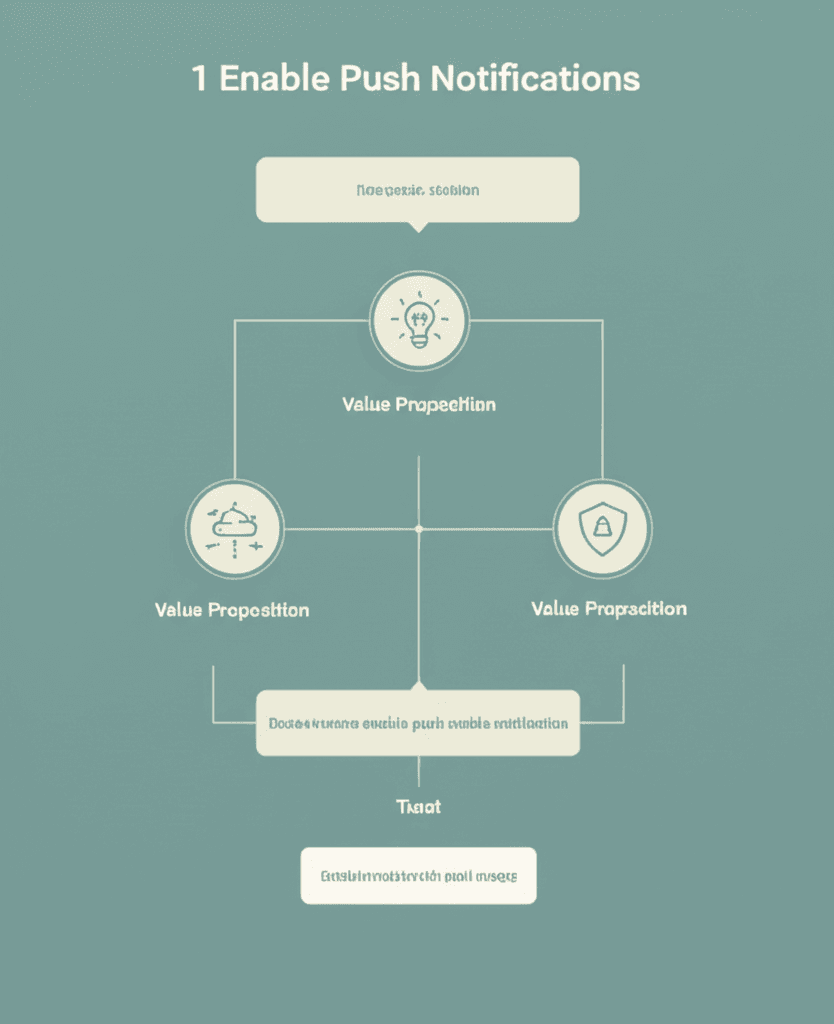
The professional approach involves using a pre-permission prompt, often called a “soft ask,” before showing the official OS dialog. This is a custom screen you design to clearly articulate the value exchange. What’s in it for them? Don’t be vague with “Get updates.” Be specific. For an e-commerce app, this could be a screen that promises:
Instant price drops on items in your cart
Early access to member-only sales
Real-time shipping and delivery status
This isn’t just asking for permission; it’s offering a tangible service that improves their experience with your brand.
Offer Granular Control from Day One
The most sophisticated strategies take this a step further by offering choice at the point of opt-in. Let users select notification categories directly on your priming screen. A media app, for instance, might offer checkboxes for “Breaking News,” “Business Tech,” and “Weekend Long Reads.” This simple act demonstrates immense respect for the user’s attention. It immediately signals that you intend to send relevant content, not just blast your entire audience. It transforms the opt-in from a generic, binary choice into a personalized agreement.
Finally, always assure users they can easily manage these preferences later in the app’s settings. Mentioning this upfront lowers the commitment barrier significantly. You’re not asking for a permanent decision, just an opportunity to prove your value. Get this opt-in flow right, and you build a base of users who want to hear from you, not just a list of people who reflexively tapped “Allow.”
Segmentation & Personalization: The End of Generic Blasts
And this is where things get practical. If you’re still sending the same push notification to your entire user base, you’re essentially shouting into a void. The single biggest mistake I see is the ‘one-size-fits-all’ blast. It’s the fastest way to get your app’s notification permissions revoked. The goal isn’t just to send a message; it’s to send the right message to the right person at the right time.
Start with Smart Segmentation
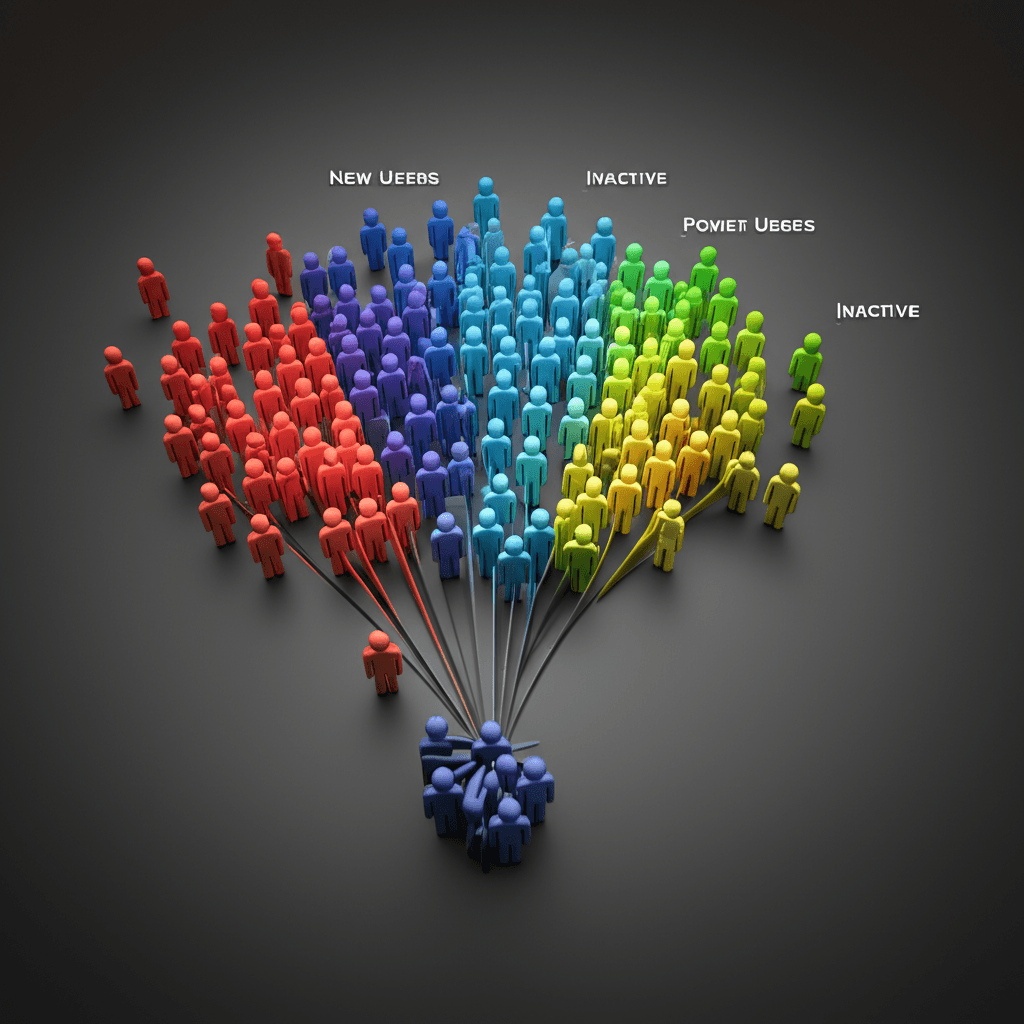
Effective segmentation starts with data. Don’t just look at who your users are; look at what they do. I recommend starting with a few high-impact buckets before getting too granular:
Behavioral: This is your workhorse. Create segments for users who have abandoned a cart, viewed a specific product category three times, or haven’t opened the app in 14 days (your ‘at-risk’ cohort). These actions are direct signals of intent or disengagement.
Geographic & Demographic: This is perfect for localization. Announce a flash sale for users in London or send a promotion in French to users who have their device language set to FR.
User Preferences: Use the data users give you directly. If they told you during onboarding they’re interested in ‘men’s outerwear,’ don’t send them notifications about ‘women’s sandals.’ It’s a simple sign of respect.
Add a Layer of Personalization
Once you have your segments, personalization makes the message feel like a one-on-one conversation. This goes beyond just using a name. Dynamic content allows you to pull specific details into the notification itself. For instance, instead of a generic “You left something in your cart!”, a well-personalized push reads: “Hey, Alex! That Red Hiking Backpack is still waiting for you. We only have a few left.” See the difference? One is a bland reminder; the other creates genuine urgency and relevance.
Insider Tip: A common pitfall is over-segmenting too early. Don’t create 50 micro-segments you can’t manage. Start with three to five high-value groups, prove the ROI to your team, and then build from there. This is an iterative process, not a one-time setup.
Timing & Frequency: The Art of Being Present, Not Pestering
Building on that foundation of a well-crafted message, we arrive at the element that separates welcome updates from digital noise: timing. A perfectly personalized notification sent while your user is sleeping is, at best, useless. At worst, it’s the reason they turn you off for good. I’ve seen more campaigns fail from poor timing than from poor copy. The goal is to become a welcome interruption, not a persistent annoyance.
Mastering the Clock and the Calendar
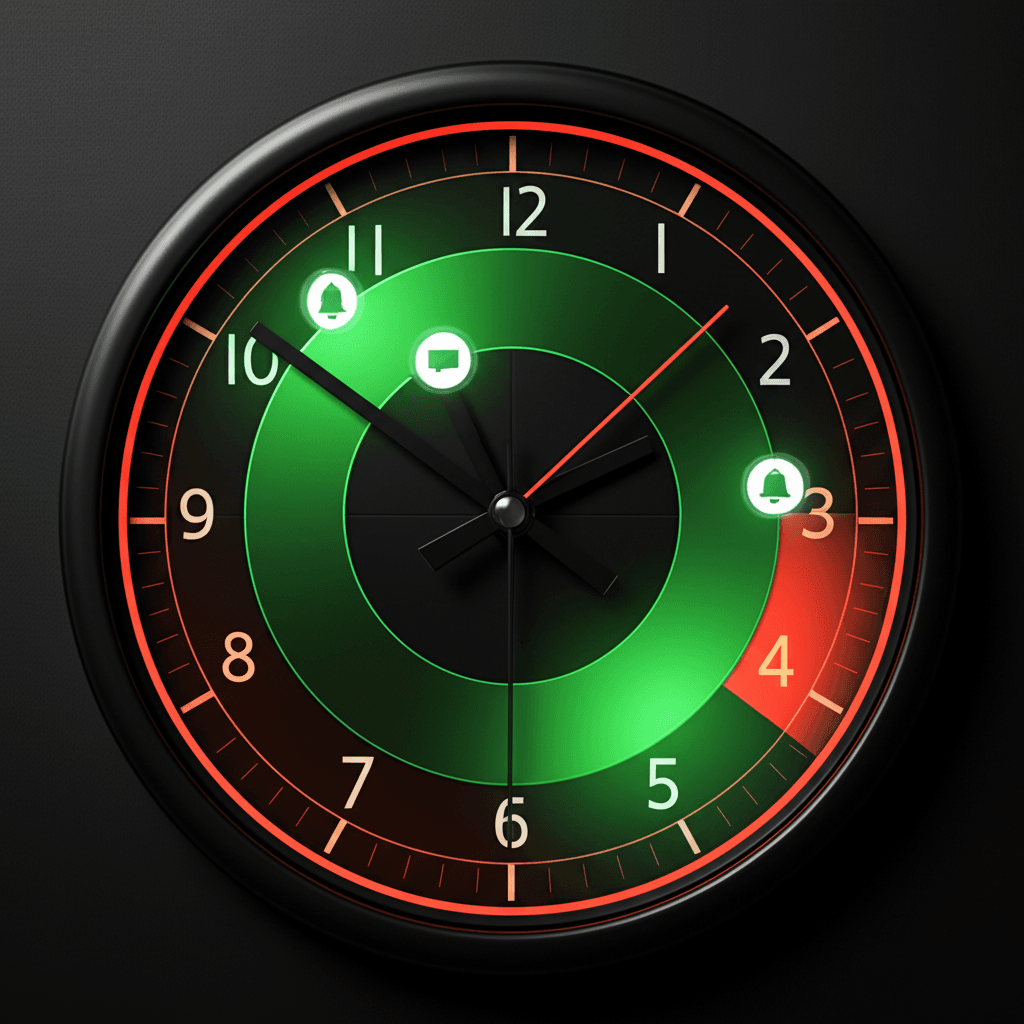
The absolute table stakes here is sending notifications based on the user’s local time zone. Blasting a message to your entire user base at 10:00 AM Eastern Time is a rookie mistake that guarantees you’ll wake up some users and miss others entirely. But localization is just the start. The real insight comes from your own data. Dive into your analytics to identify when your users are organically most active. This isn’t guesswork; it’s about finding established patterns. For instance, a meditation app might find peaks at 7 AM and 10 PM, making those ideal windows to suggest a session.
Setting Sensible Guardrails
Even with perfect timing, too much of a good thing quickly becomes bad. This is where frequency capping comes in. It’s a simple rule you set on the backend to limit how many notifications a single user can receive in a given period, like one per day or three per week. Think of a retail app: a user abandons a cart, a flash sale starts, and new products arrive. Sending three separate pushes in five hours is a surefire path to an uninstall. A smart frequency cap would prioritize the most valuable message—likely the abandoned cart—and hold the others.
Many modern platforms also offer features like ‘quiet hours’ or ‘intelligent delivery,’ which you should absolutely use. These systems learn an individual’s usage patterns and hold a non-urgent notification until they are most likely to be active. It’s about respecting their context. Are they a night owl or an early bird? Sending a notification that lands when they next pick up their phone feels considerate, not intrusive.
Crafting Compelling Content: Copy, CTAs, and Rich Media
Even the most perfectly timed and targeted push notification will fail if the message itself is weak. This is your one, fleeting chance to make an impression on a locked screen. Think of it less as an announcement and more as a micro-conversation. The content is where you earn the tap.
The Anatomy of Great Copy
Brevity is your best friend. While iOS and Android have generous character limits, the reality is that users only scan the first 40-60 characters. Your message must be front-loaded with value. Instead of saying, “A new feature is available,” try “Tap to create your first shared playlist.” It’s direct, personal, and focuses on the user’s benefit. Emojis can add personality and draw the eye, but use them with purpose. A single, relevant emoji (like ✈️ for a flight deal) can increase visibility. A common mistake is littering your message with them, which looks unprofessional and spammy.
Beyond Text: The Power of Rich Media
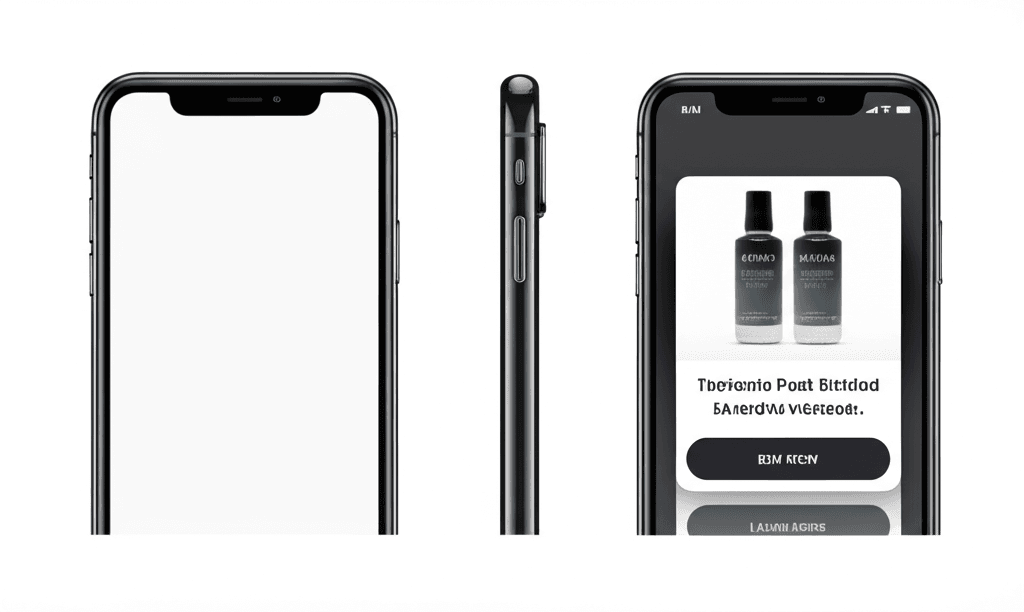
Rich push notifications, which include images, GIFs, videos, or interactive buttons, are no longer a novelty; they’re an expectation. They transform a simple text alert into a miniature, engaging experience. For an e-commerce app, imagine a notification about an abandoned cart. The standard text is good, but adding an image of the actual item left in the cart along with “Complete Purchase” and “Save for Later” buttons is far more effective. We’ve seen click-through rates jump significantly just by adding a compelling visual. Insider Tip: Always write your copy as if the rich media won’t load. Some older operating systems or user settings may block images, so your text must be strong enough to stand on its own.
Never Guess: The A/B Testing Imperative
The only way to know what truly works is to test it. A/B testing is a core practice for any serious push strategy, allowing you to move from guesswork to data-driven decisions. Isolate one variable at a time for clean results. You can test nearly anything:
Imagery: A lifestyle photo vs. a product-focused shot.
Continuously testing and iterating on these elements is how you refine your messaging to achieve the highest possible engagement without fatiguing your audience.
Sending a push notification is just the start. The real craft lies in what you do next. Without a disciplined approach to measurement, you’re essentially guessing what your users want. A data-driven feedback loop turns those guesses into educated strategies that build engagement instead of breeding annoyance. It’s the difference between a welcome nudge and a door slam.
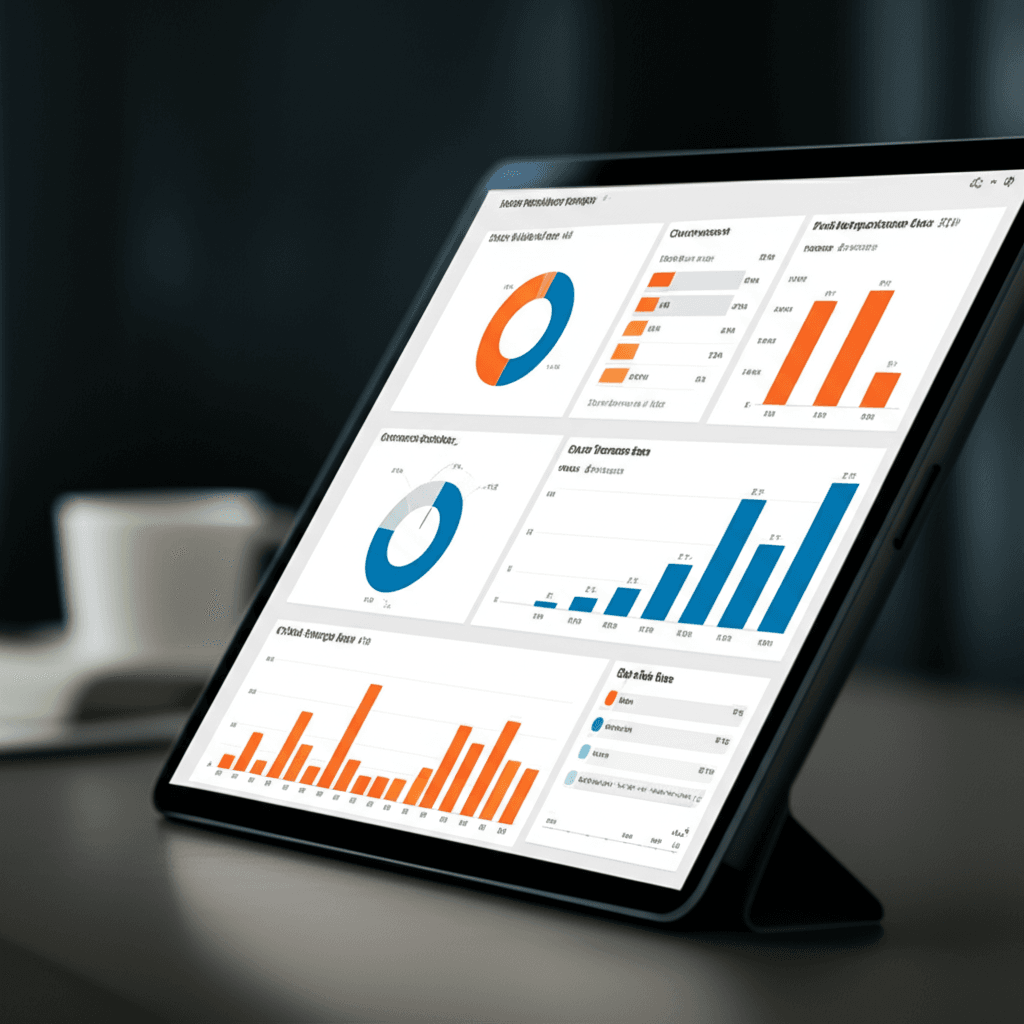
Core KPIs to Watch
You can track dozens of metrics, but a handful truly tell the story of your performance. Focus on these five to start:
Delivery Rate: The percentage of notifications successfully delivered. A low rate often points to technical issues or expired tokens, not bad copy. It’s your foundational health check.
Open Rate / Click-Through Rate (CTR): The percentage of users who tap on the notification. This directly measures the effectiveness of your message’s hook—the copy, timing, and offer.
Conversion Rate: The percentage of users who complete a desired action (like a purchase or watching a video) after clicking. A high CTR with a low conversion rate often means a disconnect between the notification’s promise and the in-app landing experience.
Opt-Out Rate: The percentage of users who disable notifications after a campaign. This is your clearest signal of fatigue or irrelevance. Treat a spike here as a serious warning.
A common mistake I see teams make is focusing solely on CTR. They’ll celebrate a campaign with a 10% CTR, but they ignore that it also caused a 3% opt-out spike in a high-value user segment. For example, an aggressive “Flash Sale!” notification might appeal to new users but alienate long-time loyal customers who prefer exclusive updates. Analyzing performance by segment is where you find these critical insights.
To understand the long-term effects, use cohort analysis. Group users by the week they signed up and track their retention over months. Are cohorts who receive your re-engagement pushes sticking around longer than those who don’t? This method proves your strategy’s impact on lifetime value, not just on a single campaign. This data then fuels your next hypothesis for an A/B test, creating a cycle of continuous improvement that keeps your push strategy sharp and effective.
The Insider’s Bottom Line
The fundamental shift is from broadcasting at users to communicating with them. An effective push strategy is never about volume; it’s about delivering timely, contextual value that feels like a personal service, not a generic ad. The most common mistake we see is a one-size-fits-all approach, which is the fastest path to the opt-out button. Your most engaged users deserve a different conversation than those at risk of churning. By treating your audience as distinct segments, you transform interruptions into welcome interactions.
Ready to transform your push notifications from annoying to engaging? Start by analyzing your opt-out rates and choose one personalization strategy to test this week. This single move will reveal more than a month of generic blasts ever could.
Frequently Asked Questions
How many push notifications are too many?
There's no single magic number, but a good rule of thumb is to start with no more than 3-5 per week. The key is value. If every notification is highly relevant and timely, users may tolerate more. Always monitor your opt-out rates to find the right balance.
What is a good click-through rate (CTR) for push notifications?
The average CTR varies by industry, but typically falls between 2% and 5%. Highly personalized and segmented campaigns can achieve much higher rates, sometimes exceeding 10%. Your goal should be to continuously improve your own benchmark.
Should I use emojis in my push notifications?
Yes, when used appropriately. Emojis can increase open rates by making notifications more visually appealing and conveying emotion quickly. However, ensure they align with your brand voice and don't overuse them.