Git Workflows: A Guide to Streamlining Development
Developer inefficiency drains an estimated $3 trillion from the global GDP annually, according to research commissioned by Stripe. A staggering portion of that cost isn’t from writing complex algorithms, but from the friction of team collaboration itself—overwritten work, broken builds, and hours wasted untangling chaotic merge conflicts. Your team might be using Git, but without a disciplined workflow, you are simply recording chaos instead of preventing it.
This is where moving from just using version control to strategizing with it makes a profound difference. Established methodologies like GitFlow, GitHub Flow, and GitLab Flow offer a formal structure for managing features, releases, and urgent hotfixes. The choice is not arbitrary; a workflow like GitFlow, with its dedicated release branches, suits projects with scheduled versioning, while GitHub Flow’s simpler model is optimized for teams practicing continuous deployment.
By the end of this article, you will understand the precise mechanics and trade-offs of these core workflows. You’ll learn how to select the right model based on your team’s size and release cadence, and how to configure platforms like GitHub or GitLab to enforce these patterns. The result is a development process that minimizes integration hell and helps your team reclaim its most valuable resource: time.
The Foundation: Why Version Control is Non-Negotiable
According to Stack Overflow’s 2023 Developer Survey, over 94% of professional developers use Git. This isn’t a trend; it’s a standard. At its core, a version control system (VCS) is a database that tracks every single modification to your code. Think of it less as a simple backup tool and more as a detailed, queryable logbook for your project’s entire history. It records the who, what, when, and—most importantly—the why behind every change, turning a chaotic collection of files into a structured, manageable asset.
Without this foundation, true team collaboration is impossible. Version control enables parallel development through a concept called branching. For instance, one developer can work on a new user authentication feature on a dedicated feature-auth branch while another simultaneously builds a reporting dashboard on a feature-reporting branch. They work in isolation, free from the risk of overwriting each other’s progress. Later, their work is merged back into the main codebase in a controlled manner. This structured workflow is the operational backbone of modern practices like Agile and Continuous Integration.
Beyond collaboration, version control provides a critical safety net. Imagine a new feature is deployed on a Friday afternoon and immediately causes a critical production error. Instead of a frantic, high-pressure scramble to manually undo changes, a VCS allows you to revert the entire system to its last known stable state with a single command, like git revert. This ability to instantly roll back faulty changes reduces operational risk and transforms potential disasters into minor, manageable incidents. It provides the confidence to innovate and deploy frequently.
So why Git specifically? Git became the de facto standard because it is a Distributed Version Control System (DVCS). Unlike older, centralized systems where the full history lived on one server, Git gives every developer a complete copy of the repository. This design makes operations like committing and branching incredibly fast and allows work to continue even when offline. Its lightweight branching model and powerful merging capabilities are simply better suited for the complex, non-linear workflows of modern software development, making it the bedrock for platforms like GitHub and GitLab.
The Structured Approach: Mastering the GitFlow Workflow
Fixing a bug in production costs up to 30 times more than addressing it during the design phase, according to a foundational study by the Systems Sciences Institute at IBM. This statistic highlights the immense value of a workflow that rigorously protects your production code. For teams managing projects with scheduled release cycles, such as mobile apps or enterprise software, the GitFlow workflow offers precisely this kind of disciplined structure. Originally proposed by Vincent Driessen, it’s a model built around a strict branching strategy designed to manage features, releases, and urgent maintenance with clarity.
The Core Branches: A Dual-Axis System
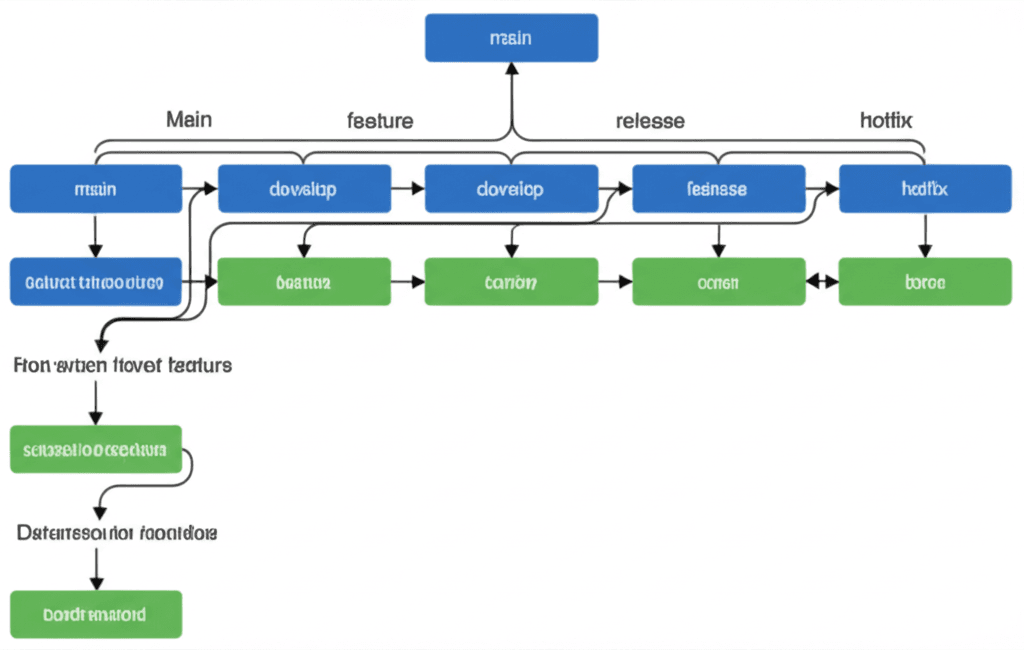
GitFlow operates with two long-lived branches that form the backbone of the repository. The main branch (formerly master) is the definitive source of truth; it contains only production-ready, tagged release code. No one ever commits directly to it. Parallel to this runs the develop branch, which serves as the primary integration point for all new features. It reflects the latest delivered development changes for the next release, but it is not necessarily stable enough for production.
Supporting the Cycle: Feature, Release, and Hotfix
The real work happens in a series of supporting, temporary branches with specific purposes:
Feature Branches: (e.g., feature/user-profile-avatar) Branched from develop, they contain work on a single new feature. When complete, they are merged back into develop.
Release Branches: (e.g., release/v1.2.0) Created from develop when it’s feature-complete for a release. This branch is for final testing and minor bug fixes. Once ready, it’s merged into bothmain (and tagged) and back into develop.
Hotfix Branches: (e.g., hotfix/critical-login-bug) Branched directly from main to address a production issue. It must be merged back into bothmain and develop to ensure the fix isn’t lost in the next release cycle.
This model shines in its predictability. For instance, you can prepare a release/v2.1 branch for QA while your development team has already merged new features for v2.2 into develop. However, this structure brings complexity. The number of branches and merge steps can create overhead, making it less suitable for projects practicing continuous deployment, where simpler models like GitHub Flow often perform better.
The Agile Champion: Continuous Delivery with GitHub Flow
According to DORA’s 2023 State of DevOps report, elite engineering teams deploy code on-demand, achieving a lead time for changes of less than one day. This blistering pace is simply not sustainable with complex, multi-layered branching models. Building on that foundation of disciplined branching, GitHub Flow offers a radically simpler model designed specifically for teams practicing continuous delivery and integration.
Its entire philosophy rests on one golden rule: the main branch is always deployable. At any given moment, the code in main must be stable enough to be released to users. This non-negotiable principle informs every step of the workflow. The process is direct: you create a descriptively named branch off main, add your commits, and open a Pull Request (PR) when you’re ready for feedback. For instance, fixing a login issue might live on a branch named fix/user-session-timeout.
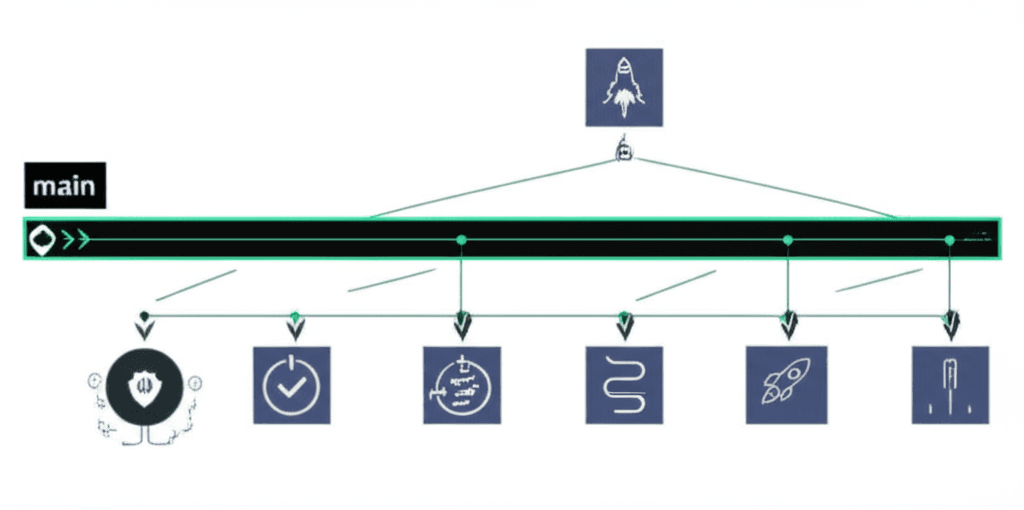
The Pull Request is the heart of GitHub Flow. It’s the designated forum for code review and, critically, the trigger for automated quality gates. This is where the model’s simplicity is balanced by engineering discipline. A PR in a mature system will automatically kick off a CI/CD pipeline that runs unit tests, static analysis, and security scans. A policy might require that tests maintain over 90% code coverage and receive at least one peer approval before the merge button is even enabled. This heavy reliance on automation and peer review ensures that nothing compromises the integrity of the main branch. Once approved and all checks pass, your branch is merged into main, which can then trigger an automatic deployment to production. This model is a perfect match for web apps and services that deploy multiple times a day, providing a direct and efficient path from idea to production.
A Pragmatic Hybrid: The GitLab Flow
According to the 2023 DORA State of DevOps report, high-performing teams deploy new code anywhere from weekly to monthly. Yet, a significant 44% of organizations take over one month to move a single change from a developer’s machine to live production. This massive gap often comes down to workflow complexity. And this is where things get practical.
For teams who find GitHub Flow too unstructured for managing multiple environments but view GitFlow as too rigid, the GitLab Flow offers a compelling middle ground. It isn’t a radical reinvention; think of it as a set of prescriptive best practices built on top of a feature-branch workflow. It starts with the same premise—main is the source of truth—but adds explicit branches for environments and releases, providing structure where it counts most.
Environment and Release Branches
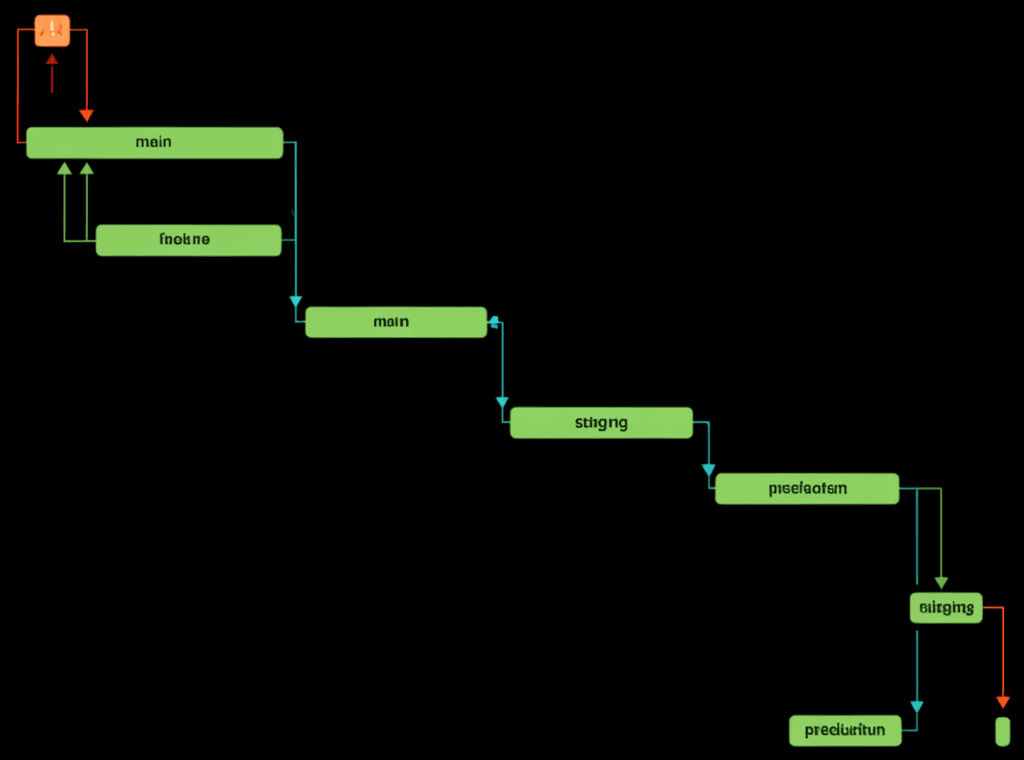
The core addition is the use of environment-specific branches that are downstream from main. For instance, you might maintain a staging and a production branch. When a feature is merged into main, it can be deployed to a staging environment by merging main into the staging branch. After successful validation, you merge main into production to deploy. This creates a clear, auditable history of what code is running in each environment. New work never starts on these branches; they only receive merges from upstream.
For projects requiring explicit versioning, like a mobile app or on-premise software, GitLab Flow uses release branches. When you are ready to release version 2.5, you create a branch like 2-5-stable from the appropriate commit on main. If a critical bug is discovered later, you can create a fix, merge it into main first, and then cherry-pick that commit into the 2-5-stable branch for a patch release (e.g., 2.5.1). This targeted approach keeps the complexity of a separate develop branch out of the picture while still allowing you to support older versions. It’s a pragmatic choice for teams needing more control without excessive ceremony.
Choosing Your Workflow & Implementing Best Practices
According to Google’s DORA State of DevOps report, elite-performing teams deploy code 208 times more frequently than their lower-performing peers. This incredible velocity isn’t magic; it’s the result of a disciplined, well-defined development process, starting with the right Git workflow. Choosing one isn’t about finding the “best” model, but the best fit for your team’s rhythm and release cadence.
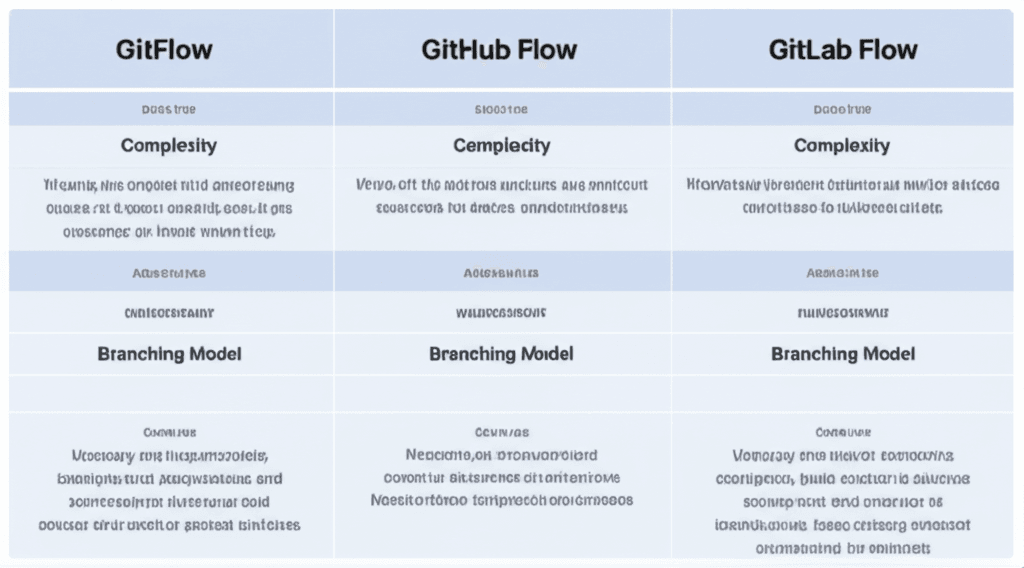
The three dominant workflows each offer a different philosophy on branching and releasing:
GitFlow: This is the most structured approach. With high complexity, it uses long-lived main and develop branches, supplemented by temporary feature, release, and hotfix branches. It’s built for projects with scheduled, versioned releases, making it a solid choice for mobile apps or desktop software.
GitHub Flow: Simplicity is its main advantage. A single main branch is the source of truth, and it is always deployable. All work happens in short-lived feature branches that are merged directly to main upon completion. This model is ideal for web applications practicing Continuous Deployment.
GitLab Flow: A pragmatic middle ground. It extends the simplicity of GitHub Flow by adding environment-specific branches (e.g., staging, production). This provides more control for projects that deploy to multiple environments but don’t need the full overhead of GitFlow.
Your choice should reflect your operational reality. A small team with a mature CI/CD pipeline building a single web service will move fastest with GitHub Flow. A larger organization managing an enterprise product with a quarterly release cycle needs the stability and structure that GitFlow provides.
Enforcing Your Chosen Path
A workflow is only effective if it’s followed. You can use your Git platform to build guardrails that make best practices the default. For instance, a team managing a critical financial service can configure its GitHub or GitLab repository to protect the main branch, completely blocking direct pushes. Next, they can require status checks, meaning a pull request (PR) cannot be merged until the automated test suite passes and a security scan finds no vulnerabilities. To ensure the right eyes are on the code, a CODEOWNERS file can automatically request reviews from the backend team for any changes in the /api/payment directory. Finally, creating a pull_request_template.md file prompts every developer to clearly articulate the purpose and impact of their changes, transforming code review from a chore into a meaningful quality gate.
The Path to Elite Performance
According to DORA’s State of DevOps report, elite-performing teams deploy code 208 times more frequently than their low-performing peers. This vast difference is not accidental; it is the direct result of a disciplined, shared process. The fundamental shift from chaotic development to predictable delivery happens when a team commits to a single, consistent Git workflow. This structured approach transforms version control from a simple safety net into a powerful engine for collaboration, enabling teams to reduce merge conflicts and improve code stability significantly.
Identify the one workflow—be it GitHub Flow for its simplicity or GitFlow for its structure—that best matches your team’s release cadence and project needs. Begin implementing it this week to build a more efficient development cycle and ship exceptional code, faster.
Frequently Asked Questions
What is the difference between Git and GitHub?
Git is the distributed version control system itself, a command-line tool you run locally to track changes in your code. GitHub (and GitLab) is a web-based hosting service for Git repositories that adds a graphical interface and powerful collaboration features like pull requests, issue tracking, and CI/CD pipelines.
Which Git workflow is best for beginners?
GitHub Flow is often considered the most beginner-friendly due to its simplicity. It has fewer rules and branches to manage, focusing on a single `main` branch and short-lived feature branches, which makes the core concepts of branching and merging easier to grasp.
Can you switch Git workflows mid-project?
Yes, it's possible to switch workflows, but it requires careful planning and team-wide communication. You must establish a clear migration plan, ensure all developers understand the new process, and potentially clean up old branches before fully transitioning to avoid confusion.