Have you ever found a fantastic product on a mobile website, only to get distracted and lose the site forever in a sea of forgotten browser tabs? As someone who has built and optimized digital experiences, I’ve seen this happen constantly. It’s that frustrating gap where a genuinely interested visitor, a potential loyal customer, simply drifts away because your brand doesn’t have a persistent home on their device.
This is precisely the gap Progressive Web Apps (PWAs) are designed to close. Imagine your website prompting a first-time visitor to “Add to Home Screen” with a single tap. No app store friction, no big download. Suddenly, your icon sits on their phone, transforming a fleeting visit into a lasting connection. This is accomplished through clever browser technologies like service workers, which enable offline functionality and push notifications, creating an experience that feels native.
We’re going to walk through the practical strategy of this conversion. You’ll learn how this simple prompt can fundamentally change your relationship with your audience, turning passive website visitors into engaged users who can access your brand as easily as they open their favorite app.
What is a Progressive Web App (PWA) and Why Does It Matter?
I remember standing in line for a coffee, trying to use a cafe’s website to order ahead. The connection was spotty, the site was slow, and a pop-up insisted I download their 60MB native app. I gave up and just waited. This exact friction is what Progressive Web Apps were built to eliminate. A PWA isn’t a separate technology you learn; it’s a modern website that has simply leveled up, acquiring the best features of a native mobile app.
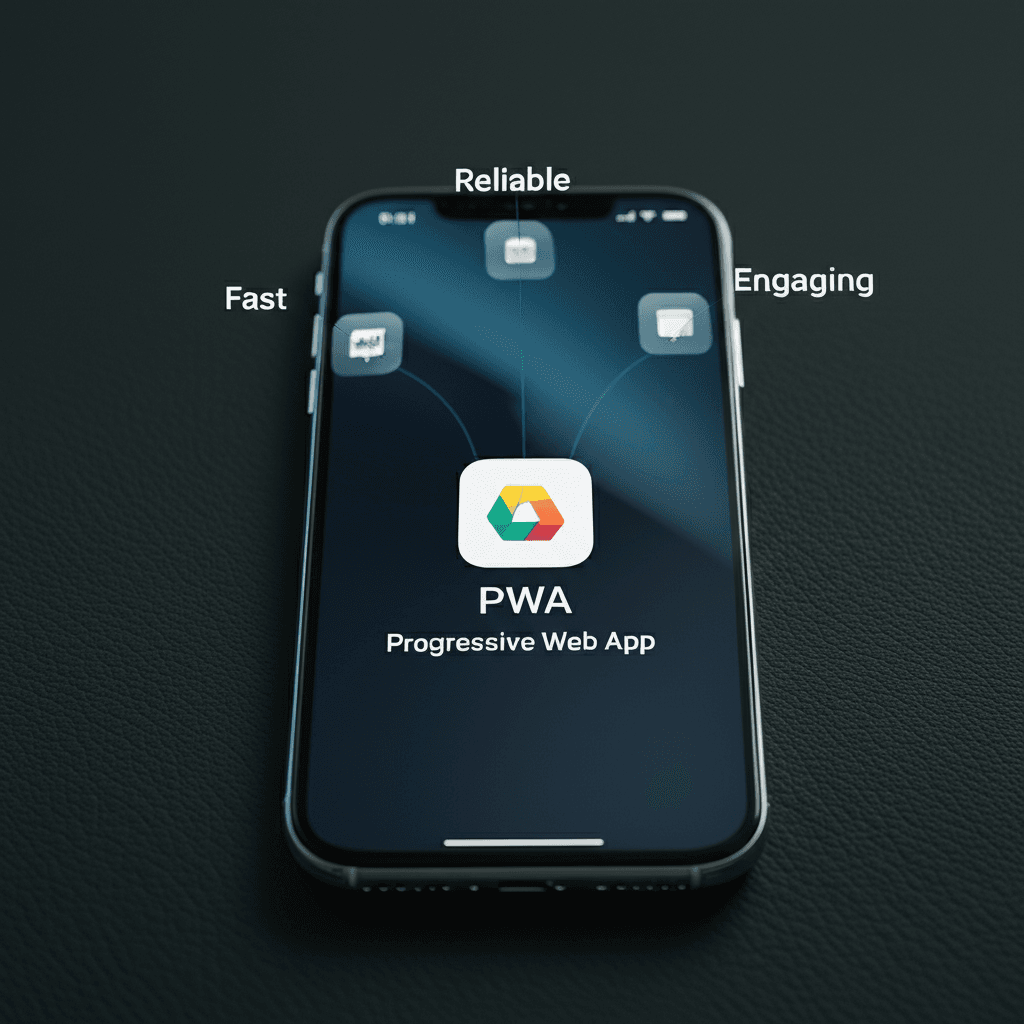
At its core, a PWA follows three principles. It must be:
Reliable: It loads instantly, even on flaky networks. This is possible because of a browser script called a service worker that intelligently caches assets, making offline or low-connectivity access a reality.
Fast: It responds quickly to user interactions with smooth animations and scrolling, feeling more like a polished app than a clunky website.
Engaging: It can be “installed” on the user’s home screen with a single tap, right from the browser. It can also send push notifications, re-engaging users just like a native app would.
The Bridge Between Web and Native
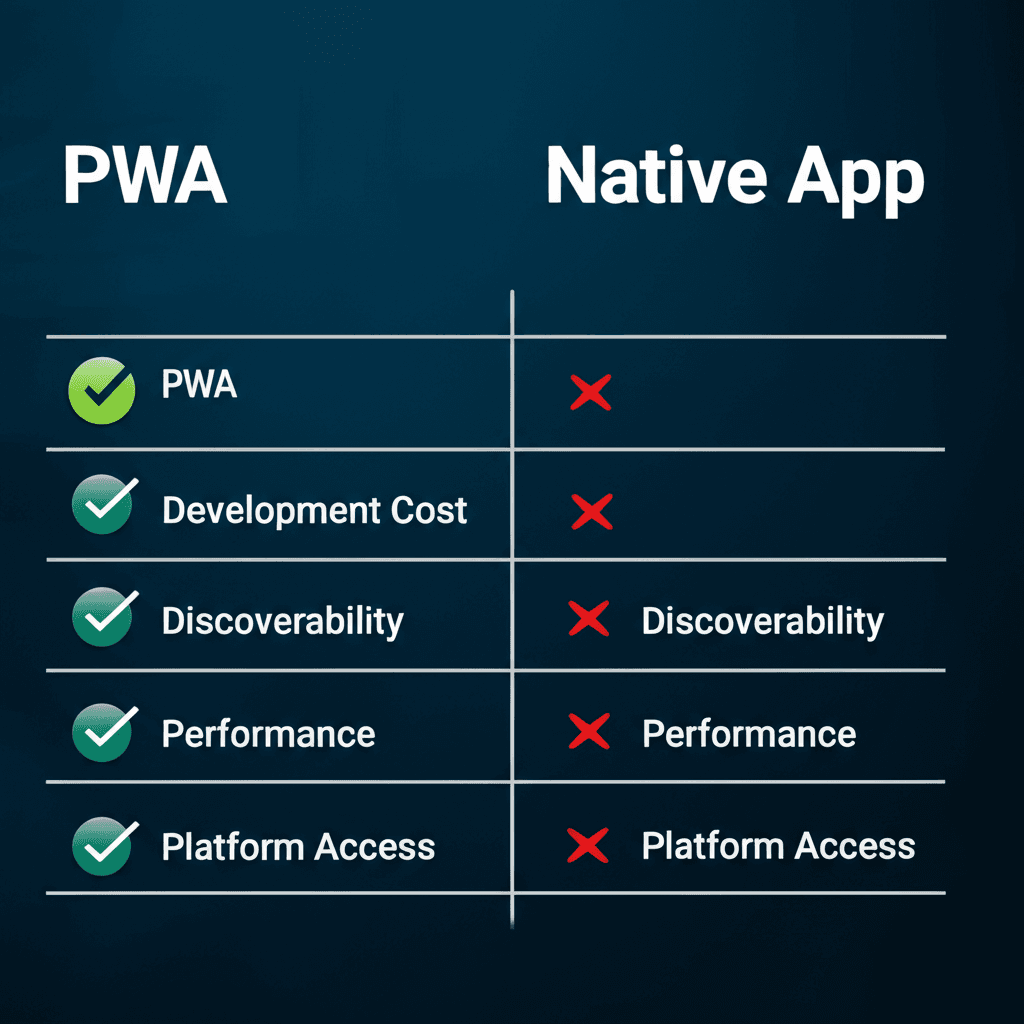
Think of a PWA as the perfect hybrid. It has the discoverability of the web—anyone with a browser and a URL can find you—but it offers the immersive, feature-rich experience of an app. The Starbucks PWA, for example, lets you browse the menu, customize drinks, and pay, all without ever visiting an app store. The prompt to ‘Add to Home Screen’ is subtle, respectful, and far less of a commitment than a traditional download. For businesses, this is huge. You’re not asking a visitor to go on a journey to the App Store; you’re inviting them to become a user, right then and there. That simple change drastically lowers the barrier for conversion.
The PWA Advantage: Key Features for Visitor Conversion
I remember discovering a small online shop that sold beautiful, niche art prints. I loved their collection, but I’d only remember to visit every few months. I never signed up for their newsletter because, frankly, who needs another email? The site was just a bookmark lost among dozens. This is the classic “leaky bucket” problem so many websites face: you attract visitors, but you have no reliable way to bring them back.
You could build a native app, but that’s a huge ask for a casual visitor. It requires a trip to the app store, a big download, and a commitment they might not be ready to make. But wait — there’s more to consider. A PWA offers a middle ground, using specific browser technologies to bridge the gap between a website and an installed application. It’s about turning casual interest into a permanent spot on their home screen.
The Low-Friction Invitation
The first and most direct tool is the ‘Add to Home Screen’ prompt. After a user shows some engagement—like visiting a second time—the browser gently suggests they can save the site as an icon on their phone. It’s a one-tap process. No app store, no searching, no friction. You’re not asking for a major commitment; you’re just asking for a convenient shortcut. For the user, it feels light. For your business, it’s a direct line to their attention.
An Experience That Keeps Giving
Once they’ve “installed” your PWA, you gain access to a powerful re-engagement tool: push notifications. You can send timely updates, like a notification for a new product drop or a published article, directly to their device. This is where the real magic happens. Combined with the power of service workers, which cache key parts of your site, the experience becomes truly app-like. Content loads almost instantly, and core functionality works even when their connection is spotty. Imagine a customer on a subway browsing products they previously viewed, all without an internet signal. That’s the kind of reliability that builds loyalty and keeps them coming back.
A Strategic Roadmap to Implementing Your PWA
I once worked with a small online bookstore that was terrified of the cost and complexity of a native app. They just wanted a faster, more permanent presence on their customers’ phones. When we showed them a prototype PWA, the owner’s reaction was priceless. He tapped the new icon on his home screen, and the site loaded instantly, even after he switched his phone to airplane mode. “That’s it,” he said. “That’s our app.” It’s that feeling of direct, reliable access that you’re aiming for.
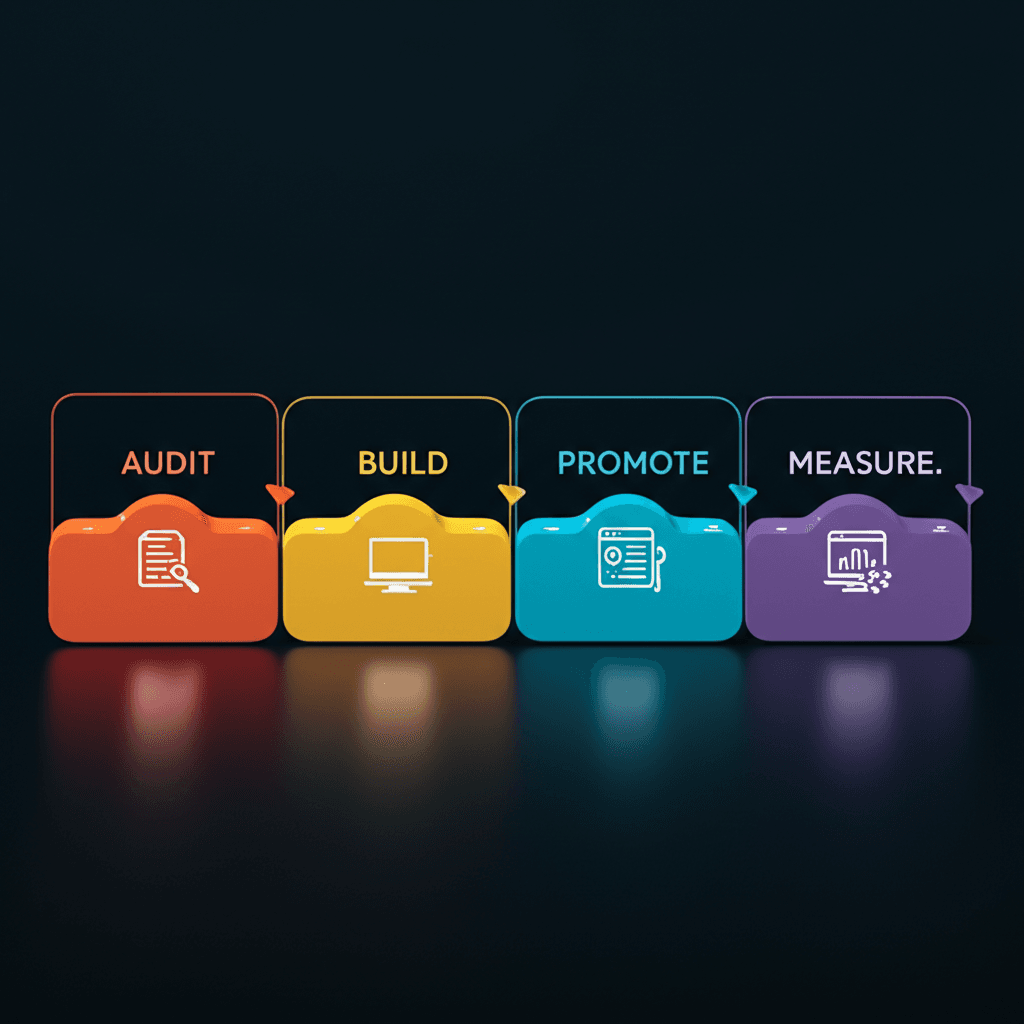
Building on that foundation of a great user experience, a successful PWA implementation follows a clear path. It isn’t just a technical exercise; it’s a strategic blend of development, design, and marketing.
The Technical Foundation
Think of this as your PWA’s non-negotiable checklist. First, you need HTTPS; security is the entry ticket. Next is the Web App Manifest, a simple file that tells the device your app’s name, icon, and theme color. Finally, the Service Worker is the real engine. It’s a script that runs in the background, intercepting network requests to cache key resources. This is what enables offline access and push notifications, making your website feel like a self-contained application.
Designing for an App-like Experience
A PWA must feel like an app, not just a website with a home screen icon. Adopt an “App Shell” architecture. This means loading the basic user interface—the header, navigation, and frame—almost instantly, then filling in the dynamic content. Navigation should be fluid, with smooth transitions and touch-friendly controls. Forget tiny text links; think big, tappable buttons and swipeable carousels. The goal is to eliminate the browser’s chrome and create an immersive experience.
Promotion and Measurement
You can’t just build it and expect installations. Instead of relying on the default browser prompt, create a custom, well-timed banner inside your site. Explain the value: “Add us to your home screen for faster shopping and offline access!” Then, track what matters. Success isn’t just about traffic; it’s about adoption and engagement. Key metrics include:
I remember standing on a crowded train platform, trying to order a coffee ahead on my phone. The mobile site was clunky, and then it hit me with the dreaded pop-up: “For a better experience, download our app!” I didn’t have the time or the data to spare for a big download. I just closed the tab and gave up. It’s a moment of friction we’ve all felt, that annoying barrier between what we want to do and actually doing it.
Now, you might be wondering if replacing that friction with a PWA actually delivers meaningful results or if it’s just a neat piece of tech theory. The evidence from major brands is compelling. They aren’t just building these for fun; they’re seeing measurable gains in user activity and revenue by creating a better bridge from their website to an app-like home on a user’s phone.
Starbucks Brews Up More Daily Users
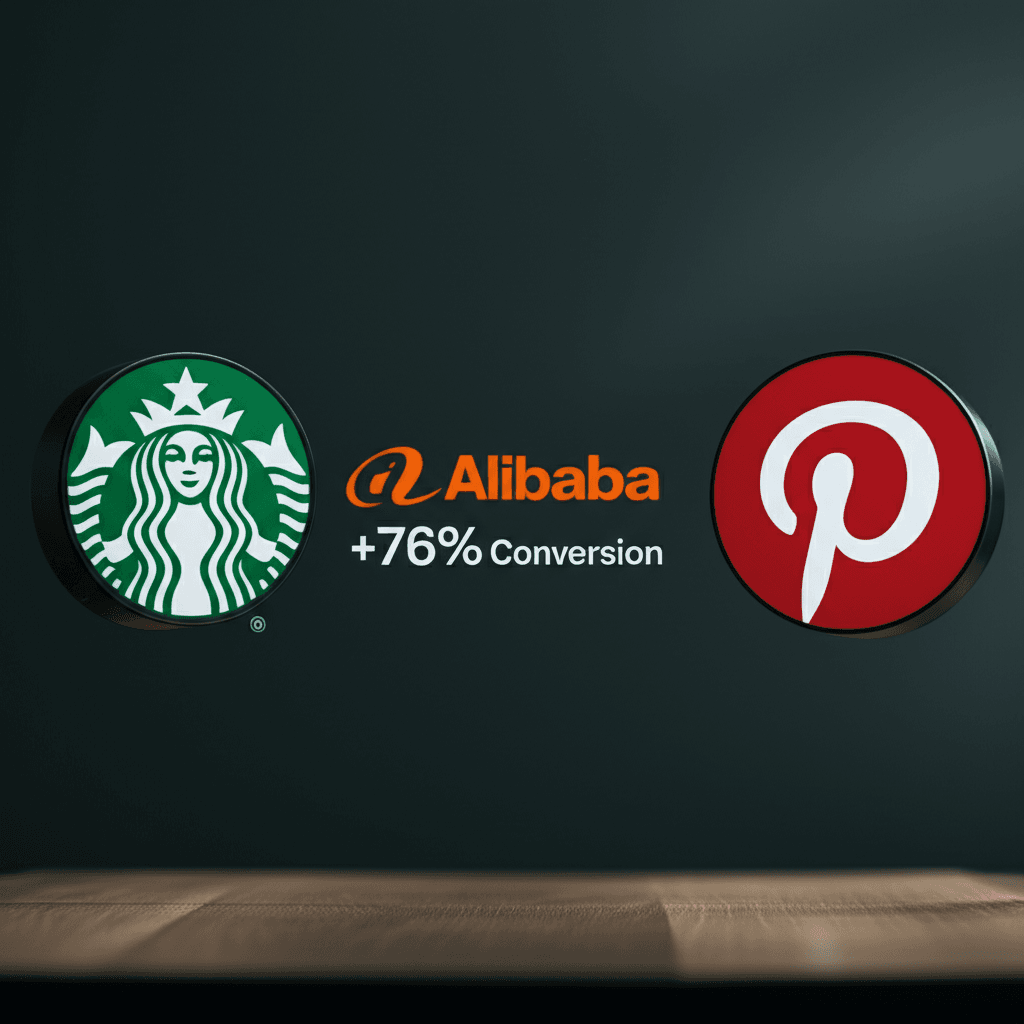
Take Starbucks, for example. They developed a PWA that feels almost identical to their native iOS app, allowing customers to browse the menu, customize orders, and add items to their cart, even when offline. The performance is swift and the interface is familiar. The result? They nearly doubled their number of daily active users, with web-based orders soon matching the volume of their native app. By removing the app store barrier, they made ordering ahead accessible for casual customers who wouldn’t otherwise commit to a download.
Alibaba Converts Clicks into Customers
For an e-commerce giant like Alibaba, every second of load time can mean lost sales. They found that many mobile users were hesitant to download their native app, creating a huge missed opportunity. Their PWA provided a fast, full-screen experience that led to a massive 76% increase in conversions across browsers. The key was creating an app-like environment directly on the web, complete with push notifications for re-engagement and a simple “Add to Home Screen” prompt that kept users coming back.
Pinterest Pins Down Engagement
Pinterest’s story is about recapturing attention. Their old mobile website was slow and offered a poor user experience, leading to low interaction rates. They rebuilt it from the ground up as a PWA, focusing on lightning-fast performance. The improvements were immediate. They saw a 60% increase in core engagement, with users spending 40% more time on their PWA compared to the previous mobile site. This wasn’t just a facelift; it was a strategic engineering decision that made the platform stickier and more enjoyable to use.
The Future of PWAs and Your Mobile Strategy
I remember sitting in a client meeting nearly a decade ago where the debate was binary: build a responsive website or a native app. It felt like choosing between two completely different worlds, each with its own expensive tollbooth. Now, that line has blurred so much it’s practically gone, and that’s where the real opportunity begins. We’re no longer forcing users to make a big commitment; we’re simply inviting them in.
A Unifying Force
For years, the PWA story had a significant asterisk next to it: iOS. Apple’s limited support held many businesses back. But that chapter is closing. With recent iOS updates adding reliable web push notifications and a more stable home screen experience, the P-in-PWA truly stands for progressive. The technology is finally meeting its promise of a consistent experience, regardless of the device in your user’s pocket. It’s not about replacing native apps, but about creating a more inclusive entry point to your digital brand.
The Right Tool for the Job
So, do you still need a native app? Maybe. The question has changed from “PWA or native?” to “PWA and native?” Think of it this way: a PWA is your universal front door. It’s discoverable, incredibly fast, and requires zero installation. Consider the Starbucks PWA. It lets you order and pay in a browser with an app-like feel, capturing users who wouldn’t bother with an App Store download for a one-off coffee run. The native app can then be reserved for power users who want features like deep loyalty program integration or managing gift cards. One doesn’t replace the other; they serve different stages of the customer journey.
Your First Move
Before you commission a development team, start with a simple diagnostic. Use your browser’s built-in Lighthouse tool to audit your current website. It will give you a PWA readiness score and a checklist of what’s missing, such as:
A secure connection (HTTPS)
A web app manifest file
A service worker for offline capabilities
Look at your analytics. Where are mobile users dropping off? If you see high bounce rates on key conversion pages from mobile browsers, a faster, more engaging PWA could be the perfect solution to bridge that gap.
From First Visit to Home Screen
I remember trying to book a flight on my phone, squinting at a clunky desktop site. The connection dropped mid-payment, and I had to start over. It’s that moment of friction where a potential customer just gives up. PWAs work because they stop forcing an all-or-nothing choice. Instead of demanding a trip to the app store for a hefty download, you invite visitors into an app-like experience right from their browser. You build trust and utility first, earning that coveted spot on their home screen. Ready to bridge the gap between your website and a native app experience? Start exploring a PWA strategy to boost engagement and convert more visitors into loyal users.
What if your next website visitor never had to leave to become your next loyal app user?
Frequently Asked Questions
What is the main difference between a PWA and a native app?
The main difference is distribution and platform. A PWA is a website that functions like an app and is accessed via a web browser, requiring no app store download. A native app is built specifically for an operating system (like iOS or Android) and must be downloaded and installed from an app store.
Do Progressive Web Apps work on iPhones and iOS?
Yes, PWAs work on iOS. While historically support was more limited, modern versions of Safari on iOS support key PWA technologies like service workers and the 'Add to Home Screen' functionality, allowing for an app-like experience.
Is it expensive to convert a website to a PWA?
The cost varies, but converting an existing modern, responsive website to a PWA is generally much more cost-effective than building a native app from scratch. The primary development involves creating a service worker, a web app manifest, and ensuring the site is served over HTTPS.