You’ve checked the box. Your website is technically “responsive,” shrinking gracefully to fit any screen. Yet, your mobile analytics tell a different story: high bounce rates, frustratingly low conversions, and search rankings that just won’t budge. You did what you were told, but the results aren’t matching the effort.
Here’s the hard truth: simply making your desktop site fit a smaller screen is a strategy from 2016, not 2026. This “desktop-down” approach, known as graceful degradation, treats the mobile experience as an afterthought. It forces mobile users to load bloated scripts and navigate complex menus designed for a mouse, not a thumb, which is precisely what Google’s Mobile-First Index penalizes.
We’ll show you how to flip the script with a true mobile-first methodology, focusing on progressive enhancement. You will learn how to architect your user experience from the smallest screen up, ensuring your site is fast, intuitive, and built for the user journey that actually drives sales. This isn’t just about appeasing Google; it’s about building a more profitable digital asset.
The Evolution of Responsive Design: Why 2026 is a Tipping Point
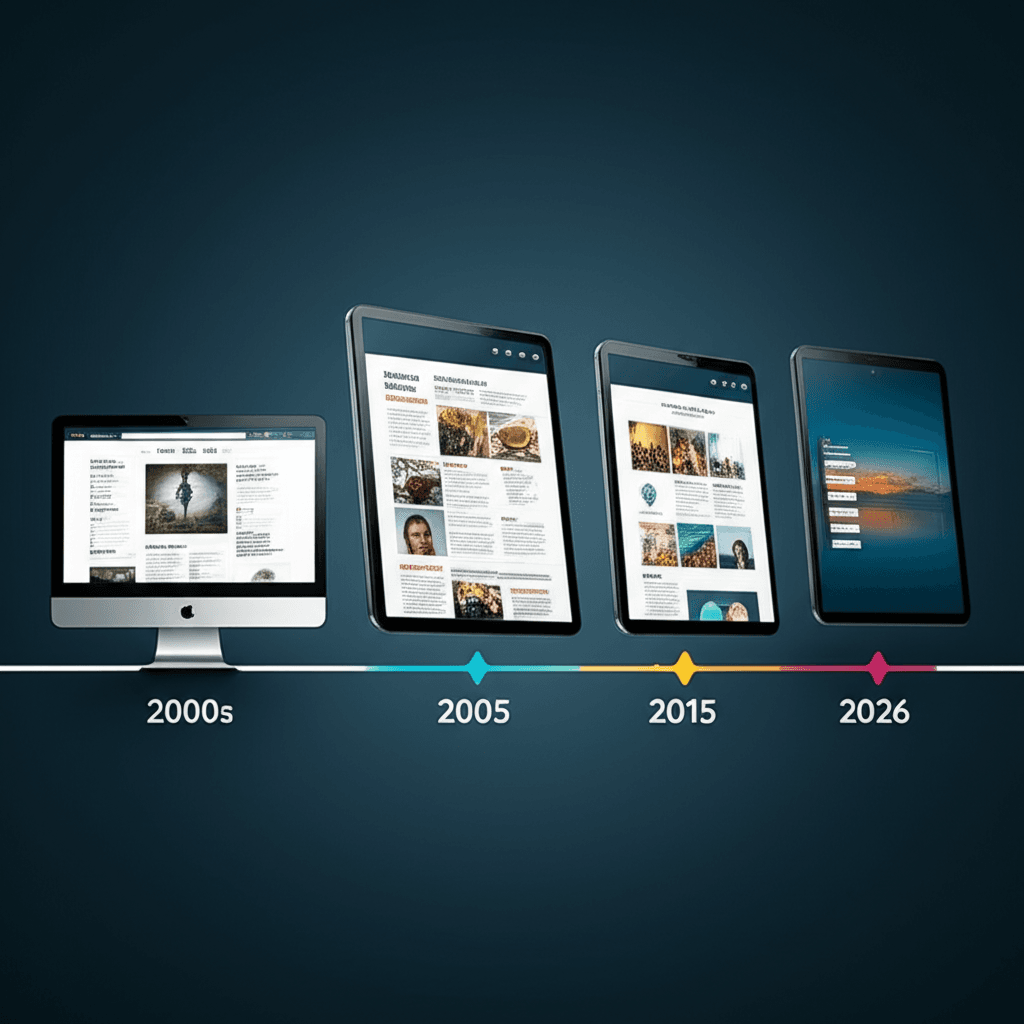
For over a decade, many have treated responsive web design as a solved problem. Set a few breakpoints for mobile, tablet, and desktop, and you’re done. This thinking is now a liability. The era of simply shrinking a desktop layout is over. By 2026, clinging to this outdated model won’t just make your site feel old; it will actively penalize your performance. The web is no longer a collection of fixed-width pages viewed on predictable screens.
From Viewports to Components
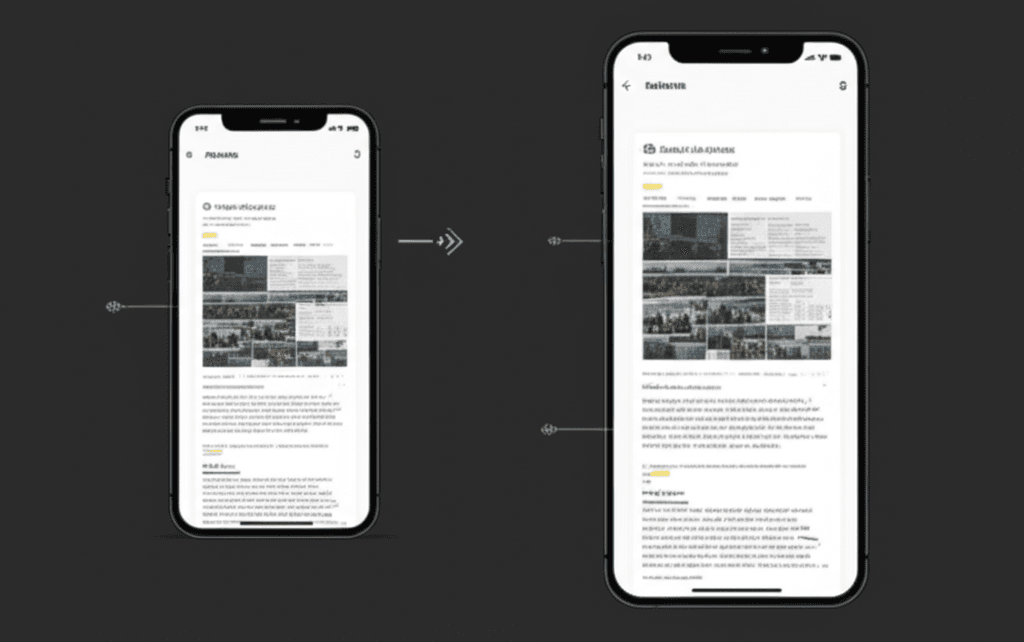
The fundamental shift is away from page-level media queries and toward a more granular, component-driven approach. We’re finally seeing widespread adoption of technologies like container queries. Instead of a component changing based on the browser’s width, it now adapts to the space it’s allotted. Think of a product card component. On a main page, it might display an image beside the description. But when you place that exact same component into a narrow sidebar, container queries allow it to automatically stack the image on top of the text. This is a core principle of what some call “intrinsic design”—building components that are self-aware and resilient, no matter where you put them.
The Foldable Future is Here
This new approach is a direct response to a diversifying hardware ecosystem. Devices like the Samsung Galaxy Z Fold or Google Pixel Fold completely break the old “phone vs. tablet” model. A user can start browsing on a small outer screen and then unfold the device to a near-tablet size without ever leaving the page. A site built on rigid breakpoints will either fail to adapt or trigger an awkward, jarring refresh. Intelligent, component-based design, however, reflows gracefully in real-time. Add smartwatches and the nascent AR interfaces to the mix, and you see why a component’s ability to adapt to its container, not the entire screen, is essential for future-proofing.
Ultimately, Google’s algorithms are chasing user experience. The Mobile-First Index is old news; the new standard is a holistic page experience that accounts for this device fragmentation. A layout that breaks on a foldable screen sends a strong negative signal. By 2026, the gap between sites using these modern CSS techniques and those stuck on old fluid grids will become a chasm, directly impacting everything from search rankings to conversion rates.
Mobile-First is No Longer a Suggestion, It’s a Requirement
For years, we’ve talked about “mobile-first” as a smart approach. That conversation is over. In 2026, it is the only approach. Many still mistake this for simply making a desktop design look acceptable on a smaller screen. This is a fundamental misunderstanding. Mobile-first is not a responsive tactic; it is a core strategy of designing with constraint to build a better experience for everyone, regardless of their device.
You begin with the most limited environment: a small viewport on a spotty 4G connection. This forces you to answer the hard questions upfront. What is the single most important action a user must take on this page? What content is absolutely essential to that action? Everything else is secondary. This ruthless prioritization defines the user experience from the ground up, ensuring the core purpose of your page is met instantly.
The Power of Progressive Enhancement
Once you have a lean, fast, and functional mobile base, you then apply the principle of progressive enhancement. You use CSS media queries to add complexity and features as screen real estate increases. Think of an e-commerce product page. The mobile design must present the product image, price, and “Add to Cart” button above the fold. That is the core experience. On a tablet, you might introduce a two-column layout showing customer reviews alongside the product. On a desktop, you can add high-resolution image zoom-on-hover effects and a persistent sidebar with related items.
This method inherently builds a faster website. By loading the essential mobile HTML and CSS first, you directly improve your Core Web Vitals. Your Largest Contentful Paint (LCP) is faster because the primary image is prioritized. Your Cumulative Layout Shift (CLS) is lower because the layout is stable from the start, not reflowing as desktop-only elements are hidden. You aren’t just building a site that works on a phone; you are building a superior foundation that scales up, not down.
The SEO Connection: How a Mobile-First Strategy Boosts Rankings
Now, you might be wondering how a design philosophy translates into hard SEO results. For years, many have treated Google’s “mobile-first indexing” as a simple box to check. The conventional wisdom was: have a mobile version, and you’re good. That thinking is dangerously outdated. By 2026, Google isn’t just looking at your mobile version; it is using the mobile experience as the definitive measure of your site’s quality and relevance. Your mobile site is your site in the eyes of the search engine.
Improving Core Web Vitals Where It Counts
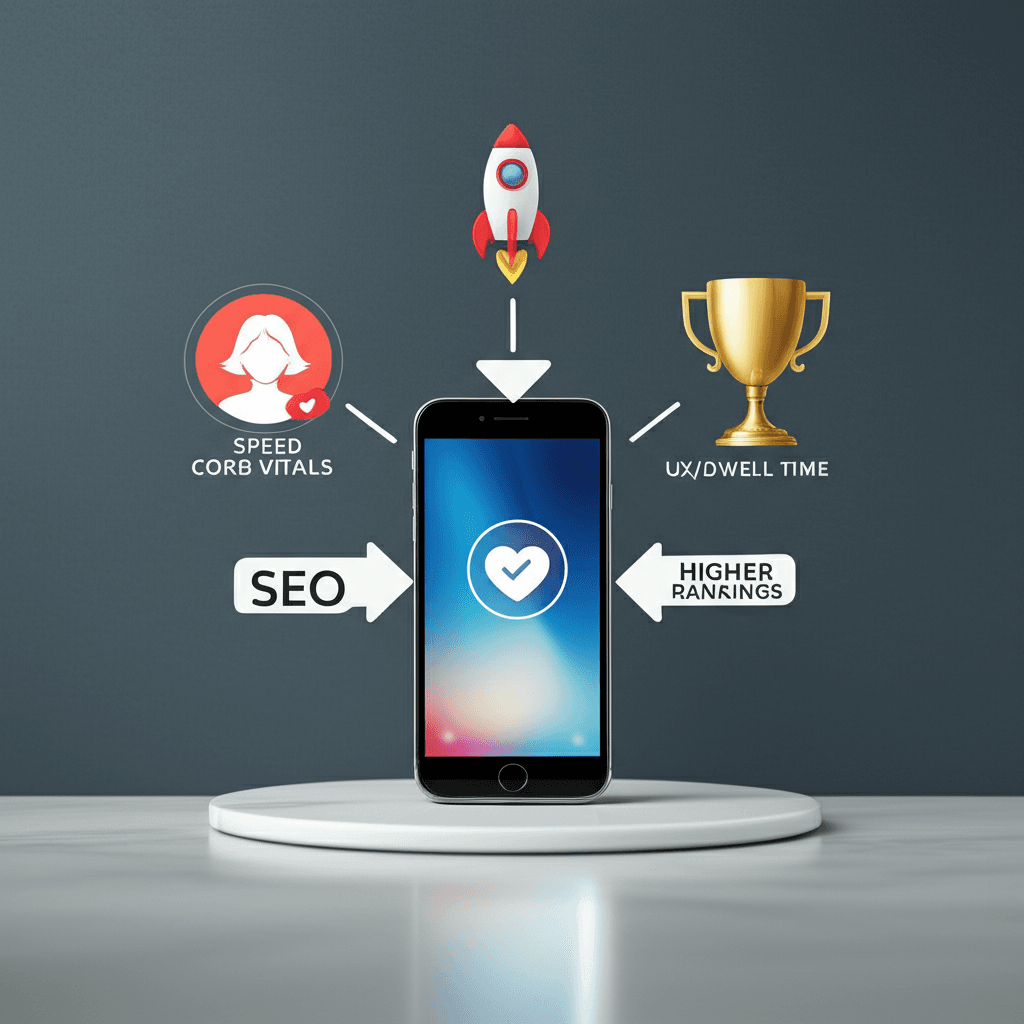
A mobile-first approach forces you to build for performance from the ground up, not as an afterthought. Instead of creating a heavy desktop experience and then trying to strip it down, you start with the constraints of a smartphone and a spotty connection. This discipline directly improves your Core Web Vitals. Consider your Largest Contentful Paint (LCP). Rather than loading a massive 1MB hero image meant for a desktop and shrinking it with CSS, a mobile-first workflow serves a properly sized 150KB image first. This single decision can slash load times on a mobile network, significantly improving the score that Google actually measures. The same goes for Interaction to Next Paint (INP), as designing for touch first ensures your interactive elements are responsive from the start.
Slashing Bounce Rates and Boosting Dwell Time
Search engines pay close attention to user behavior signals. When someone on a phone clicks your link, lands on a page with tiny text and buttons they can’t tap, they immediately hit the back button. This “pogo-sticking” is a clear signal of a poor user experience. A thoughtfully designed mobile-first site prevents this. By making navigation logical and content easy to consume on a small screen, you encourage visitors to stay and engage. This increased dwell time tells Google that your page satisfied the user’s query, providing a powerful, experience-driven ranking boost that technical fixes alone can never achieve.
Driving Conversions: The ROI of a Flawless Mobile Experience
Getting a high score on a mobile-readiness test is a great start for your SEO. But wait — there’s more to consider. For too long, businesses have treated “mobile-friendly” as a technical checkbox. As long as the site resized and Google gave it a pass, the job was done. This is a costly mistake. A technically compliant site gets you in the game; a meticulously crafted mobile experience is what wins it. The real return on investment isn’t just about rankings, it’s about turning that hard-won mobile traffic into actual revenue.
From Friction to Flow
The difference between a visitor and a customer on mobile often comes down to one word: friction. Every unnecessary tap, every field that requires zooming, every hard-to-find button adds to a user’s cognitive load. They aren’t just browsing; they’re often multitasking, standing in line, or trying to complete a task quickly. Their patience is a finite resource. This is why we must design for thumbs, not just for eyeballs. Following established usability principles, we ensure primary calls-to-action are large, easily tappable (think a minimum of 44×44 points), and located within the natural arc of a thumb’s movement.
Consider a simple e-commerce checkout. A site that’s merely “responsive” might present the desktop form on a smaller screen. A conversion-focused mobile design, however, uses the correct HTML input types to automatically trigger the numeric keypad for phone numbers and credit cards. It breaks the process into short, manageable steps. For example, a major retailer discovered their mobile cart abandonment rate dropped by nearly 15% simply by changing their multi-field address form into a single-line, auto-completing search bar. That single change, focused entirely on reducing mobile user effort, translated directly into millions in recovered sales. It wasn’t about aesthetics; it was about empathy for the user’s context.
Ultimately, a flawless mobile experience re-frames the conversation from “How do we make our site fit on a phone?” to “How do we make it effortless for someone to buy from us on their phone?” The answer to that question is where you’ll find your ROI.
Future-Proofing Your Site: Key Technologies and Trends for 2026
For years, the conventional wisdom has been that responsive design is about breakpoints. We’ve been told to design for the iPhone, the iPad, and the desktop. This mindset is quickly becoming a liability. True future-proofing isn’t about targeting a few popular screen sizes; it’s about building resilient components that can adapt to any context they’re placed in.
Mastering True Component-Level Responsiveness
The most significant shift is moving from page-level media queries to component-level container queries. Instead of asking, “How wide is the browser window?” you can now ask, “How much space does this specific component have?” This allows you to build elements that are truly independent and reusable. Imagine a product card component. On a wide e-commerce category page, it displays with an image on the left and text on the right. Place that exact same component in a narrow sidebar for “related items,” and container queries allow it to automatically stack its image on top of the text. No duplicate code, no complex overrides. Just one component that understands its own environment.
The Practical Role of AI in Personalizing Layouts
Forget the hype about AI writing your content. Its most practical application in web design will be subtle, data-driven personalization of the user interface. Machine learning models can analyze user behavior to dynamically reorder elements for greater engagement. For a news site, this could mean promoting video content for users who consistently watch videos, while pushing long-form articles to those who prefer to read. This isn’t about radically changing the design for every person; it’s about making small, intelligent adjustments that improve the experience and guide users more effectively.
Prioritizing Accessibility and Core Performance
Finally, the bedrock of any forward-thinking strategy is an unwavering commitment to accessibility and performance. This goes beyond just passing a validator. It means designing for users on variable and slow network connections by optimizing images and using modern formats like AVIF. It means adhering to WCAG 2.2 AA standards to ensure your site is usable for people with disabilities, which also benefits all users by promoting clear structure and interaction. An accessible, fast-loading site isn’t a feature; it is the foundation upon which every other enhancement is built.
Beyond Adaptation: Your 2026 Mandate
The common wisdom that responsive design is about making a desktop site fit a mobile screen is a dangerous oversimplification. By 2026, this thinking doesn’t just hurt the user experience; it actively damages your bottom line. The fundamental mandate is to stop viewing your mobile site as a condensed version and start treating it as the definitive, primary version of your digital presence. This is where Google forms its first and most lasting impression, and it’s where your audience is most likely to convert. Ready to future-proof your website?
Here is your immediate, actionable next step: pull out your phone, navigate to your site, and attempt to complete your single most important business goal. If there is any friction, you’ve found your starting point.
Frequently Asked Questions
What is the difference between responsive and adaptive design in 2026?
In 2026, responsive design uses a single fluid layout that adjusts to any screen size, while adaptive design uses a few fixed layouts for specific device sizes. Modern responsive design now incorporates adaptive-like intelligence using container queries, blending the two approaches for a more optimized and component-based experience.
How does mobile-first design affect website loading speed?
Mobile-first design dramatically improves loading speed. By loading only the essential HTML, CSS, and JavaScript for the mobile experience first, it ensures the initial page load is incredibly fast. More complex features for larger screens are then loaded as needed, a technique called progressive enhancement, which is ideal for Core Web Vitals.
Is a separate mobile site (m-dot) still a good idea in 2026?
No, a separate 'm-dot' website is considered an outdated and detrimental practice in 2026. Google's Mobile-First Indexing strongly prefers a single URL for all devices. A responsive design is far better for SEO, easier to maintain, and provides a consistent brand experience for all users.