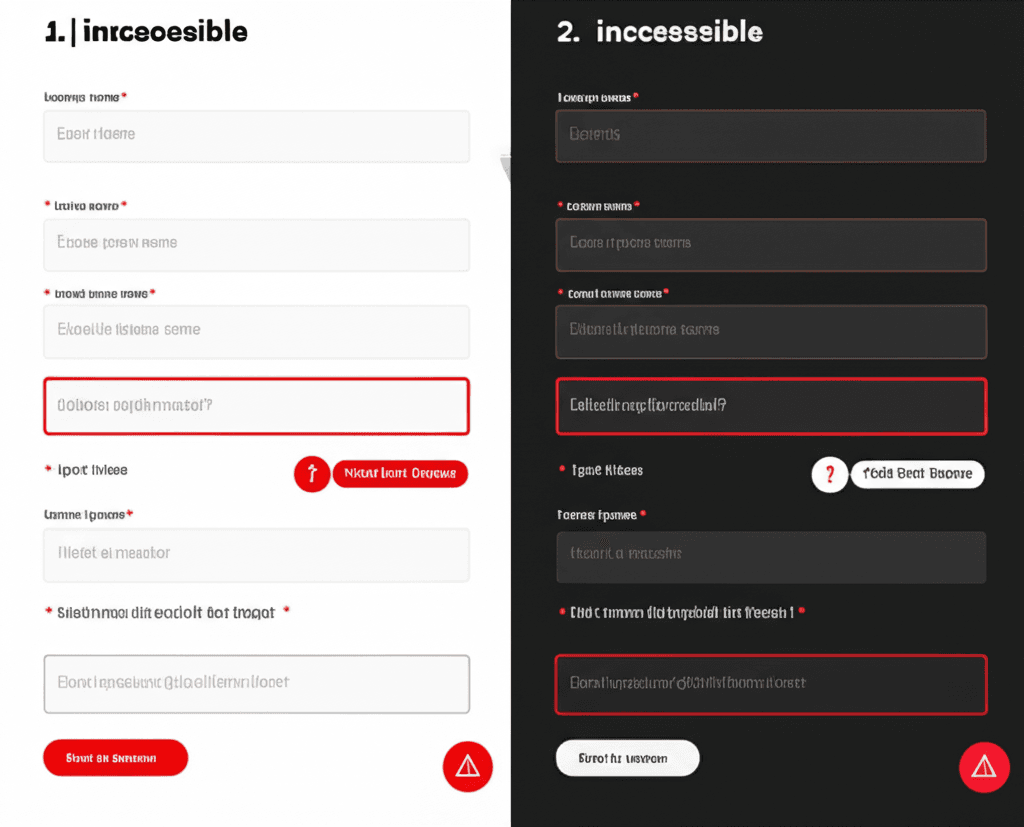
Have you ever landed on a website and felt an instant sense of trust, while another made you immediately skeptical, even if you couldn’t pinpoint why? That reaction isn’t an accident. It’s often the result of a meticulously chosen color palette working on your subconscious, shaping your perception of a brand before you’ve even read a single word.
Most guides will tell you “blue means trust” or “red creates urgency.” That’s surface-level theory, and frankly, it’s outdated. An insider knows the difference between a high-converting button and one that gets ignored often comes down to saturation, cultural context, or how a color contrasts with its surrounding elements. Relying on simplistic color charts is a common mistake that costs real conversions.
We’re moving beyond those basics. You will learn how to apply a more sophisticated color strategy for 2026—using specific hues to guide attention, reduce cognitive load, and measurably influence user actions. This is about using color not just for aesthetics, but as a powerful, data-backed tool for your business.
Beyond the Basics: Color Psychology in the Digital Age
Many designers get stuck on color theory—the technical rules of complementary, analogous, and triadic schemes. That’s foundational, but it’s not what drives user action. Color psychology is the next level. It’s not about finding a palette that looks pleasant; it’s about choosing colors that evoke specific emotions and guide behavior. We’ve known for years that people make a subconscious judgment about a product within 90 seconds of initial viewing, and between 62% and 90% of that assessment is based on color alone. In 2026, that first impression happens on a screen that is constantly changing.
The Modern Screen: A Moving Target
Your beautifully crafted color palette doesn’t exist in a vacuum. It lives on screens with varying saturation levels and, most significantly, in user-controlled light and dark modes. A vibrant, energetic orange CTA on a white background can feel optimistic and motivating. But flip the interface to dark mode, and that same orange can appear jarring, almost aggressive, against a black canvas. The emotional context is completely altered. This is why static color choices are becoming obsolete. You have to design a dynamic color system that adapts gracefully.
Thinking about how your brand identity translates across these environments is no longer optional. Here are some common missteps and pro tips:
Common Mistake: Picking a single brand color and simply using it everywhere. A deep navy that inspires trust as a background in light mode might disappear or feel gloomy in dark mode.
Insider Tip: Define your color palette using HSL (Hue, Saturation, Lightness) values. For dark mode, you can keep the hue consistent while adjusting the saturation and lightness to ensure the color feels integrated, not just slapped on top of a dark background. This maintains brand consistency while improving usability.
Ultimately, your colors aren’t just decorative elements. They are powerful, non-verbal communication tools that build trust and encourage conversion before a user ever reads a single word.
The 2026 Color Forecast: Evolving Meanings & Moods
This brings us to something often overlooked: a color’s psychological meaning is not static. It shifts with culture, technology, and our collective mood. The reliable “corporate blue” that signaled trust for two decades can now feel dated and impersonal. As we look toward 2026, user expectations are evolving, and your color palette must evolve with them.
Biophilic Blues and Greens
There’s a significant move away from sterile, tech-centric palettes toward colors that ground us. Think earthy tones like sage green, muted terracotta, and soft sky blues. This is the influence of biophilic design, which connects users to the natural world. For a fintech app or a healthcare portal, using a deep olive green instead of a standard navy blue can build a different kind of trust—one based on calm reassurance rather than cold authority. It feels more human. An insider tip: pair these tones with textures that mimic natural materials for an even stronger effect.
Wellness Hues and Dopamine Brights
At the other end of the spectrum are colors designed to energize and uplift. The influence of Digital Lavender—a serene hue associated with digital wellness and calm—continues to shape palettes. But we’re also seeing a surge in “dopamine brights.” These are saturated, joyful colors like electric lime and tangerine, used strategically to create moments of delight. A common mistake is flooding an interface with these hues. Instead, use them as accents for progress bars, confirmation messages, or key call-to-action buttons. This creates a rewarding feedback loop that keeps users engaged without causing visual fatigue.
The Sophistication of New Neutrals
Forget stark white and cold, industrial grays. The new neutrals are warm, complex, and inviting. We’re talking about mushroom beiges, warm off-whites, and greiges (a mix of gray and beige). These colors create a sophisticated, minimalist backdrop that allows content and products to shine. For an e-commerce site selling premium goods, switching a pure white #FFFFFF background to a creamy, off-white shade can make the entire experience feel more luxurious and less clinical. It also reduces digital eye strain, a subtle UX detail that users appreciate, even if they can’t quite name why.
Strategic Color Application for High-Converting UI/UX
And this is where things get practical. Understanding the emotional associations of blue is one thing; knowing precisely where and how to apply it to guide a user toward a purchase is another entirely. Good UI/UX design uses color with surgical precision, not just for aesthetic appeal, but as a functional tool to direct attention and affirm user actions.
The Isolation Effect: Making Your CTA Unmissable
Your most important button should never blend in. We’re talking about the Von Restorff effect, or the isolation effect, which states that an item that stands out is more likely to be remembered and seen. For your primary Call-to-Action (CTA), choose a high-contrast color that is used sparingly elsewhere in the interface. The old debate about an orange button converting better than a green one is a distraction; the truth is that the button that contrasts most with its surroundings wins. Insider tip: If your brand palette is predominantly cool blues and grays, a warm, vibrant orange or coral for the “Add to Cart” button will naturally draw the eye.
Color-Coding for Scannability and Cognition
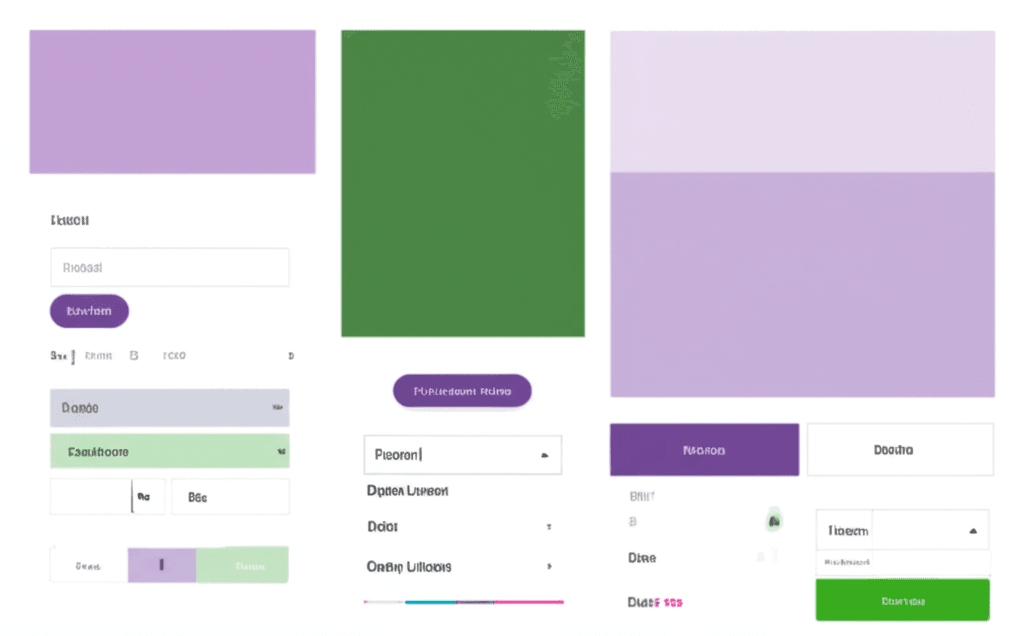
Users don’t read; they scan. You can use color to make this scanning process more efficient, reducing cognitive load. For instance, on a pricing page, assign a unique accent color to each plan. Use that color for the plan’s title, its feature checkmarks, and its CTA button. This creates distinct visual groups, allowing a user to follow the “Pro Plan” column down the page without constantly re-reading the headings. They’re no longer just comparing features; they’re following a color path, which is a much faster cognitive process.
Signaling Interaction with State Changes
Color is your primary method for providing immediate feedback. Without it, users feel uncertain. Every interactive element must clearly communicate its state. A common mistake I see is designers neglecting these subtle but essential cues. Make sure you define colors for these core states:
Hover: A slight shift in brightness or saturation when a cursor passes over a link or button. It answers the user’s subconscious question: “Can I click this?”
Active: A darker shade or subtle inset shadow for the split-second a button is being pressed. This provides tactile confirmation that the click was registered.
Visited: Using a muted or different hue for already-clicked links is a classic usability win. It respects the user’s time by preventing them from revisiting the same pages unintentionally.
Data Over Dogma: A/B Testing Your Color Strategy
And this is where things get practical. All the theory about red creating urgency is interesting, but it’s useless without proof in your specific context. I’ve seen teams get burned by assuming a “best practice” color will work for them. They’ll slap a big green button on their checkout page because “green means go,” only to find it gets completely lost in their brand’s earthy, nature-inspired palette. Your audience’s conditioning and your brand’s existing visual language always trump generic advice.
Setting Up Your First Color Test
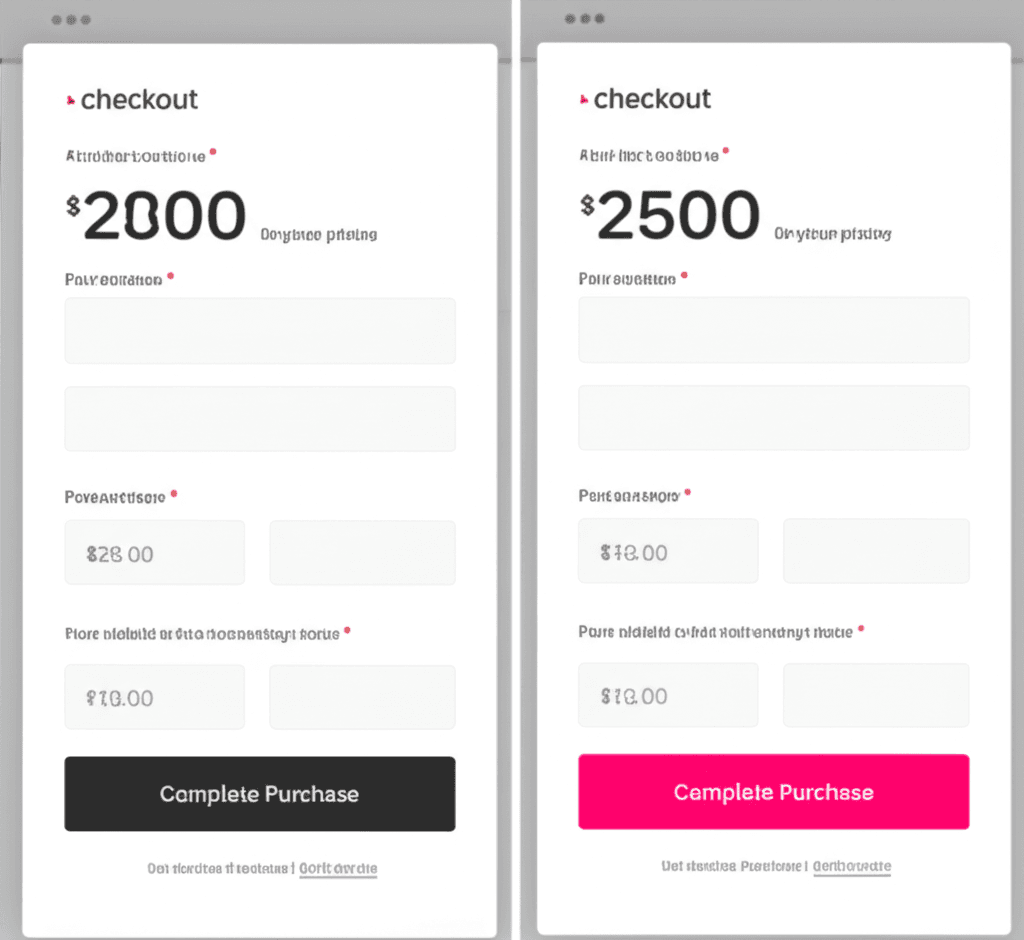
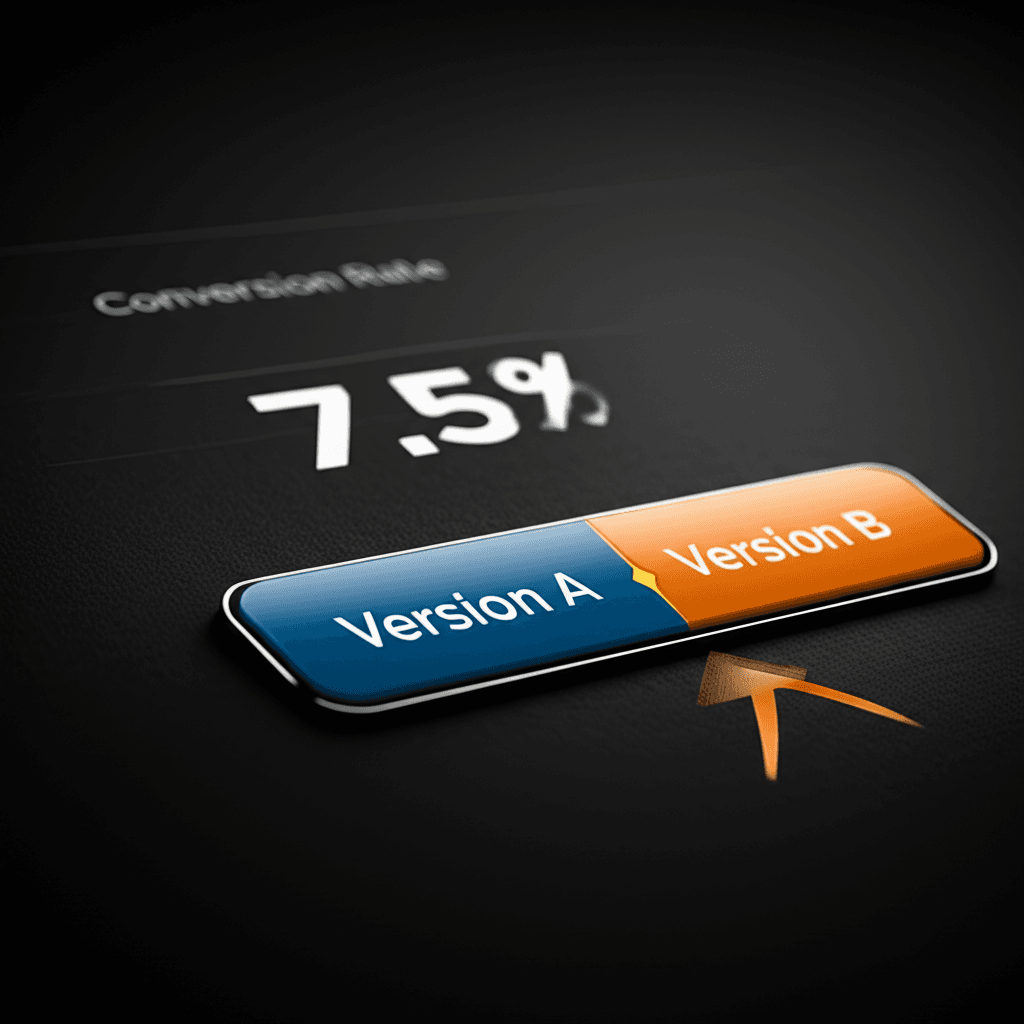
You don’t need a massive analytics department to get started. Tools like VWO, Optimizely, or built-in features in many marketing platforms make testing straightforward. Pick one high-impact element, like your primary call-to-action (CTA) button on a key landing page. Create a duplicate of your page and change only the button’s color. This is your variant (Version B). Your original page is the control (Version A). Then, you split your incoming traffic between the two. The biggest mistake I see is changing the button color, the headline, and the hero image all at once. If that version wins, you have no idea which change actually drove the improvement.
Metrics That Matter Beyond the Final Click
While the ultimate goal is often a conversion, don’t ignore the supporting metrics that tell a richer story. Of course, you’ll watch the click-through rate (CTR) on the button itself—that’s the most direct measure of its effectiveness. But also look at secondary effects. Is the bounce rate lower on the variant page? That could mean the new color feels more trustworthy or less jarring. Is the time on page higher? Perhaps the new accent colors are making your content more readable and engaging. These signals indicate the overall health of the user experience. For a SaaS client, we tested their standard blue “Get Started” button against a vibrant purple. The purple button not only increased sign-ups by 9% but also correlated with a 5% drop in bounce rate, showing it made the entire offer feel more modern and appealing.
Inclusive Palettes: Designing for Accessibility
We can talk all day about the emotional impact of a specific shade of blue, but if a significant portion of your audience can’t distinguish it from the background, your efforts are wasted. Designing for accessibility isn’t a niche concern; it’s a fundamental part of creating effective, user-centric experiences. Your brand’s beautiful low-contrast yellow might look great in a mockup, but for users with low vision or color blindness, it can render your content completely unreadable.
Understanding Contrast Ratios
The Web Content Accessibility Guidelines (WCAG) 2.1 provide a clear framework here. You need to get familiar with its contrast ratios. The standard to meet is Level AA, which requires a contrast ratio of at least 4.5:1 for normal text and 3:1 for large text. This is your baseline for most web content. The higher standard, Level AAA, demands a 7:1 ratio. While achieving AAA for all text can be creatively restrictive, it’s an excellent goal for long-form content to ensure maximum readability.
Essential Tools of the Trade
You don’t have to guess at these ratios. Integrating contrast checkers into your workflow is non-negotiable. Many designers live by plugins directly within their design software, like Stark or A11y for Figma. For quick checks on live sites or code, browser extensions like WAVE are invaluable. My personal workflow involves using an online tool like the WebAIM Contrast Checker during palette creation to pre-validate my color combinations before I even start designing.
Beyond Contrast: The Cardinal Rule
Here’s a common mistake that even experienced teams make: relying on color alone to convey information. Imagine a form field that only shows a red border to indicate an error. A user with red-green color blindness might completely miss that cue. The solution is always to provide a secondary indicator. Pair that red border with an error icon and clear, descriptive text like “Please enter a valid email address.” This multi-layered approach doesn’t just help users with visual impairments; it creates a clearer experience for everyone, improving usability and, ultimately, conversions.
From Theory to Action: Your Color Blueprint
The most common mistake is treating color psychology like a rigid rulebook. An insider knows that true influence isn’t about a color’s textbook meaning, but its function within your design. The goal is to master visual hierarchy, using contrast and strategic accents to guide the user’s eye with clear intention. It’s less about what a color means in a vacuum and more about what it does for your conversion path. Your palette should be a tool for action, not just a reflection of your brand’s personality. Ready to see a real performance boost? Start by auditing your current palette with a contrast checker, then test one new, high-contrast color on a key CTA button this week.
Frequently Asked Questions
What is the best color for a call-to-action (CTA) button?
There is no single 'best' color. The most effective color is one that has high contrast with its surrounding elements and the page background. It needs to stand out and draw the user's attention. A bright orange button might work on a blue website, but it would be invisible on an orange one. Always test what works for your specific design and audience.
How does culture affect website color psychology?
Cultural associations with color are significant. For example, in Western cultures, white often symbolizes purity and weddings, while in many Eastern cultures, it's associated with mourning. It's crucial to research your target audience's cultural context to avoid sending unintended messages with your color palette.
Can a bad color scheme hurt my website's SEO?
Indirectly, yes. While search engines don't rank your site based on its colors, a poor color scheme can lead to a bad user experience. If colors make your text hard to read or your navigation confusing, users are more likely to leave (increasing bounce rate). These negative user engagement signals can harm your search rankings over time.